.JEX 文件扩展名
Joplin Export File
| 开发者 | Laurent Cozic |
| 受欢迎程度 |
3.4 | 5 票 |
什么是 JEX 文件?
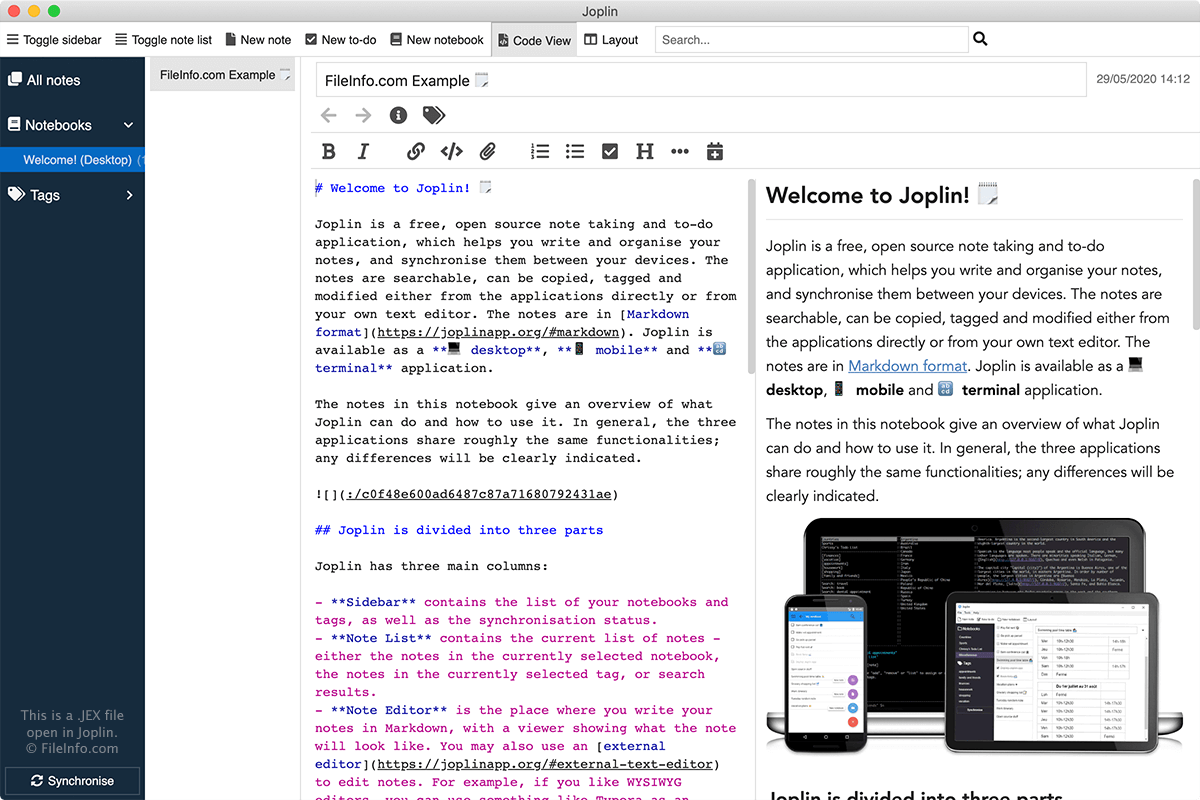
A JEX file is an archive created by Joplin, an open-source note-taking and to-do app. It may contain one or more notes or notebooks, to-do items, images, and attachments. JEX files are typically used to create backups of notes that can be restored at a later time.
更多信息
You will most likely only encounter a JEX file if you use Joplin to take notes or make to-do lists. You may also encounter a JEX file if you receive one from a friend or co-worker that uses Joplin.
To open a JEX file with Joplin, select File → Import → JEX - Joplin Export File. To create a JEX file with Joplin, select File → Export → JEX - Joplin Export File.
JEX files are renamed .TAR archives that store their notes in Markdown, HTML, or plain text format. The archive also stores note attachments and metadata, which includes when it was updated, the geo-location, and tags.