.FLF 文件扩展名

Microsoft Dynamics NAV License File

开发者 Microsoft
受欢迎程度
3.6  |  7 
 

什么是 FLF 文件?

License file used to authorize the use of Microsoft Dynamics NAV; contains registration and permissions information; typically named "fin.flf" and may be required to use NAV databases with SQL Server and other programs.

更多信息

Microsoft Dynamics NAV was previously called Microsoft Navision.

使用File Viewer Plus打开 400 多种文件格式。免费下载

可打开或引用 FLF 文件的程序

Windows
Microsoft Dynamics NAV or Navision
分类: 杂项
更新时间: 2008-02-28

FIGlet Font File

开发者 John Cowan
受欢迎程度
4.0  |  3 
 

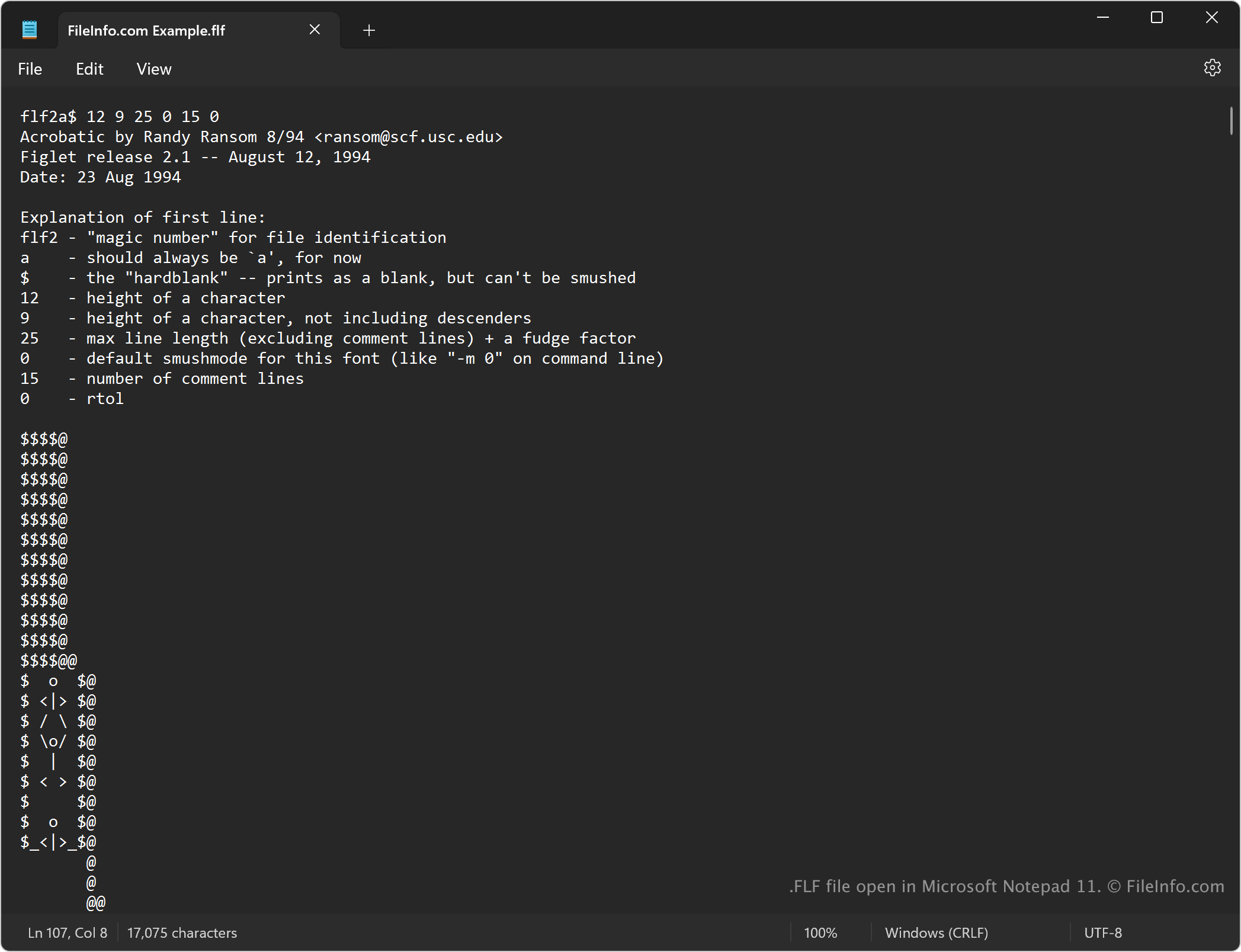
An FLF file is a font for FIGlet, a program that creates large text banners from smaller ASCII characters. It contains plain text information about how ASCII characters are arranged to make up the large characters a user adds to create a text banner. FIGlet users download and install FLF files created by other users to change the appearance of text banners they create with FIGlet.

更多信息

在 Microsoft Notepad 11 中打开的 .flf 文件截图
在 Microsoft Notepad 11 中打开的 FLF 文件

FIGlet is a program that generates text banners you can add to emails, comment sections, text documents, and more. FLF files allow you to change the typefaces of the large letters in the banners you create. For example, you could use an FLF font with italicized characters to make larger letters that appear three-dimensional.

注: You can typically find FLF files in the default font folder in the FIGlet installation directory.

如何打开 FLF 文件

You can open FLF files with FIGlet in Windows, macOS, and Linux. For example, to open an FLF file with FIGlet from the command line, type figlet to open the program, then -f to select the FLF font you want to use.

Since FLF files store plain text, you can also open them with any text editor, such as Microsoft Notepad (Windows), Apple TextEdit (macOS), or gedit (Linux).

可打开 FLF 文件的程序

All Platforms
Windows
免费
Mac
免费
Linux
免费
分类: 文本
更新时间: 2024-09-05

验证者 FileInfo.com

FileInfo.com 团队 独立研究了本页面列出的所有文件格式和软件程序。 我们的目标是达到 100% 的准确率,并且仅发布我们已验证过的文件类型信息。

如果您想为此页面提出新增或更新建议,请告诉我们