.ESI 文件扩展名

EtherCAT Slave Information

开发者 EtherCAT Technology Group
受欢迎程度
3.7  |  3 
 

什么是 ESI 文件?

An ESI file is an EtherCAT Slave Information file. It contains XML used to control how data is shared between a controller and a node in an EtherCAT network. ESI files are also used to name and define nodes, so administrators can identify them within the network.

更多信息

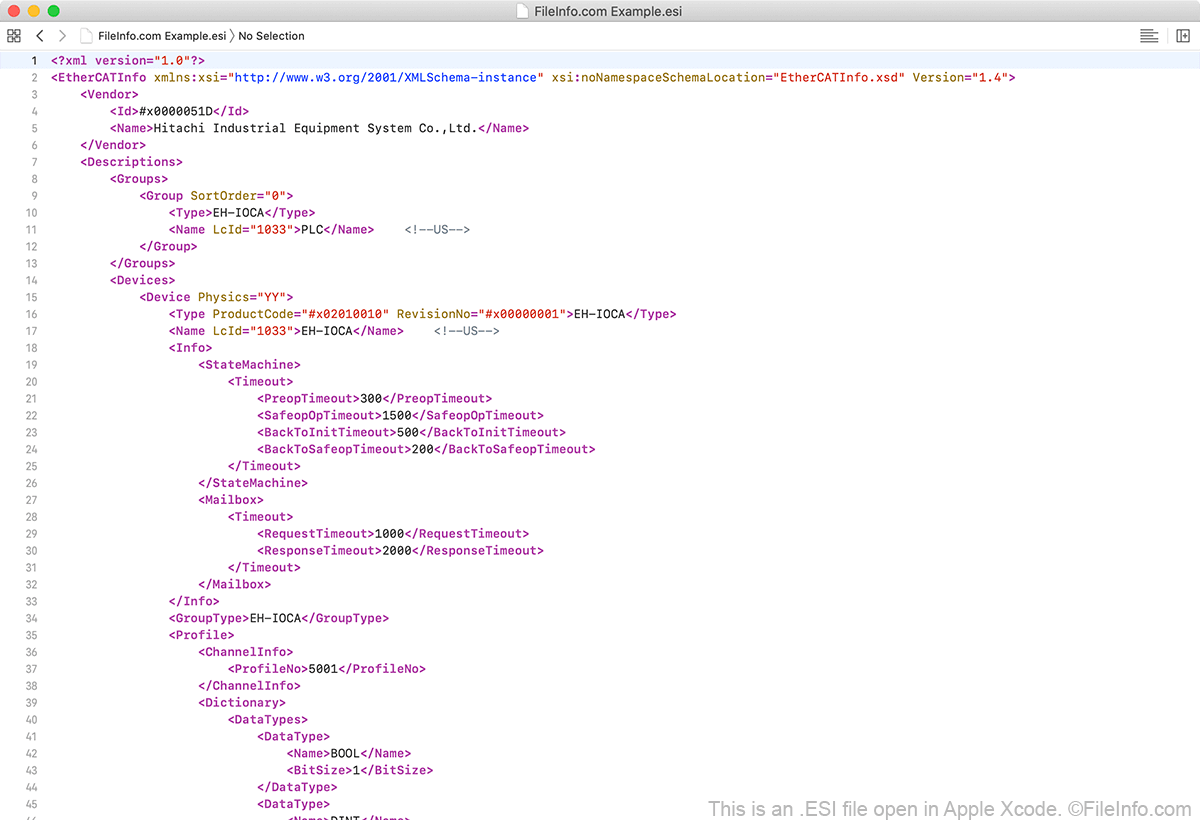
在 Apple Xcode 中打开的 .esi 文件截图
在 Apple Xcode 中打开的 ESI 文件

EtherCAT is an industrial Ethernet networking standard developed by Beckhoff Automation, in 2003. The standard is currently maintained by the EtherCAT Technology Group.

An EtherCAT network contains a controller that sends data as a "telegram" through all the network's nodes. The telegram passes through each node sequentially, such that node 1 can extract data from and add data to the telegram before sending it on to node 2. After it has passed through each node, the telegram returns to the controller.

Each node's ESI file controls how the node, which can be comprised of any number of devices, receives and sends data. The ESI file specifies what devices are contained within the node, how those devices are grouped, and what ports the devices use to send and receive data, among other settings.

注: ESI files are often saved with the .XML extension.

如何打开 ESI 文件

Because an ESI file is an XML document, you can open and edit it using any text editor. However, if you want to edit an IN file, it's best to use a source code editor, such as Xcode (Mac), NotePad++ (Windows), or Atom (multiplatform). These applications provide helpful source code editing tools and will highlight the ESI file's syntax correctly.

If you plan to make significant updates to an EtherCAT network or ESI file, you should use an EtherCAT configuration tool, such as Acontis Technologies EC-Engineer or port EtherCAT Design Tool.

使用File Viewer Plus打开 400 多种文件格式。免费下载

可打开或引用 ESI 文件的程序

分类: 数据
更新时间: 2020-08-17

验证者 FileInfo.com

FileInfo.com 团队 独立研究了本页面列出的 EtherCAT Slave Information 文件格式和 Mac, Windows, and Linux 应用。 我们的目标是达到 100% 的准确率,并且仅发布我们已验证过的文件类型信息。

如果您想为此页面提出新增或更新建议,请告诉我们