.CPL 文件扩展名

Windows Control Panel Item

开发者 Microsoft
受欢迎程度
3.7  |  134 
 

什么是 CPL 文件?

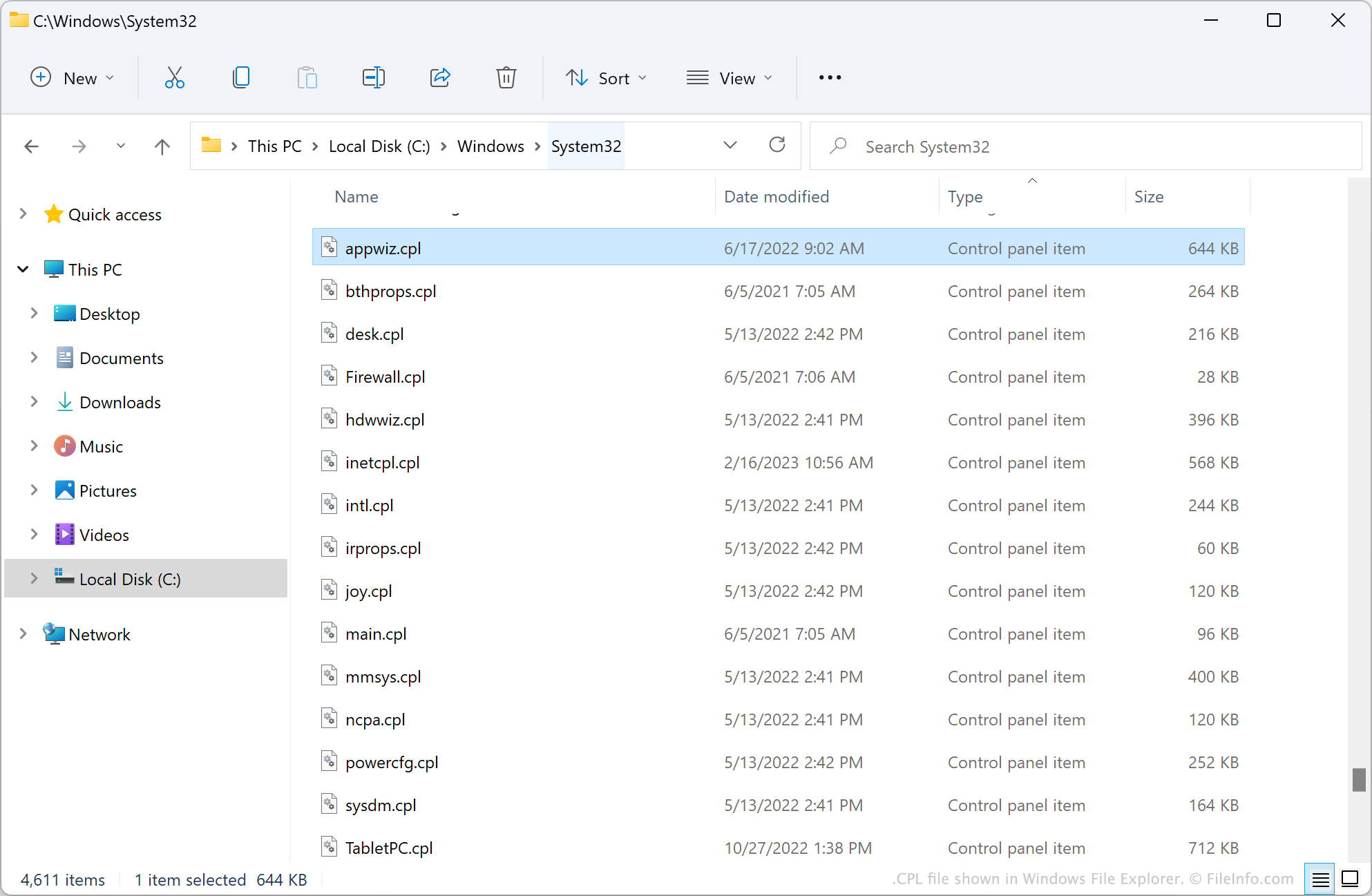
A CPL file is a Windows Control Panel item. It contains a .DLL or .EXE file that allows a user to adjust a subset of their Windows settings. Windows automatically loads the appropriate CPL file when you open an item in Windows Control Panel.

更多信息

CPL file shown in Windows File Explorer

The Windows Control Panel, which is included in every Windows installation, is a program that allows users to adjust many of their Windows settings. For example, users can use Control Panel to configure system and security settings, add devices and printers, uninstall programs, and change their computer's date and time formats.

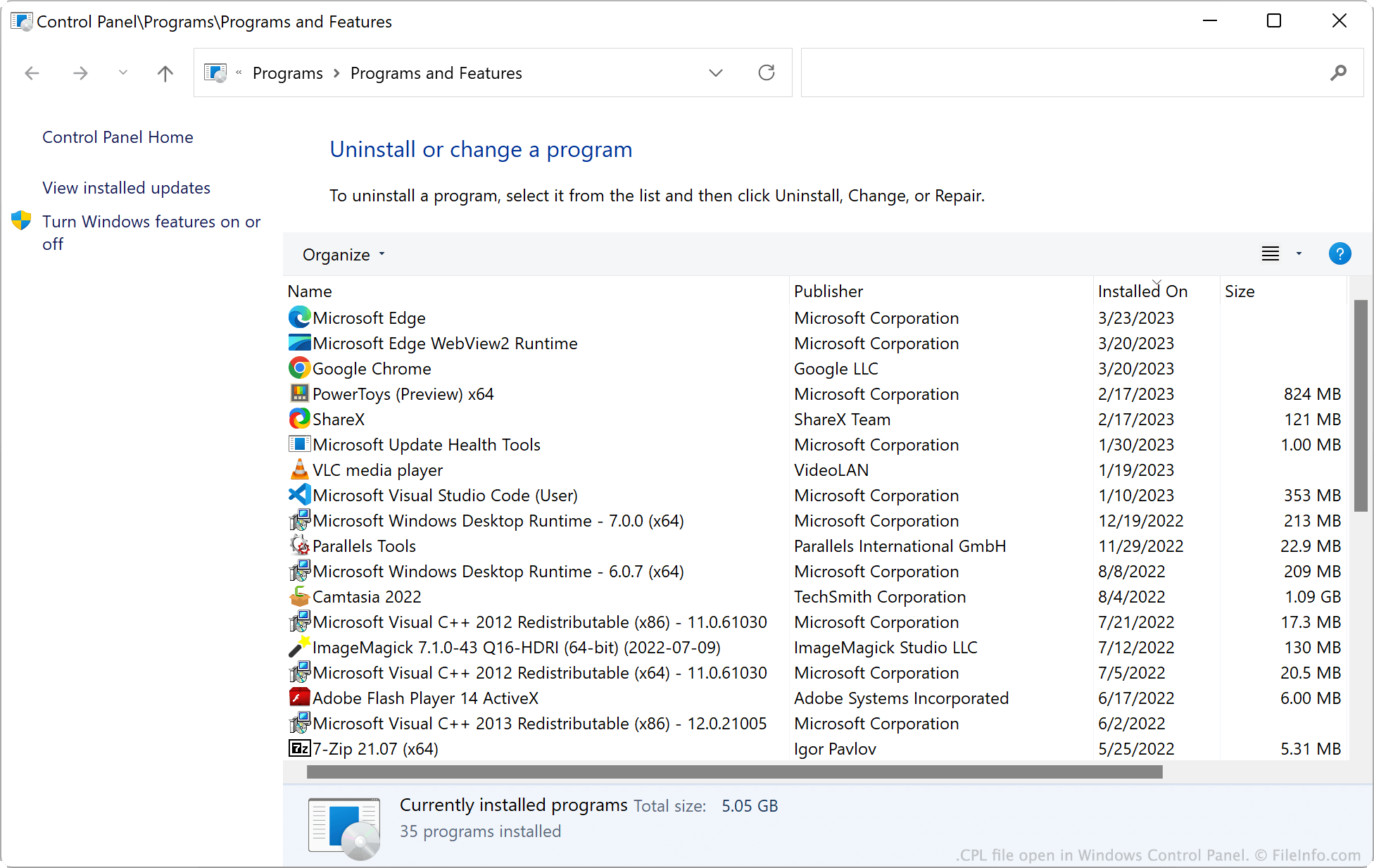
When a user accesses a Control Panel feature, Windows loads the corresponding CPL file in Control Panel. For example, when a user clicks Uninstall a program in Control Panel, Windows loads the Programs and Features item from AppWiz.cpl.

注: CPL files are stored in the C:/​Windows/​System32 directory. Some CPL files may open settings screens outside Control Panel itself.

常见 .CPL 文件名

AppWiz.cpl - Opens Programs and Features in Control Panel.

Firewall.cpl - Opens Windows Defender Firewall in Control Panel.

Timedate.cpl - Opens Date and Time.

Sysdm.cpl - Opens System Properties.

如何打开 CPL 文件

CPL file open in Windows Control Panel

For the most part, you should never need to directly open a CPL file. Instead, open Windows Control Panel and navigate to the feature you want to access.

However, double-clicking a CPL file will open the Control Panel feature that file contains. (Many CPL files are not named intuitively, so this is not the best method of accessing Control Panel features). Advanced users can also execute CPL files directly from the Windows command line.

使用File Viewer Plus打开 400 多种文件格式。免费下载

可打开或引用 CPL 文件的程序

Windows
分类: 系统
更新时间: 2023-03-23

验证者 FileInfo.com

FileInfo.com 团队 独立研究了本页面列出的 Windows Control Panel Item 文件格式和 Windows 应用。 我们的目标是达到 100% 的准确率,并且仅发布我们已验证过的文件类型信息。

如果您想为此页面提出新增或更新建议,请告诉我们