

.C2M 文件扩展名
Lexy's Labyrinth关卡
| 开发者 | eevee |
| 受欢迎程度 |
1.5 | 4 票 |
什么是 C2M 文件?
C2M文件是Lexy's Labyrinth使用的游戏关卡文件。Lexy's Labyrinth是Chip's Challenge的一个开源更新版本。它包含Lexy's Labyrinth用于加载关卡的文本和二进制数据。文本数据包括关卡提示;二进制数据包括关卡结构的其余部分。玩家可以使用Lexy's Labyrinth的工具创建C2M文件。
更多信息
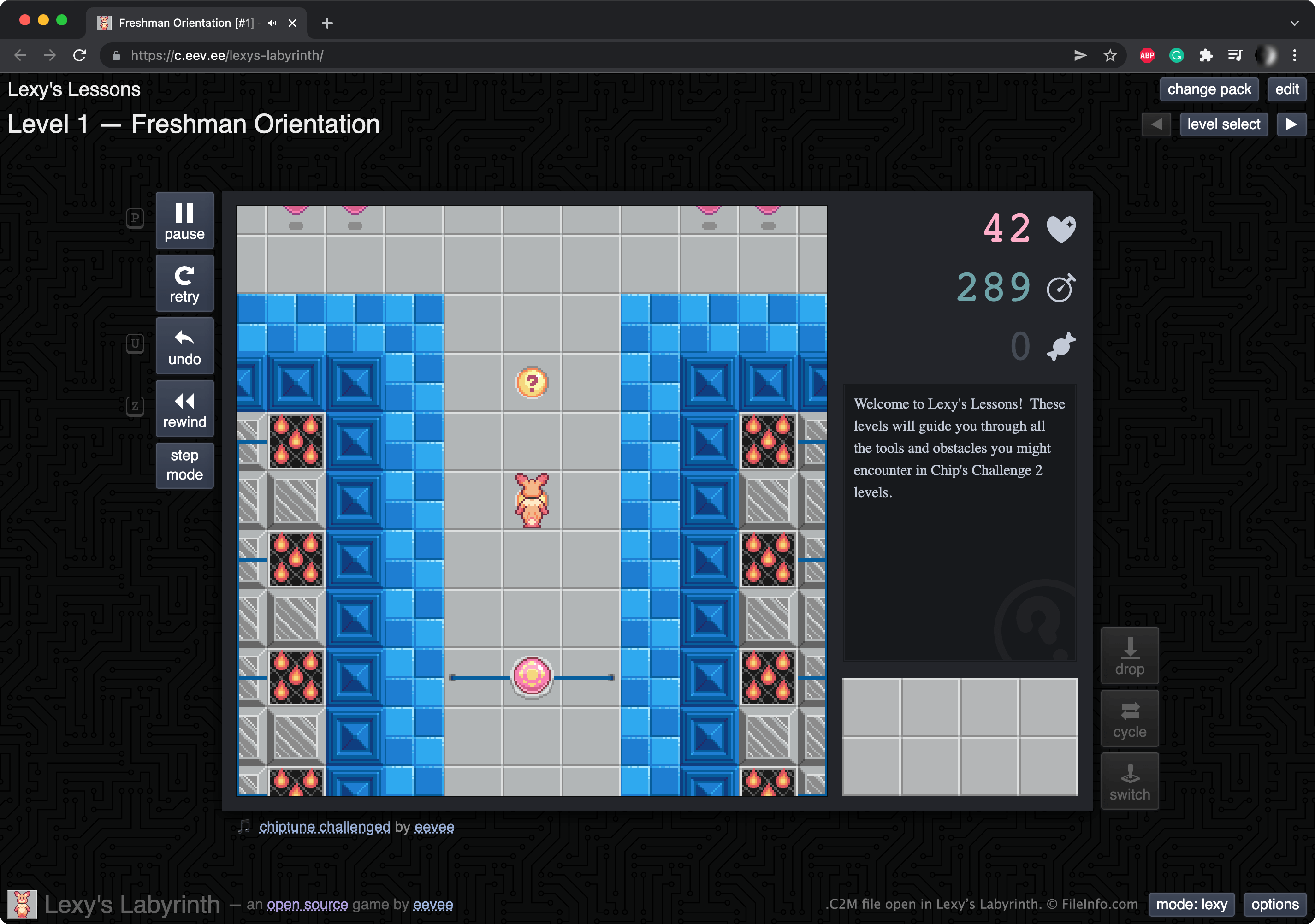
Lexy's Labyrinth是一款基于浏览器的益智游戏,基于Chip's Challenge系列游戏制作。你可以在https://c.eev.ee/lexys-labyrinth/游玩该游戏。
想要创建自定义Lexy's Labyrinth关卡的玩家可以使用游戏的工具。然后,他们可以将创建的关卡下载为C2M文件。玩家也可以将Lexy's Labyrinth的默认关卡下载为C2M文件。要执行此操作,他们需要在游玩关卡时选择,然后将该关卡导出为C2M文件。
注: 玩家可以将Lexy's Labyrinth的多个关卡导出为.ZIP存档,其中包含一个.C2G文件。这样,玩家就可以一次保存和加载多个关卡。
如何打开 C2M 文件
你可以在Lexy's Labyrinth(Web)中打开C2M文件。操作步骤如下:
- 打开网页浏览器,然后转到https://c.eev.ee/lexys-labyrinth/。
- 向下滚动,然后选择按钮。
- 找到并打开C2M文件。
随后,该文件会在网页浏览器中显示为可游玩的关卡。要编辑关卡,请选择按钮。
可打开 C2M 文件的程序
Web