

.ABDATA 文件扩展名
Adobe Bridge数据文件
| 开发者 | Adobe Systems |
| 受欢迎程度 |
3.4 | 7 票 |
什么是 ABDATA 文件?
ABDATA文件是由Adobe Bridge创建的数据文件。Adobe Bridge是Adobe Creative Cloud使用的数字资产管理工具。该文件存储Bridge引用的各种数据,包括首选项和应用程序关键词。Bridge会自动生成ABDATA文件,并在运行时加载这些文件。
更多信息
Bridge是一款数字资产管理工具,可帮助你整理多媒体文件、创建用于自动执行任务的工作流程,以及发布创意资产。该软件可与其他Adobe程序集成,包括Photoshop、After Effects和Illustrator。
你可以在Bridge目录中找到ABDATA文件。例如,Bridge 2022的Adobe Bridge Metadata Preferences.abdata文件位于macOS中的以下目录:
Users/[username]/Library/Application Support/Adobe/Bridge 2022
常见 .ABDATA 文件名
Adobe Bridge Metadata Preferences.abdata - 存储Bridge首选项的ABDATA文件名称。
如何打开 ABDATA 文件
ABDATA文件并不是为打开而设计的。相反,Adobe Bridge会引用ABDATA文件中存储的数据并加载这些数据。
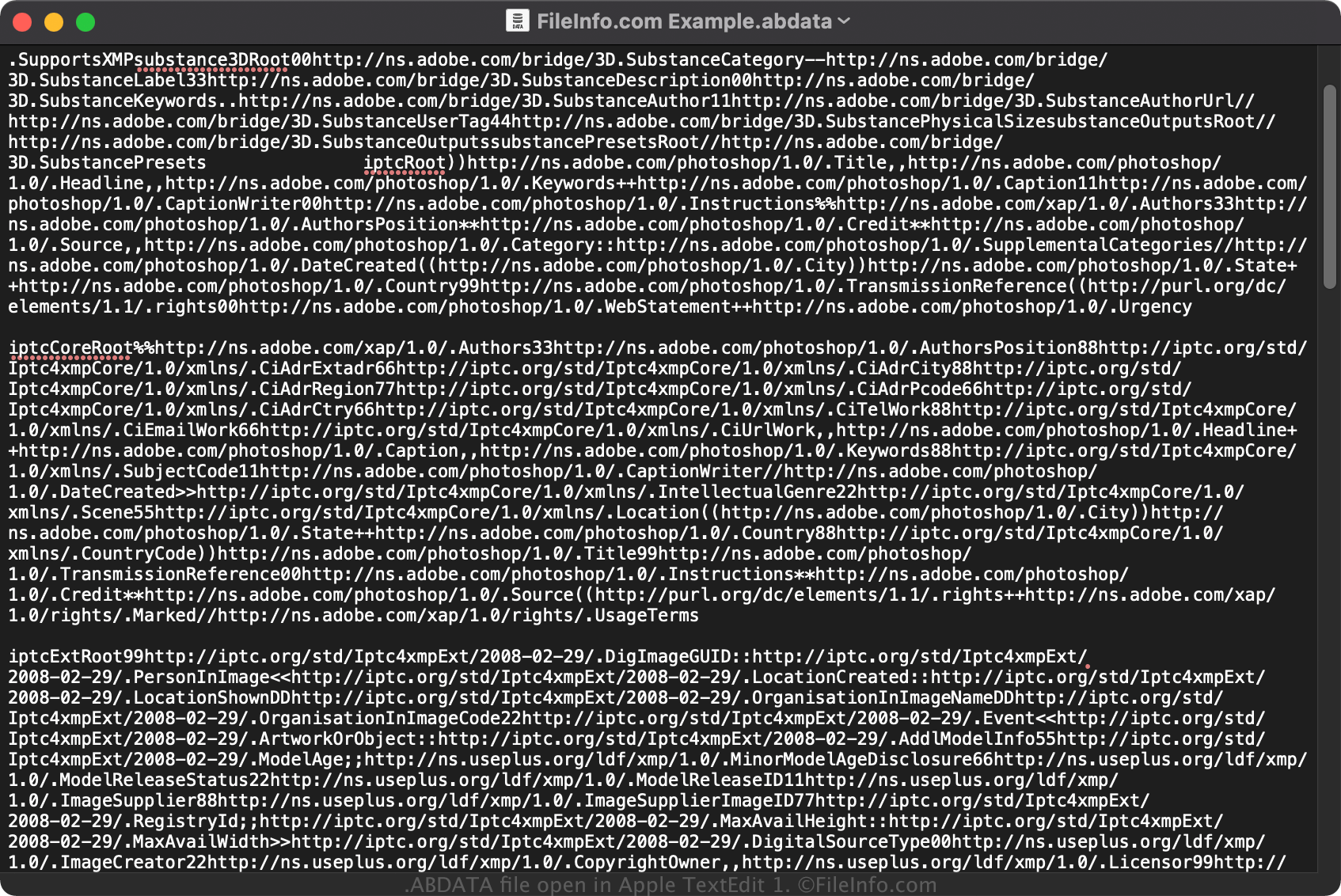
不过,如果你想查看ABDATA文件中保存的纯文本数据,可以使用文本编辑器打开该文件,例如Microsoft Notepad(Windows)或Apple TextEdit(macOS)。
可打开或引用 ABDATA 文件的程序
Windows
Mac