

.ABDATA 파일 확장자
Adobe Bridge 데이터 파일
| 개발사 | Adobe Systems |
| 인기도 |
3.4 | 7 표 |
ABDATA 파일이란 무엇인가요?
ABDATA 파일은 Adobe Creative Cloud용 디지털 자산 관리 도구인 Adobe Bridge가 생성하는 데이터 파일입니다. Bridge에서 참조하는 다양한 데이터가 저장되며, 여기에는 환경 설정과 애플리케이션 키워드가 포함됩니다. Bridge는 ABDATA 파일을 자동으로 생성하고 실행할 때 이를 불러옵니다.
추가 정보
Bridge는 멀티미디어 파일을 정리하고, 작업을 자동화하는 워크플로를 만들며, 크리에이티브 자산을 게시할 수 있는 디지털 자산 관리 도구입니다. 이 소프트웨어는 Photoshop, After Effects, Illustrator를 비롯한 다른 Adobe 프로그램과 통합됩니다.
Bridge 디렉터리에서 ABDATA 파일을 찾을 수 있습니다. 예를 들어 Bridge 2022의 Adobe Bridge Metadata Preferences.abdata 파일은 macOS에서 다음 디렉터리에 있습니다.
Users/[username]/Library/Application Support/Adobe/Bridge 2022
일반적인 .ABDATA 파일 이름
Adobe Bridge Metadata Preferences.abdata - Bridge 환경 설정을 저장하는 ABDATA 파일의 이름입니다.
ABDATA 파일을 여는 방법
ABDATA 파일은 열도록 만들어진 파일이 아닙니다. 대신 Adobe Bridge가 ABDATA 파일에 저장된 데이터를 참조하고 불러옵니다.
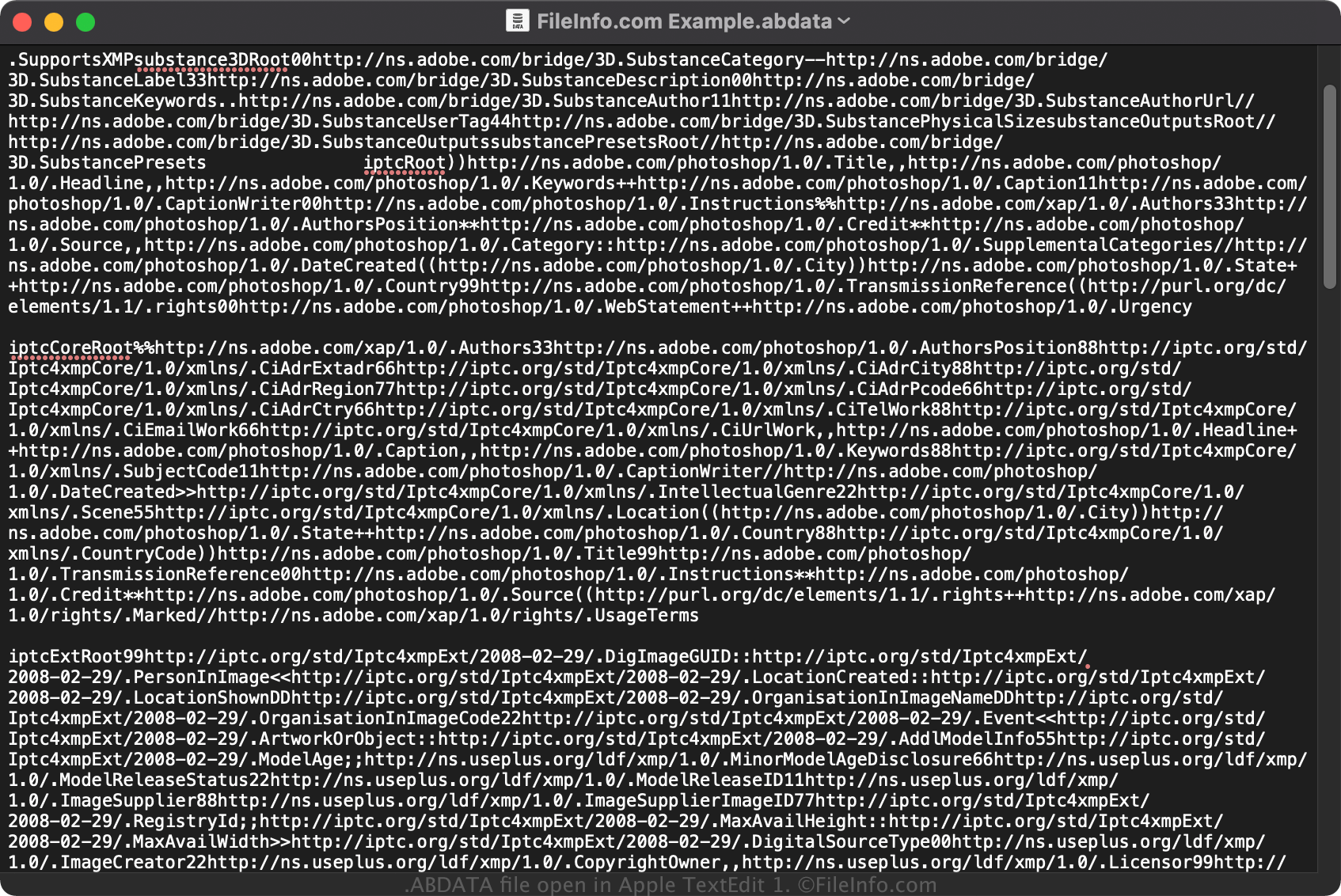
하지만 ABDATA 파일에 저장된 일반 텍스트 데이터를 확인하려면 Microsoft Notepad(Windows) 또는 Apple TextEdit(macOS)와 같은 텍스트 편집기로 파일을 열 수 있습니다.