

.SYNTHESIA Rozszerzenie pliku
Metadane Synthesia
| Deweloper | Synthesia |
| Popularność |
3,0 | 1 Głos |
Czym jest plik SYNTHESIA?
Plik SYNTHESIA to plik metadanych utworzony do użytku z aplikacją Synthesia, która uczy użytkowników gry na pianinie. Zawiera informacje w formacie XML o jednym lub większej liczbie plików utworów, które użytkownik może zaimportować do aplikacji Synthesia. Na przykład plik SYNTHESIA może opisywać tytuły, oceny, poziomy trudności, kompozytorów, informacje o prawach autorskich, partie i podpowiedzi dotyczące palców dla grupy utworów.
Więcej informacji
Synthesia tłumaczy zapis nutowy na zsynchronizowane w czasie, oznaczone kolorami podpowiedzi, za którymi użytkownicy mogą grać, aby nauczyć się wykonywać utwór. Zazwyczaj użytkownicy Synthesia korzystają z aplikacji razem z klawiaturą MIDI oraz co najmniej jednym plikiem .MIDI lub .MUSICXML. Dzięki temu mogą grać utwory na prawdziwej klawiaturze pianina i importować dowolny utwór zapisany w formacie MIDI lub MUSICXML.
Użytkownicy Synthesia mogą także opcjonalnie tworzyć pliki SYNTHESIA zawierające metadane dla jednego lub większej liczby plików MIDI lub MUSICXML. Pliki te zwykle określają informacje identyfikacyjne utworów oraz wszelkie podpowiedzi dotyczące palców lub partie rąk dodane przez użytkownika do tych utworów.
Jak tworzyć i używać plików SYNTHESIA
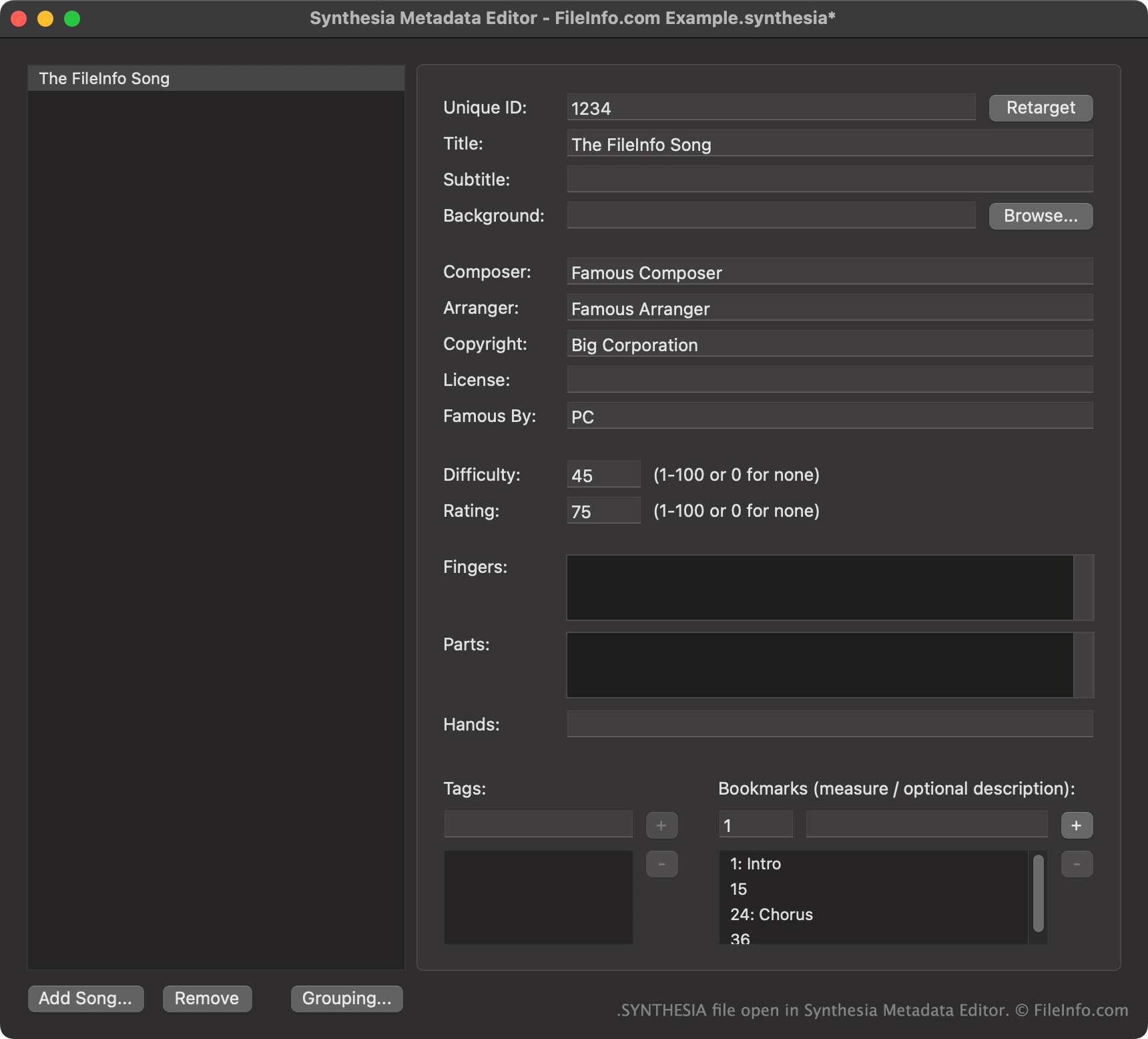
Przede wszystkim użytkownicy Synthesia tworzą pliki SYNTHESIA za pomocą Synthesia Metadata Editor, osobnej, bezpłatnej aplikacji towarzyszącej. Aby utworzyć plik SYNTHESIA z istniejących utworów, wybierz .
Aby używać pliku SYNTHESIA z aplikacją Synthesia, użytkownicy powinni umieścić go w katalogu zawierającym utwór(utwory), z którym(i) ma być używany. Synthesia załaduje wtedy metadane zawarte w pliku wraz z towarzyszącym utworem(utworami).
Jak otworzyć plik SYNTHESIA
Aby uzyskać najlepsze wrażenia podczas edycji, należy otwierać pliki SYNTHESIA za pomocą Synthesia Metadata Editor (Windows, Mac). Synthesia Metadata Editor została zaprojektowana specjalnie do wyświetlania i edytowania danych plików SYNTHESIA.
Jeśli nie masz dostępu do Synthesia Metadata Editor, możesz otworzyć plik SYNTHESIA w programie Microsoft Visual Studio Code lub dowolnym innym edytorze tekstu, aby wyświetlić zawarte w nim dane XML.