

.PROJECTOR Bestandsextensie
Screencast-transcript
| Ontwikkelaar | |
| Populariteit |
3,5 | 4 stemmen |
Wat is een PROJECTOR-bestand?
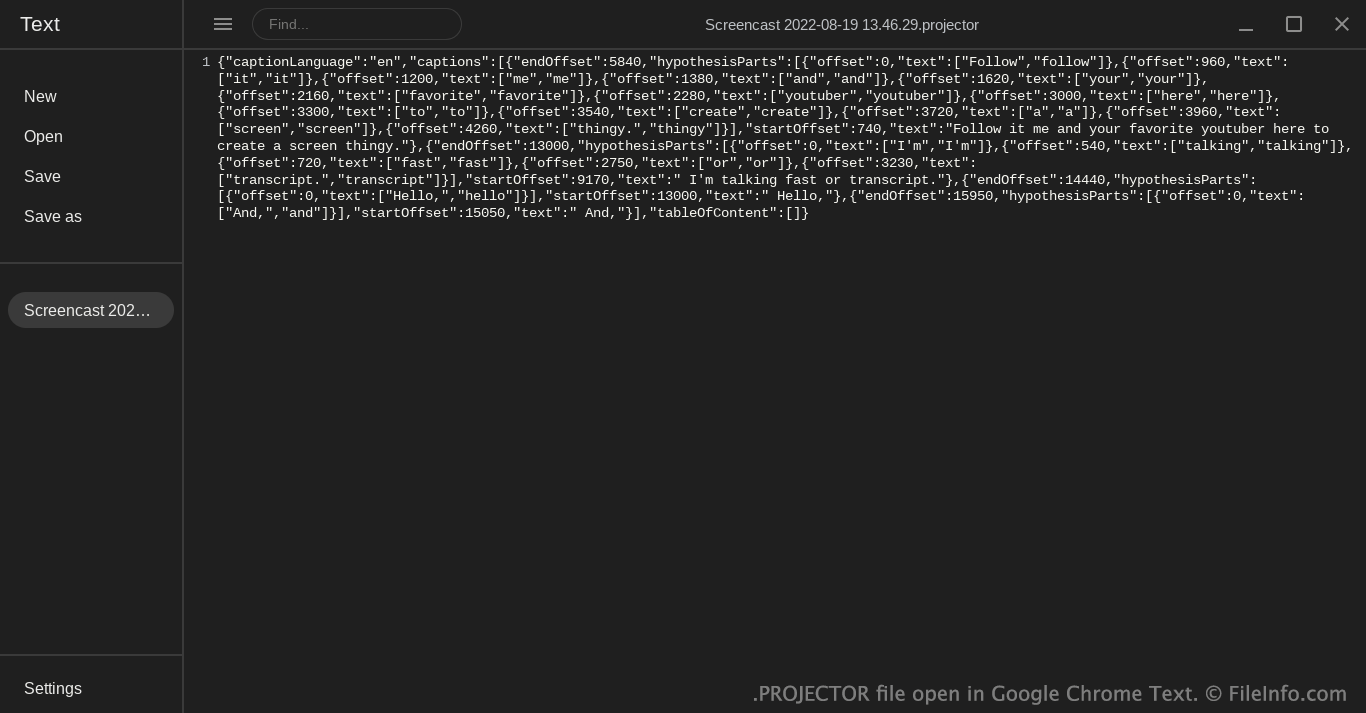
Een PROJECTOR-bestand is een transcript dat is gemaakt door de Google Screencast-app voor ChromeOS. Het bevat een in JSON-indeling opgeslagen overzicht van de woorden die een gebruiker tijdens een Screencast-opname heeft uitgesproken. Screencast combineert een PROJECTOR-bestand met een bijbehorende .WEBM-video wanneer een opname wordt afgespeeld; het transcript in het PROJECTOR-bestand wordt weergegeven in het deelvenster Transcript van Screencast.
Meer informatie
Google Screencast is een app voor schermopnamen waarmee ChromeOS-gebruikers hun scherm en zichzelf tegelijkertijd kunnen opnemen en de opname kunnen annoteren. ChromeOS-gebruikers kunnen Screencast bijvoorbeeld gebruiken om een educatieve presentatie of een beoordeling van een websiteontwerp te maken.
Screencast slaat de opnamen van gebruikers automatisch op in hun Google Drive. In Screencast worden de opnamen weergegeven als één item, dat gebruikers kunnen delen met anderen die Screencast gebruiken. Een Screencast-opname bestaat echter eigenlijk uit drie bestanden die een gebruiker afzonderlijk in Google Drive kan bekijken: een .WEBM-video met de opgenomen video en annotaties, een .PNG-miniatuurvoorbeeld en een PROJECTOR-bestand. Het PROJECTOR-bestand bevat een transcript van alle dialogen die een gebruiker tijdens het opnemen van de video heeft uitgesproken (en bijbehorende metagegevens).
Screencast toont het transcript in een PROJECTOR-bestand tijdens het afspelen van de opname. Gebruikers kunnen Screencast desgewenst het transcript in andere talen laten vertalen, zodat ze schermopnamen gemakkelijker kunnen delen met gebruikers die een andere taal spreken of lezen.
OPMERKING: Vroege versies van Screencast stonden bekend als Projector. Daarom heeft het PROJECTOR-bestand deze naam.
Een PROJECTOR-bestand openen
PROJECTOR-bestanden zijn niet bedoeld om buiten Google Screencast (ChromeOS) te worden geopend. Screencast opent PROJECTOR-bestanden automatisch en toont de transcripten die ze bevatten wanneer je de bijbehorende opname afspeelt.
Wie het transcript in een PROJECTOR-bestand buiten Screencast wil bekijken, kan het bestand echter openen in elke teksteditor.