

.LS1L Bestandsextensie
LiveSplit One-lay-outbestand
| Ontwikkelaar | LiveSplit |
| Populariteit |
2,0 | 1 stem |
Wat is een LS1L-bestand?
Een LS1L-bestand is een lay-outbestand dat wordt gebruikt door LiveSplit One, een timer voor speedruns die in een browser werkt. Het bevat informatie in de JSON-standaard over hoe de timer en andere elementen tijdens een speedrun worden weergegeven. LS1L-bestanden kunnen lay-outelementen bevatten, zoals de timerweergave, de lijst met splits, de titel, vergelijkingsinformatie en achtergrondinstellingen.
Meer informatie
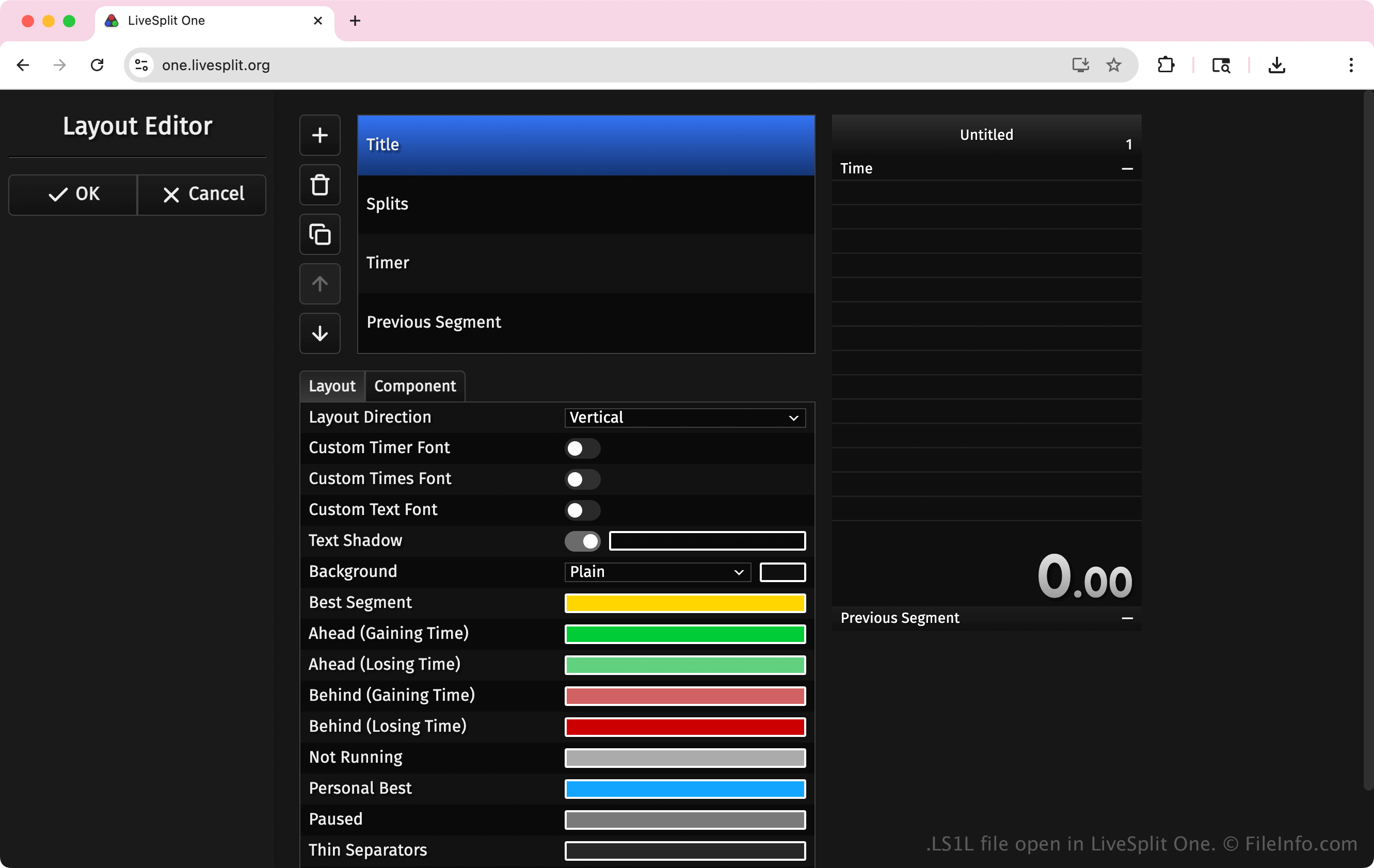
Speedrunners en makers van content zijn de belangrijkste gebruikers van LS1L-bestanden. Ze gebruiken deze bestanden om het uiterlijk en de werking van hun timers aan te passen voor persoonlijk gebruik of om runs te streamen naar platforms zoals Twitch of YouTube.
Nadat ze hun lay-outconfiguratie als LS1L-bestand hebben opgeslagen, kunnen ze die later opnieuw laden of met anderen delen. Door LS1L-bestanden te delen, kunnen runners gestandaardiseerde lay-outs verspreiden voor evenementen, races of community-uitdagingen.
OPMERKING: Als je een LS1L-bestand wilt maken met LiveSplit One, selecteer je .
Een LS1L-bestand openen
Je kunt LS1L-bestanden openen met LiveSplit One via een webbrowser. Als je een LS1L-bestand wilt openen met LiveSplit One, selecteer je en kies je het LS1L-bestand dat je wilt uploaden.
Omdat LS1L-bestanden platte tekst bevatten, kun je ze openen met een teksteditor, zoals Microsoft Notepad of Apple TextEdit.