

.JPG_THUMB Bestandsextensie
Twitter Thumbnail JPEG-afbeelding
| Ontwikkelaar | N.v.t. |
| Populariteit |
3,0 | 4 stemmen |
Wat is een JPG_THUMB-bestand?
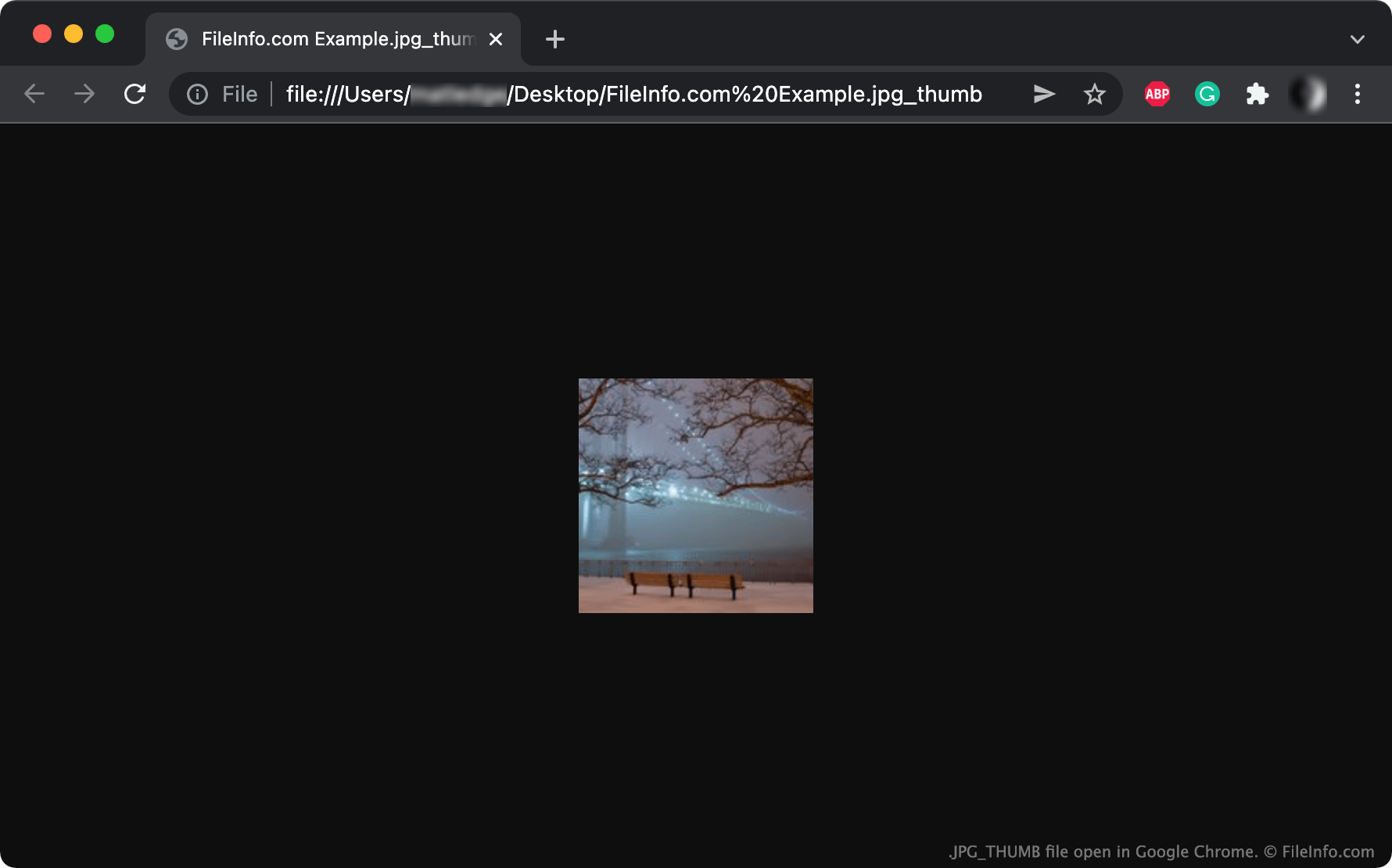
Een JPG_THUMB-bestand is een miniatuurafbeelding die een Google Chrome-gebruiker van Twitter heeft gedownload. Het is een normaal .JPG-bestand, maar het wordt opgeslagen met de bestandsextensie .jpg_thumb wanneer een Twitter-gebruiker een afbeelding op miniatuurformaat downloadt via de Chrome-webbrowser.
Meer informatie
Twitter is een sociale netwerkdienst waar gebruikers berichten kunnen delen die tekst, afbeeldingen en video's bevatten. De dienst kan het formaat van afbeeldingen op zijn mediaserver aanpassen met een JSON-specificatie voor de entiteitsgrootte, afhankelijk van hoe gebruikers de afbeelding in een webbrowser bekijken.
Als een gebruiker bijvoorbeeld een afbeelding op miniatuurformaat bekijkt, voegt Twitter de specificatie thumbnail toe aan de URL van de afbeelding wanneer een gebruiker deze opent. Hierdoor eindigt de URL op .jpg:thumb. Wanneer een Chrome-gebruiker een miniatuurafbeelding die op de mediaserver van Twitter is opgeslagen in een nieuw tabblad opent, kan de URL er als volgt uitzien:
https://pbs.twimg.com/media/FHkhb5mWUAwoInu.jpg:thumb
Als de gebruiker de afbeelding vanaf deze pagina downloadt, verandert Chrome de tekst jpg:thumb in .jpg_thumb (dubbele punten kunnen niet in bestandsnamen worden gebruikt) en slaat de afbeelding op als een JPG_THUMB-bestand.
Omdat Twitter afbeeldingen op klein, middelgroot, groot en oorspronkelijk formaat weergeeft, kun je andere formaten JPEG-afbeeldingen tegenkomen wanneer je deze met Chrome downloadt. Je kunt het formaat van de afbeelding aan de bestandsextensie zien. Een afbeelding op klein formaat wordt bijvoorbeeld opgeslagen als een .JPG_SMALL-bestand, een afbeelding op middelgroot formaat als een .JPG_MEDIUM-bestand en een afbeelding op groot formaat als een .JPG_LARGE-bestand.
OPMERKING: Om te voorkomen dat JPG_THUMB-bestanden worden gemaakt, heeft Twitter de manier aangepast waarop het formaten specificeert. Je ziet nu de volgende URL-structuur:
https://pbs.twimg.com/media/FIe0c-0WYAA__vY?format=jpg&name=thumb
Een JPG_THUMB-bestand openen
Sommige afbeeldingsviewers en webbrowsers, zoals Adobe Photoshop (platformonafhankelijk) en Google Chrome (platformonafhankelijk), herkennen de extensie .jpg_thumb en kunnen JPG_THUMB-bestanden rechtstreeks openen. Om een JPG_THUMB-bestand in andere afbeeldingsviewers en webbrowsers te openen, wijzig je eerst de bestandsextensie in .jpg. Het wijzigen van de bestandsextensie verandert de inhoud niet.