

.JPG-LARGE Bestandsextensie
Twitter-afbeelding in groot JPEG-formaat
| Ontwikkelaar | N.v.t. |
| Populariteit |
3,5 | 22 stemmen |
Wat is een JPG-LARGE-bestand?
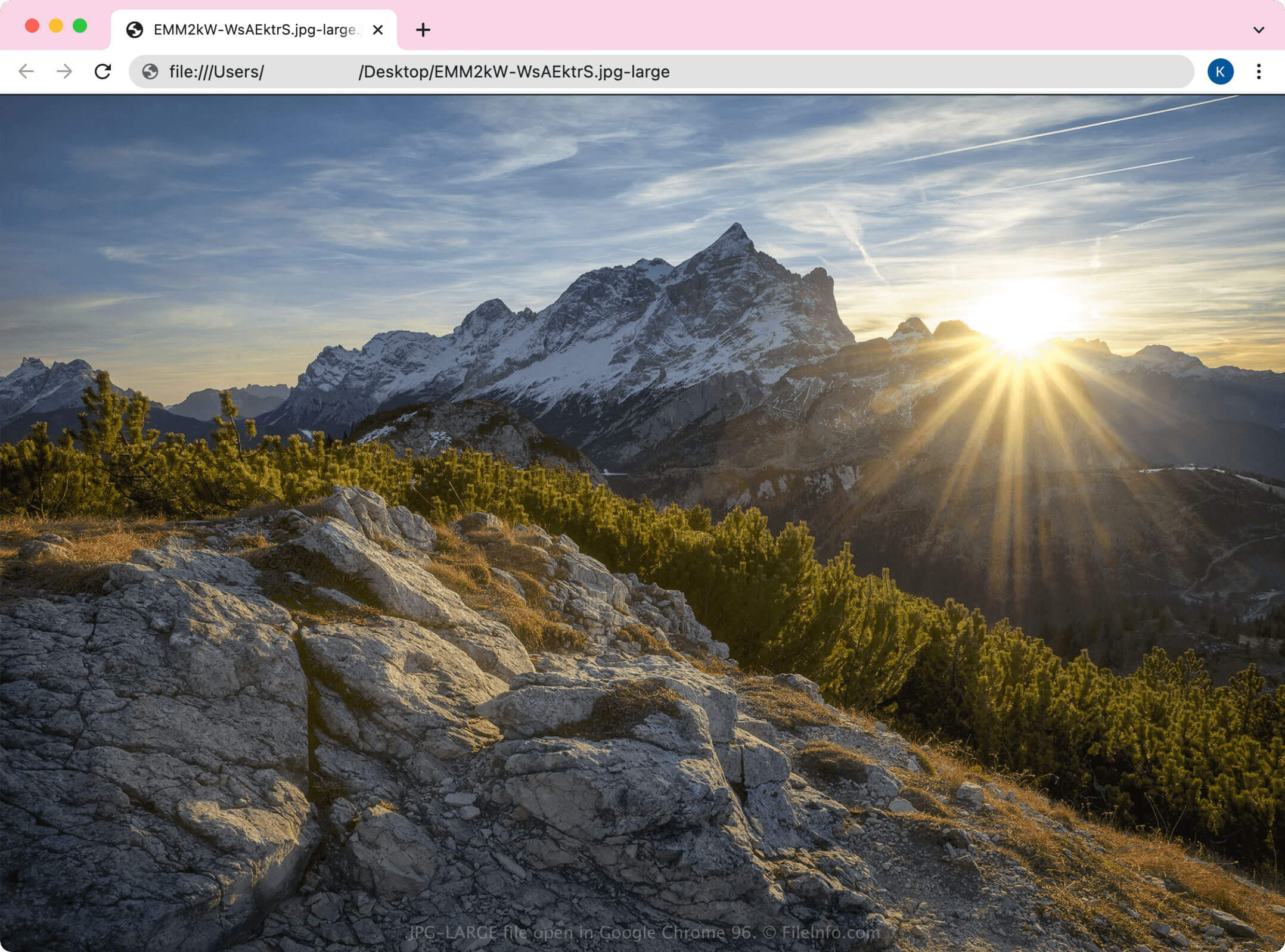
Een JPG-LARGE-bestand is een JPEG-afbeelding die door Google Chrome wordt gemaakt wanneer een gebruiker een afbeelding in groot formaat van Twitter downloadt. Het bestand wordt opgeslagen in de standaardindeling JPEG als een .JPG-bestand, maar met de aangepaste bestandsextensie .jpg-large.
Meer informatie
Twitter is een sociaal netwerk waarop gebruikers "tweets" met tekst, afbeeldingen en video's kunnen plaatsen. Afbeeldingen die gebruikers naar Twitter uploaden, worden op de mediaserver van de site gehost, zodat dezelfde gebruiker of andere Twitter-gebruikers ze opnieuw kunnen openen en bekijken.
Wanneer Twitter-gebruikers een afbeelding in de Chrome-webbrowser bekijken, kunnen ze met de rechtermuisknop op de afbeelding klikken en selecteren om de afbeelding in een apart browsertabblad te openen. Wanneer je een door Twitter gehoste afbeelding in een nieuw Chrome-tabblad opent, kan de URL er ongeveer als volgt uitzien:
https://pbs.twimg.com/media/FHKU-pZXsAIQfKH.jpg:large
Als een gebruiker de afbeelding via de URL downloadt, kan Chrome deze opslaan met de bestandsextensie JPG-LARGE, waardoor een bestand FHKU-pZXsAIQfKH.jpg-large ontstaat.
OPMERKING: Hoewel Chrome de bestandsextensie JPG-LARGE kan gebruiken, voegt de webbrowser vaker de extensie .JPG_LARGE toe.
Wat is het verschil tussen JPG-LARGE- en JPG-bestanden?
Ondanks de verschillende extensies zijn JPG-LARGE-bestanden normale JPG-bestanden. De reden dat de bestandsextensies verschillen, is het kenmerk large voor de grootte dat Twitter aan de afbeeldings-URL toevoegt om de juiste afbeeldingsgrootte aan de gebruiker te tonen. Hierdoor eindigt de URL op .jpg:large.
Wanneer een gebruiker de afbeelding vervolgens downloadt via de URL die eindigt op .jpg:large, verandert Chrome de dubbele punt in een koppelteken, omdat bestandsnamen geen dubbele punten mogen bevatten. Het gedownloade bestand dat daaruit ontstaat, is een JPG-LARGE-bestand.
https://pbs.twimg.com/media/FIhQRfRWYAY4fy5?format=jpg&name=large
Een JPG-LARGE-bestand openen
Je kunt JPG-LARGE-bestanden openen met elke afbeeldingsviewer of webbrowser die JPEG-afbeeldingen ondersteunt. Sommige toepassingen herkennen de bestandsextensie .jpg-large echter mogelijk niet en openen het JPG-LARGE-bestand niet. Als dat het geval is, wijzig je de bestandsextensie van .jpg-large in .jpg en open je het bestand.