

.IAM Bestandsextensie
Inventor-assemblage
| Ontwikkelaar | Autodesk |
| Populariteit |
3,8 | 39 stemmen |
Wat is een IAM-bestand?
Een IAM-bestand is een 3D-model dat is gemaakt met Autodesk Inventor, een programma voor het ontwerpen van prototypes van mechanische producten. Het bevat een assemblage: een prototype van een product dat uit veel .IPT-bestanden (Inventor-onderdelen) bestaat.
Meer informatie
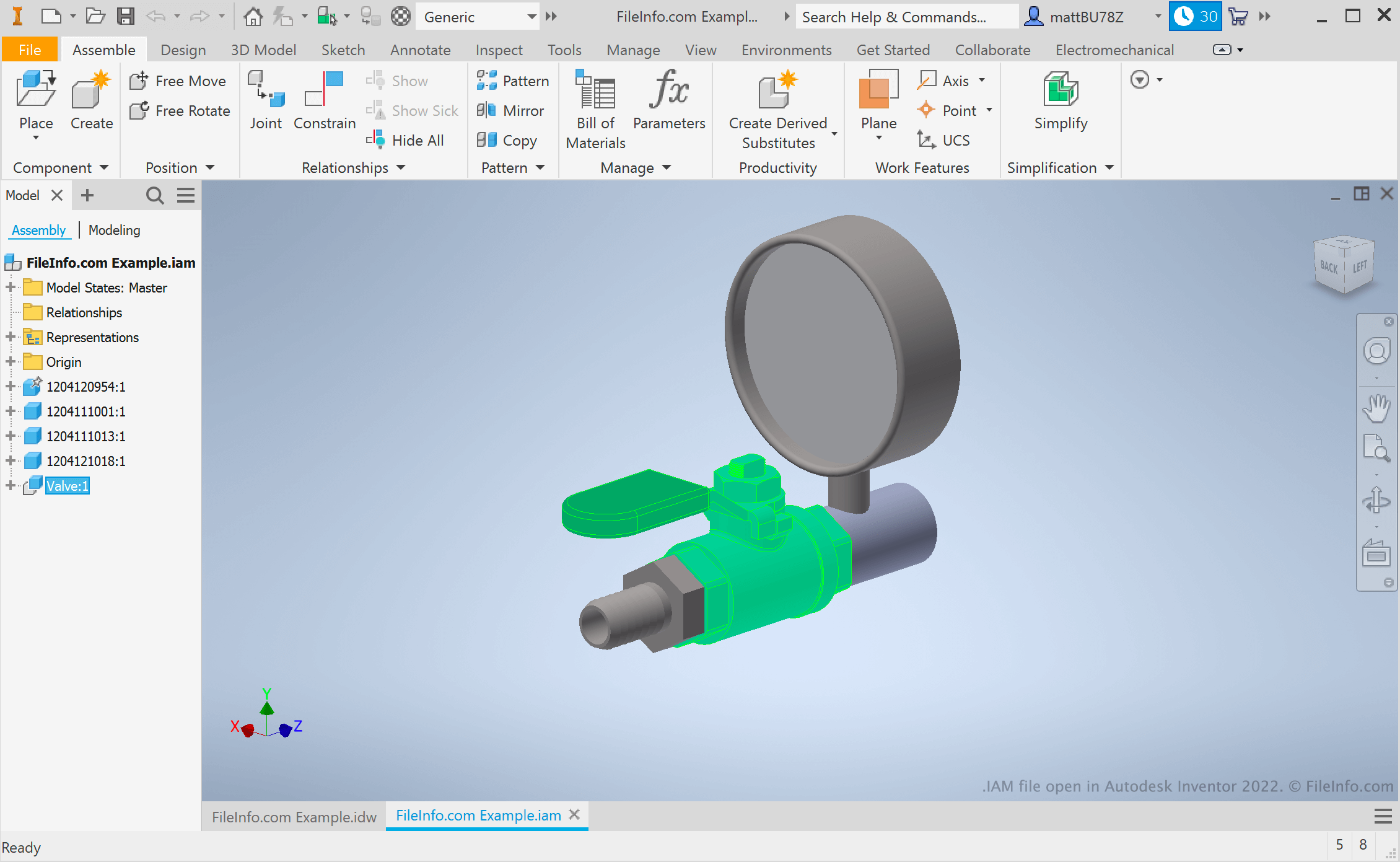
Autodesk Inventor is een computerondersteund ontwerp-programma (CAD) dat ingenieurs en productontwerpers gebruiken om prototypes van mechanische producten te maken. Die prototypes, die assemblages worden genoemd, worden opgeslagen in IAM-bestanden.
Nadat een assemblage is voltooid, kunnen gebruikers testen hoe hun prototype in de echte wereld zou presteren met de bewegingssimulatie- en spanningsanalysetools van Inventor. Ze kunnen hun IAM-bestand ook met anderen delen met de cloudgebaseerde deelt tools van Inventor en Autodesk Viewer.
OPMERKING: Gebruikers van Inventor die ook Autodesk AutoCAD gebruiken, kunnen een 2D .DWG-tekening omzetten in een 3D IAM-bestand door de tekening in Inventor te importeren.
Een IAM-bestand openen
Je kunt een IAM-bestand openen in Autodesk Inventor (Windows), Autodesk Fusion 360 (platformonafhankelijk) en Autodesk Viewer (web). Als je alleen het 3D-model in een IAM-bestand wilt bekijken, kun je dit het eenvoudigst doen door het bestand te openen in Autodesk Viewer.