

.GITIGNORE Bestandsextensie
Git Ignore-bestand
| Ontwikkelaar | Git |
| Populariteit |
3,7 | 58 stemmen |
Wat is een GITIGNORE-bestand?
Een GITIGNORE-bestand is een instellingenbestand dat wordt gebruikt door Git, een versiebeheersysteem waarmee ontwikkelaars wijzigingen in broncode kunnen bijhouden. Het bevat een lijst met bestanden die niet in de repository van de broncode mogen worden opgenomen. Met GITIGNORE-bestanden kunnen ontwikkelaars ongewenste items uitsluiten, zoals verborgen bestanden van het besturingssysteem (bijv. .DS_Store en Thumbs.db), tijdelijke bestanden en uitvoer van projecten.
Meer informatie
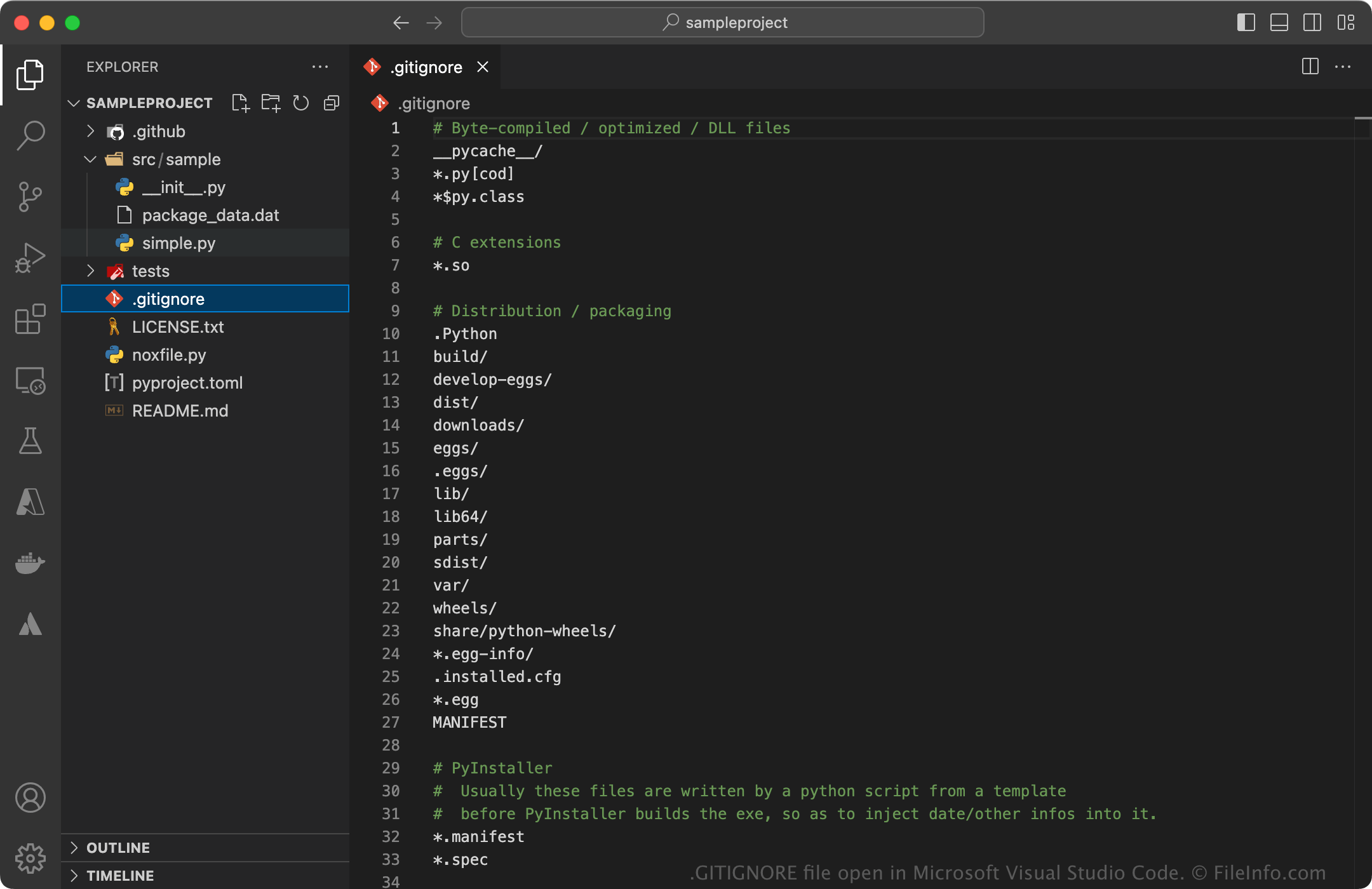
GITIGNORE-bestanden zijn standaard voor alle projecten die met Git worden bijgehouden. Ze gebruiken de naam .gitignore zonder voorvoegsel voor de bestandsnaam. Meestal plaatsen ontwikkelaars één .gitignore-bestand in de hoofdmap van het project, waarin alle uitsluitingen voor het project worden gespecificeerd. Er kunnen echter ook extra .gitignore-bestanden in submappen worden geplaatst om uitsluitingen toe te passen die specifiek zijn voor die map.
Op internet en bij ontwikkelaars-IDE's bestaan veel GITIGNORE-sjablonen. Deze helpen bij het opzetten van Git-projecten voor verschillende programmeertalen en technologiestacks. GitHub biedt bijvoorbeeld verschillende sjablonen op de projectpagina van gitignore.
Een GITIGNORE-bestand openen
Je kunt GITIGNORE-bestanden openen en bewerken met elke teksteditor. Broncode-editors, zoals Microsoft Visual Studio Code, bieden syntaxisaccentuering om je te helpen bij het bewerken.