

.BMFC Bestandsextensie
Bitmaplettertypeconfiguratie
| Ontwikkelaar | AngelCode |
| Populariteit |
3,5 | 2 stemmen |
Wat is een BMFC-bestand?
Een BMFC-bestand bevat instellingen die worden gebruikt door AngelCode Bitmap Font Generator (BFG), een app voor het maken van bitmaplettertypen. Je kunt de instellingen in BFG laden en ze gebruiken om een bitmaplettertype te maken.
Meer informatie
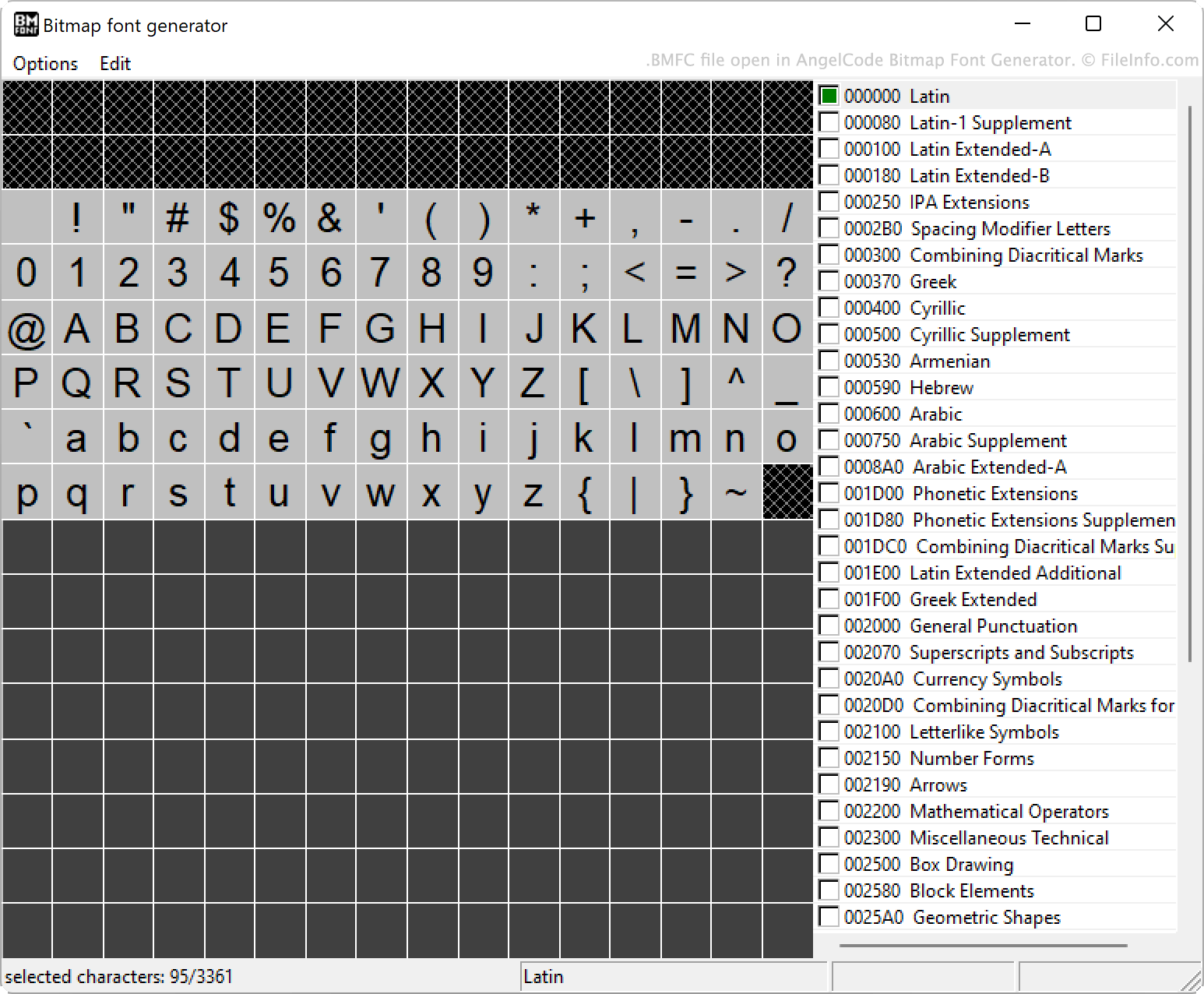
Met BFG kun je bitmap-lettertypen maken van TrueType-lettertypen (.TTF-bestanden). Daarbij kun je veel instellingen opgeven, waaronder de tekens die in het lettertype worden opgenomen, de opvulling, de tussenruimte en de uitvoerbestandsindelingen.
Je kunt de instellingen van je lettertype desgewenst opslaan in een BMFC-bestand. Zo kun je die instellingen later opnieuw laden en bewerken als je een aangepaste versie van je lettertype wilt maken.
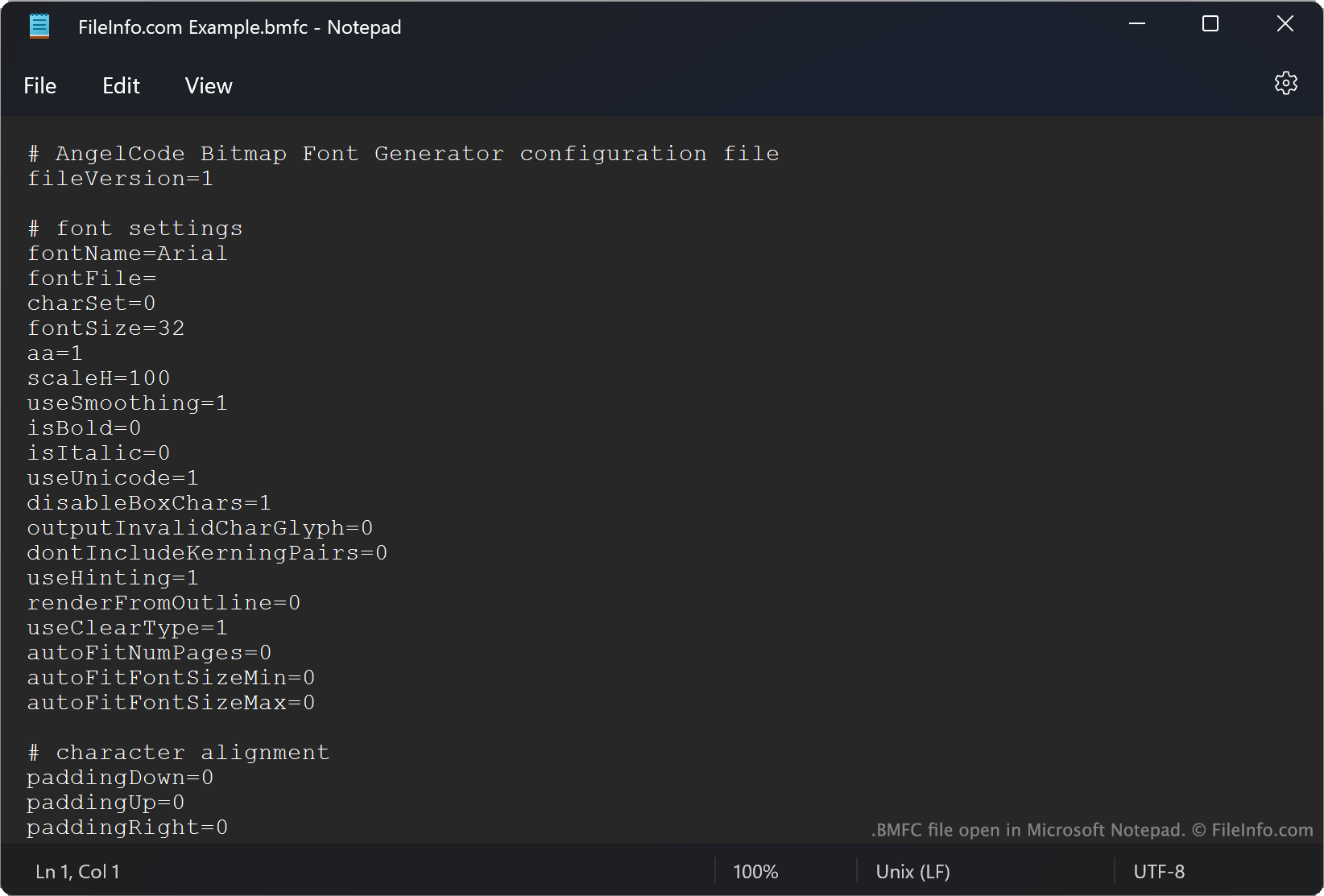
BMFC-bestanden zijn bestanden met platte tekst waarin elke instelling van een lettertype op een afzonderlijke regel wordt opgegeven. De instellingen zijn per categorie gegroepeerd. Elke categorie begint met #.
Een BMFC-bestand openen
BMFC-bestanden zijn bedoeld om te worden geopend in AngelCode Bitmap Font Generator (Windows). Als je een BMFC-bestand in BFG wilt openen, selecteer je . Navigeer vervolgens naar je BMFC-bestand en open het.
Je kunt een BMFC-bestand ook openen in Microsoft Notepad (Windows) of een andere teksteditor om de configuratie van het lettertype te bekijken.