

.BMFC Extension de fichier
Configuration de police bitmap
| Développeur | AngelCode |
| Popularité |
3,5 | 2 Votes |
Qu'est-ce qu'un fichier BMFC ?
Un fichier BMFC contient les paramètres utilisés par AngelCode Bitmap Font Generator (BFG), une application de création de polices bitmap. Les utilisateurs peuvent charger ces paramètres dans BFG et les utiliser pour créer une police bitmap.
Plus d'informations
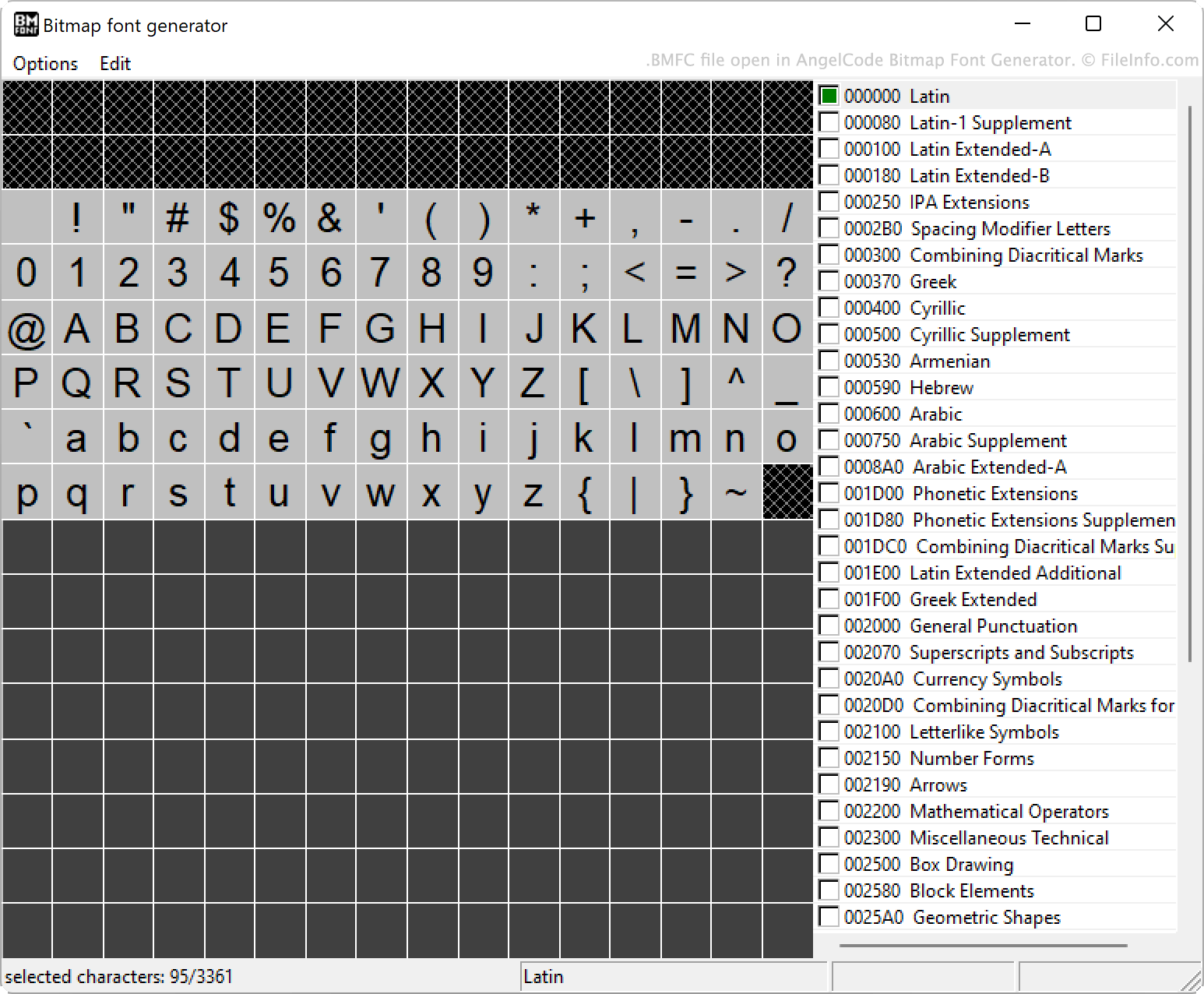
BFG permet aux utilisateurs de créer des polices bitmap à partir de polices TrueType (fichiers .TTF). Ce faisant, ils peuvent définir de nombreux paramètres, notamment les caractères inclus dans la police, les marges intérieures, l'espacement et les formats de fichiers de sortie.
Les utilisateurs peuvent également enregistrer les paramètres de leur police dans un fichier BMFC. Ils peuvent ainsi charger et modifier ces paramètres ultérieurement s'ils souhaitent créer une version modifiée de leur police.
Les fichiers BMFC sont des fichiers en texte brut qui indiquent chacun des paramètres d'une police sur des lignes distinctes. Les paramètres sont regroupés par catégorie, chacune d'elles commençant par #.
Comment ouvrir un fichier BMFC
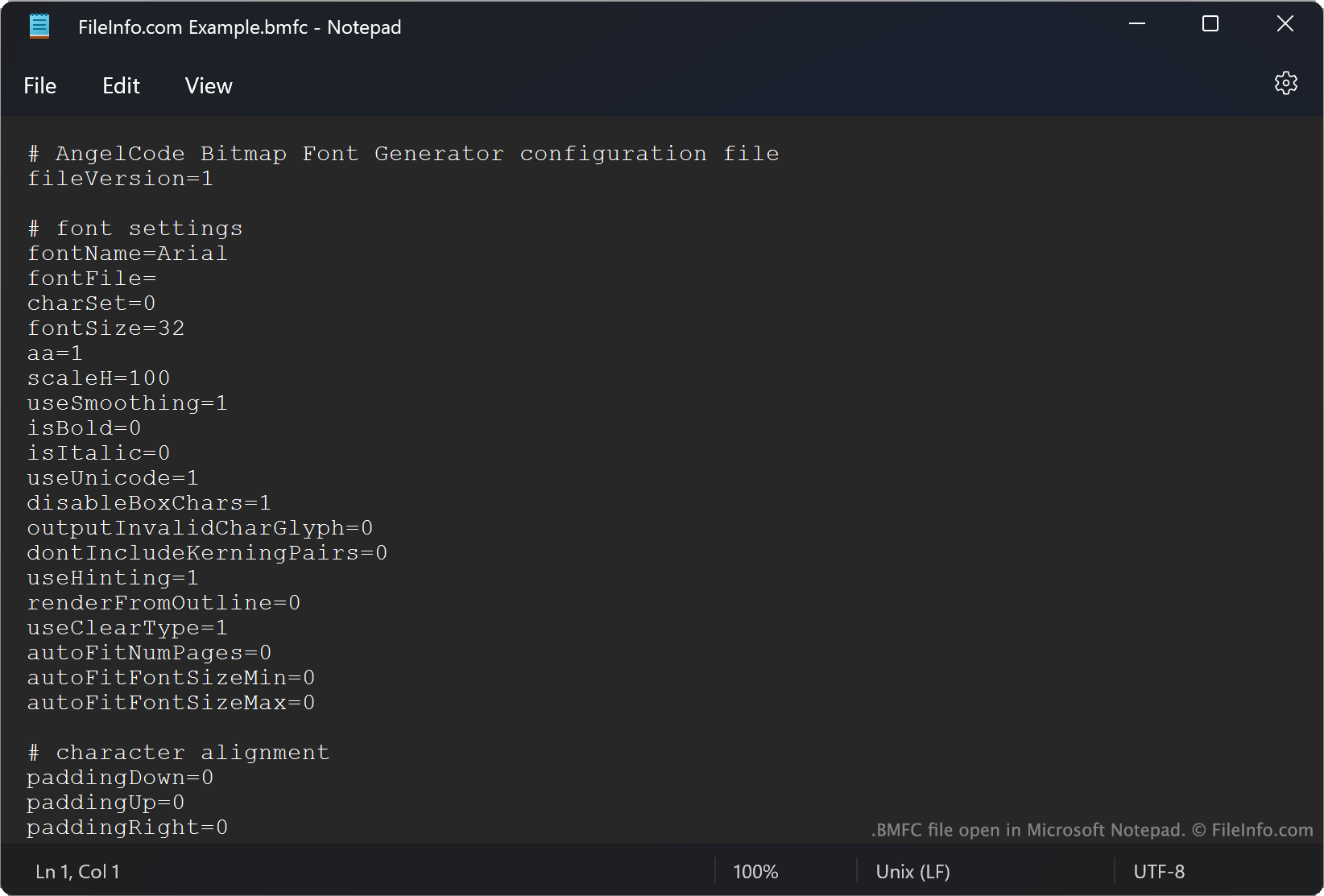
Les fichiers BMFC sont conçus pour être ouverts dans AngelCode Bitmap Font Generator (Windows). Pour ouvrir un fichier BMFC dans BFG, sélectionnez . Accédez ensuite à votre fichier BMFC et ouvrez-le.
Vous pouvez également ouvrir un fichier BMFC dans Microsoft Notepad (Windows) ou dans tout autre éditeur de texte pour afficher la configuration de police qu'il contient.