.WBT 파일 확장자
Toribash Help File
| 개발사 | Nabi Studios |
| 인기도 |
3.7 | 7 투표 |
WBT 파일이란 무엇인가요?
Contains help documentation for Toribash, a 3D fighting game where users create the characters' moves; may include tutorials, FAQs, and other game help; must be stored in the scripts folder in order to open correctly.
추가 정보
Replays of Toribash matches are saved with an .RPL extension.
WBT 파일을 열거나 참조하는 프로그램
Webots World
| 개발사 | Cyberbotics |
| 인기도 |
3.0 | 1 투표 |
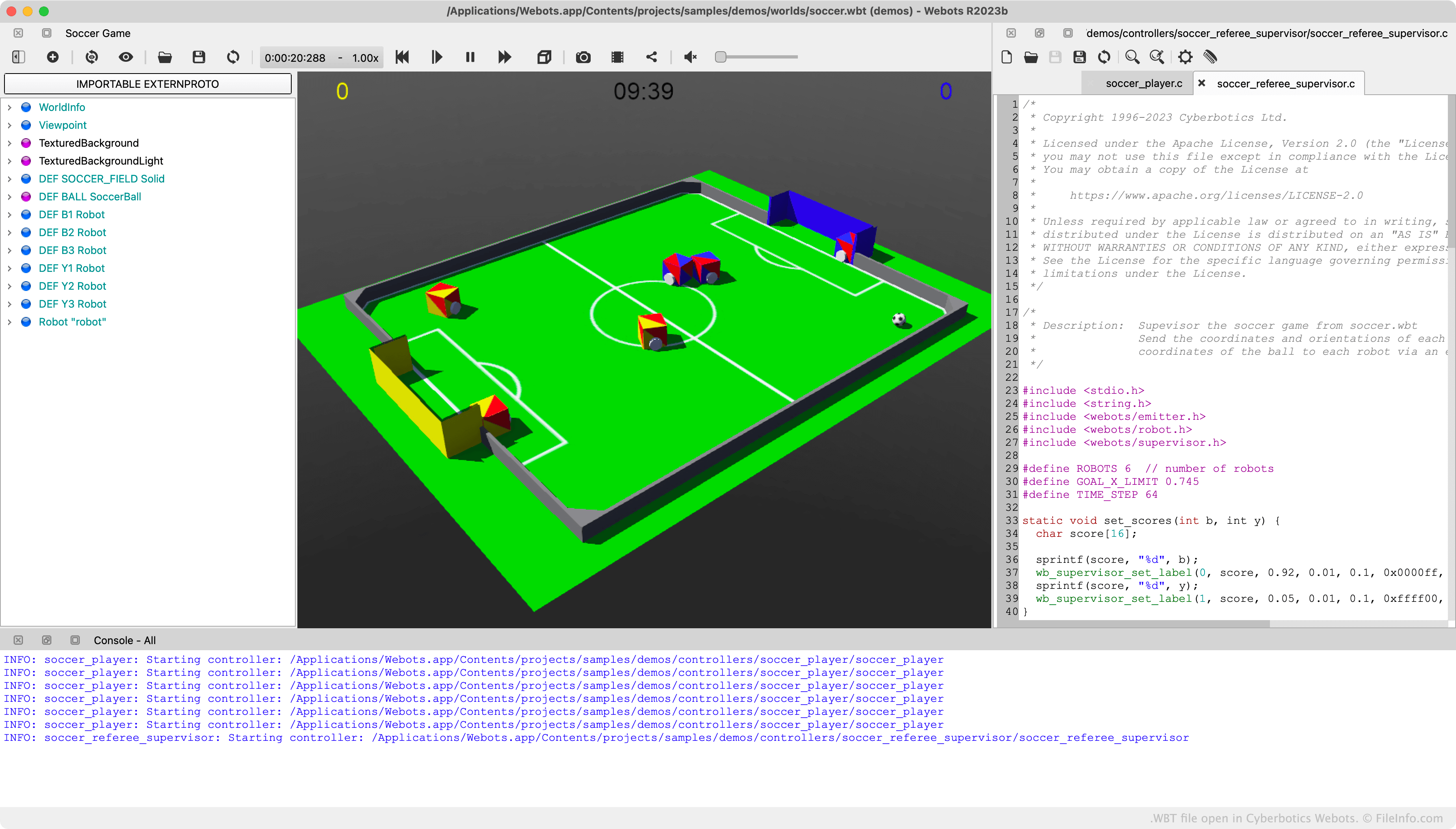
A WBT file is a 3D simulation created by Cyberbotics Webots, a robot simulation app. It contains data used to render one or more simulated robots' movement through a 3D world. WBT files are typically (but not always) stored within Webots project directories, which contain other simulation-related folders and files.
추가 정보
Robotics professionals, students, and enthusiasts use Webots to design robots and simulate those robots' interaction with a 3D world. For example, a Webots user could design a boxing ring and two boxing robots, and then program those simulated robots to fight each other.
The simulations, or worlds, users create in Webots are saved as WBT files. Typically, each Webots project directory contains one WBT file associated with that project. Each project directory also contains various source code, make, and executable files, used to transfer the movements described in a simulation to a real-world robot.
WBT 파일을 여는 방법
You can open a WBT file with Cyberbotics Webots. To do so, select File → Open World... from the program's menu bar. Then, navigate to and open your WBT file.
If necessary, you can also open a WBT file with Microsoft Visual Studio Code or any other text editor, to view the plain text data and metadata it contains.
WBT 파일을 여는 프로그램
BattleBlock Theater Music File
| 개발사 | The Behemoth |
| 인기도 |
2.0 | 1 투표 |
추가 정보
In BattleBlock Theater, players play as a shipwrecked castaway who is trying to escape an island ruled by Hatty Hattington and his cats. The game's installation folder contains a number of folders and files, including a Sounds folder that includes WAV and WBT files. The WBT files are encrypted audio files that contain background music played in BattleBlock Theater.
Because WBT files are encrypted, you cannot play them in media players. However, some enterprising BattleBlock Theater players have taken it upon themselves to decrypt the game's WBT files and store them online as WAV files, which can be played in media players.
WBT 파일을 여는 방법
Unless you decrypt BattleBlock Theater's WBT files, you cannot open them or play them in media players. However, BattleBlock Theater players have made a WBT decryption program, called WBT-Decrypt.py, available on GitHub. Those who want to decrypt WBT files and convert them to WAV files can use WBT-Decrypt.py to do so.