.MOT 파일 확장자

LightWave Motion File

개발사 LightWave Digital
인기도
1.8  |  4 투표
 

MOT 파일이란 무엇인가요?

A MOT file contains a 3D motion created by LightWave 3D, a professional graphics application for rendering animated and still 3D images. It saves one or more keyframe coordinates in plain text for an object or camera, including its location, rotation, and scale. LightWave 3D users save and load MOT files to preserve movements they can re-apply to other objects or cameras.

추가 정보

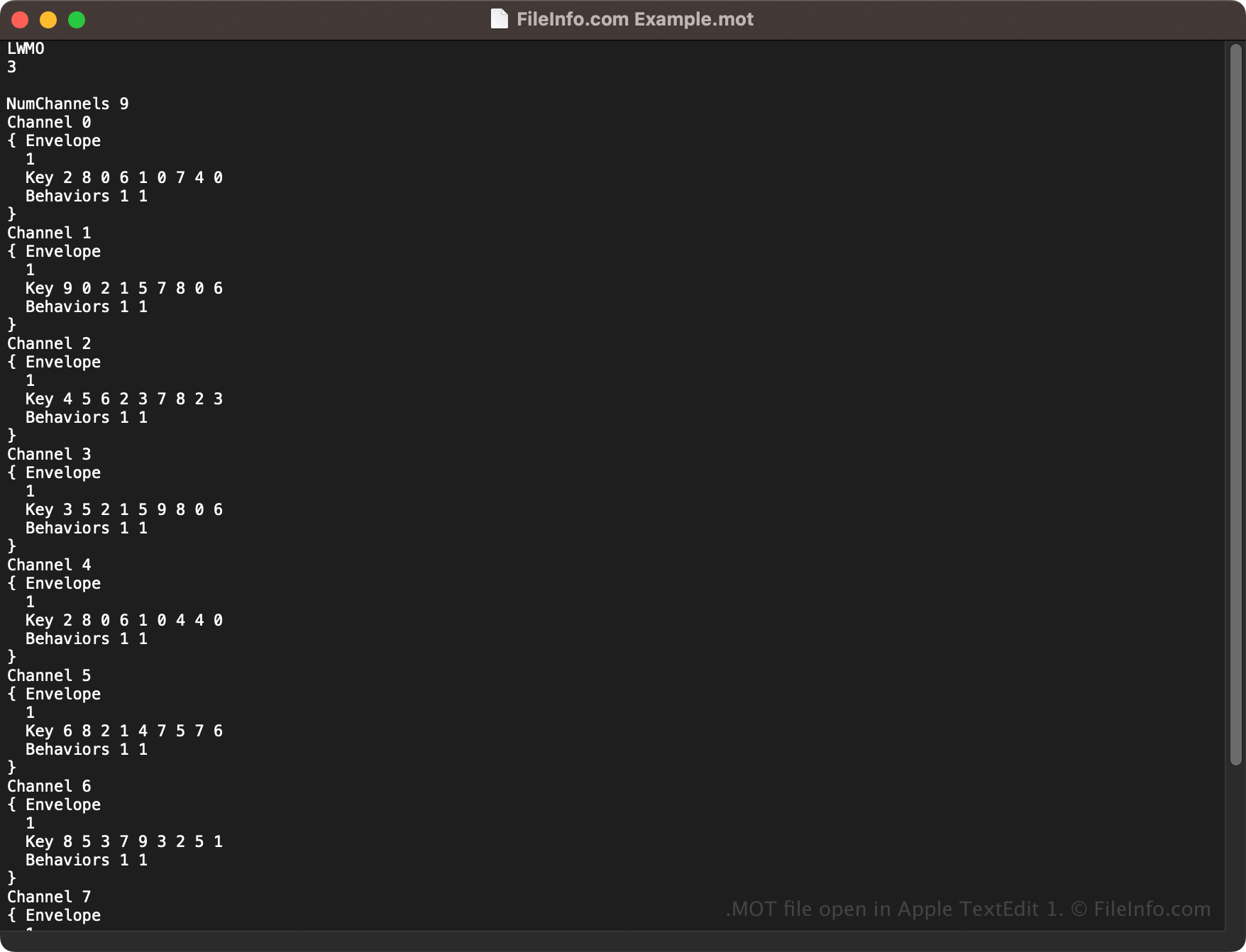
Apple TextEdit 1에서 열린 .mot 파일의 스크린샷
Apple TextEdit 1에서 열린 MOT 파일

Various industries, including TV, film, advertising, architecture, and video game development, use LightWave 3D to create 3D graphics and animations. You can add keyframes to an animation in the app to configure how the object or camera moves.

When Lightwave 3D reads the keyframes stored in a MOT file, it interpolates the movement between them to create a fluid animation. To save a motion in a MOT file with LightWave 3D, select Save → Save Motion File.

참고: NewTek initially developed LightWave 3D, but LightWave Digital acquired and currently develops the software.

MOT 파일을 여는 방법

You can open MOT files with LightWave 3D in Windows and macOS. For example, to open a MOT file in the Layout utility included with LightWave 3D, select Load → Load Motion File.

Since MOT files store motion information in plain text, you can also open them with a text editor, such as Microsoft Notepad (Windows) or Apple TextEdit (macOS). Remember that you may break the motion animation if you incorrectly modify it.

File Viewer Plus(으)로 400개 이상의 파일 형식을 여세요.무료 다운로드

MOT 파일을 여는 프로그램

Windows
무료 체험판
Mac
무료 체험판

검증자 FileInfo.com

FileInfo.com 팀 이 페이지에 나열된 LightWave Motion 파일 형식과 Mac and Windows 앱을 독자적으로 조사했습니다. 저희의 목표는 100% 정확성이며, 검증한 파일 유형에 대한 정보만 게시합니다.

이 페이지에 추가하거나 업데이트할 내용을 제안하고 싶으시면 알려 주세요.