

.HBR2 파일 확장자
HaxBall 리플레이 버전 2
| 개발사 | Mario Carbajal |
| 인기도 |
4.3 | 3 표 |
HBR2 파일이란 무엇인가요?
HBR2 파일은 온라인 축구 게임인 HaxBall에서 만든 리플레이 파일입니다. HaxBall 경기의 녹화본이 들어 있습니다. 플레이어와 관전자는 경기를 플레이하거나 시청하는 동안 HBR2 파일을 만들 수 있습니다.
추가 정보
HaxBall에서 플레이어는 단순해 보이는 2D 축구 경기를 펼칩니다. HaxBall 경기를 플레이하거나 시청하는 동안 사용자는 을 선택하여 해당 경기 녹화를 시작할 수 있습니다. 녹화를 마치면 사용자는 다시 을 선택하여 녹화본을 HBR2 파일로 저장할 수 있습니다.
HaxBall에는 HBR2 플레이어가 포함되어 있으며, 게임의 화면에서 를 선택하여 사용할 수 있습니다. 또한 HaxBall 애호가들은 사용자 지정 플레이어와 리플레이 분석기를 비롯한 여러 사용자 지정 리플레이 도구를 만들었습니다.
참고: HBR2 형식이 도입되기 전에는 HaxBall 리플레이가 HBR (.hbr) 파일로 저장되었습니다.
일반적인 .HBR2 파일 이름
HBReplay-YYYY-MM-DD-HHhMMm.hbr2 - HaxBall이 HBR2 파일에 지정하는 기본 이름입니다.
HBR2 파일을 여는 방법
기본으로 HaxBall에 포함된 플레이어를 비롯한 여러 HaxBall 리플레이 플레이어로 HBR2 파일을 열 수 있습니다. HaxBall의 리플레이 플레이어로 HBR2 파일을 열려면:
- HaxBall의 화면으로 이동합니다.
- 를 선택합니다.
- HBR2 파일이 있는 위치로 이동하여 파일을 엽니다.
그러면 HBR2 파일에 들어 있는 리플레이가 재생되기 시작합니다.
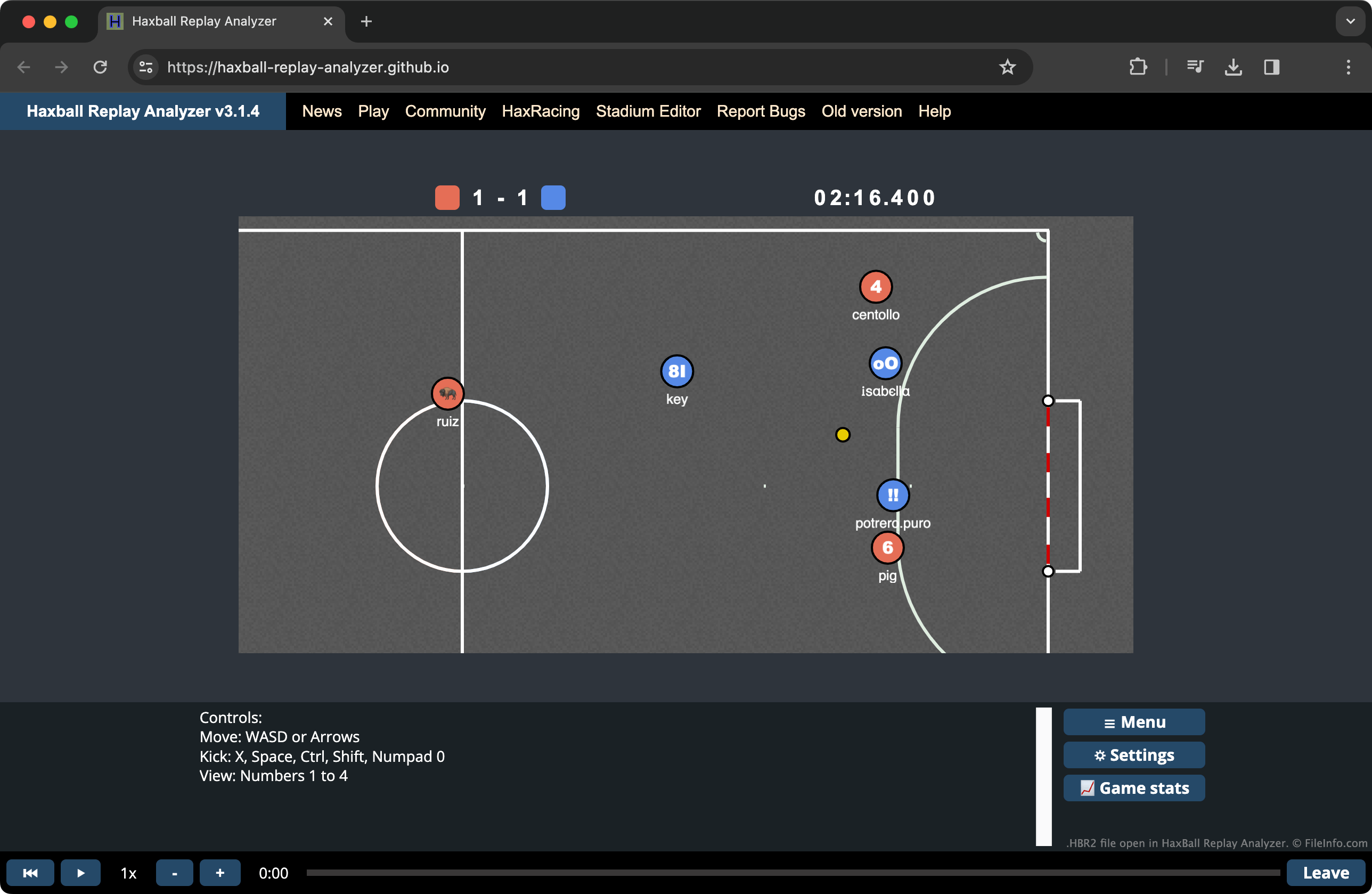
HBR2 리플레이를 시청하면서 통계도 확인하려면 Haxball Replay Analyzer를 사용하면 됩니다.
HBR2 파일을 여는 프로그램
Web