.GRO 파일 확장자
Graphic Object Bitmap
| 개발사 | Hewlett-Packard |
| 인기도 |
3.3 | 7 투표 |
GRO 파일이란 무엇인가요?
Bitmap image format sometimes referred to as a GROB (GRaphic Object Bitmap); used by Hewlett-Packard scientific calculators, such as the HP-48 and HP-49; used for storing graphs, charts, and other graphics created on the calculator.
추가 정보
GRO files may be viewed on a computer using a supporting HP calculator emulator, such as Emu48.
GRO 파일을 여는 프로그램
Serious Engine Archive
| 개발사 | Croteam |
| 인기도 |
4.0 | 3 투표 |
A GRO file is an archive used by games with the Croteam Serious Engine, including entries in the Serious Sam series. It is a renamed .ZIP archive that stores compiled game resource files in binary format for various elements, including levels, music, textures, logos, patches, and tools within the game.
추가 정보
You will likely only encounter a GRO file if you are navigating the files of a game's installation directory. Typically, the only gamers navigating these files are modders looking to alter a game's gameplay.
For example, a game modder may install a Serious Sam game and find the SE1_10b.gro file, which stores the game's textures, in the installation directory. They then extract the texture files from the GRO archive to modify the appearances of objects in the game that use those textures.
GRO 파일을 여는 방법
GRO files are not meant to be opened. Instead, the game packaged with them references them to load their game content.
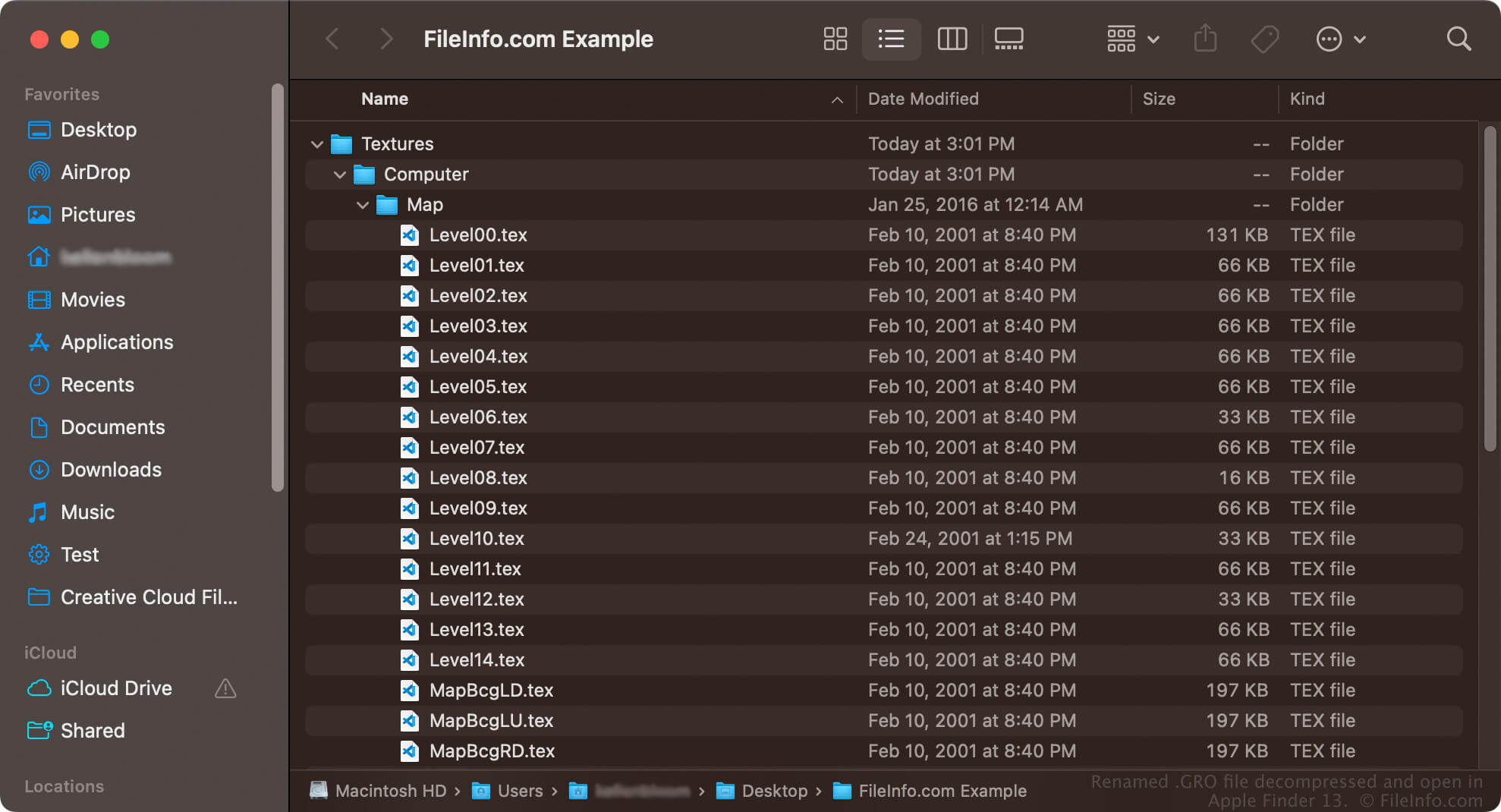
Since GRO files are Zip-compressed, you can extract their contents with a Zip utility, such as 7-Zip or Corel Winzip. You can also decompress them in Windows with Microsoft Windows File Explorer or Apple Archive Utility on a Mac. You may need to rename the .gro file extension to .zip for the utility to recognize it.
GRO 파일을 열거나 참조하는 프로그램
Allegro MIDI File
| 개발사 | 해당 없음 |
| 인기도 |
3.0 | 2 투표 |
ASCII text file that defines audio in a MIDI representation; also contains "note tracks," which specify display data for the audio; can be imported (and subsequently converted to other audio formats) using Audacity's File → Import MIDI... option.