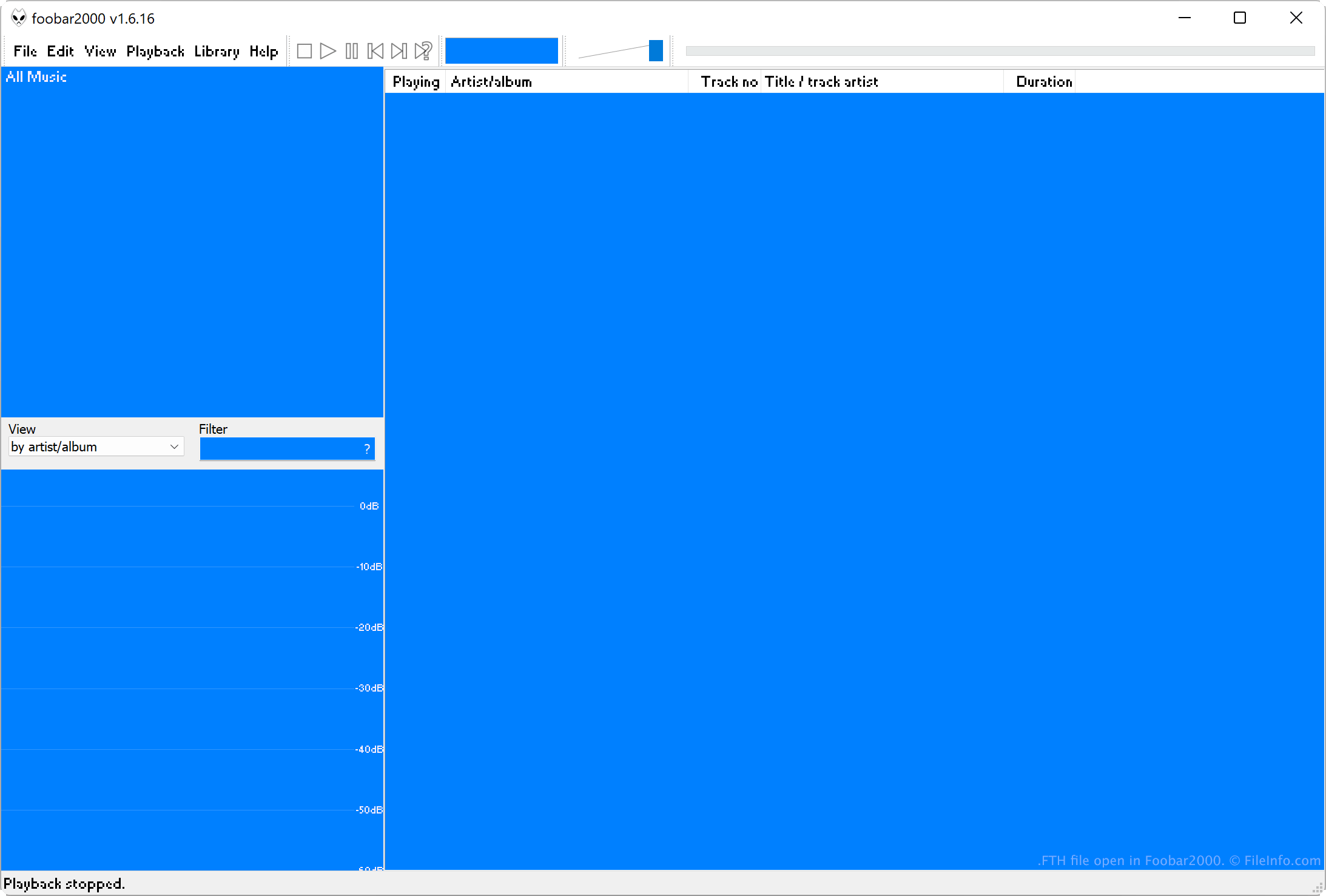
.FTH 파일 확장자
Foobar2000 Theme
| 개발사 | Peter Pawlowski |
| 인기도 |
3.5 | 8 투표 |
FTH 파일이란 무엇인가요?
An FTH file is a theme used by Foobar2000, an audio player for Windows. It contains settings that specify Foobar 2000's colors, fonts, and layouts. Users create and import FTH files in Foobar2000's Preferences → Display → Default User Interface menu.
추가 정보
Foobar2000 is an extensible freeware audio player. It can play many types of audio files and includes several other features, including the ability to create and import custom themes.
Each Foobar2000 theme, or FTH file, includes settings that specify the app's background, text, selection, and highlight colors, its font(s), and its main, status bar, and toolbar layout. When exporting a theme as an FTH file, users can choose to include some or all of these custom settings in the file.
How to create an FTH file
To create an FTH file:
- Select File → Preferences.
- In the Preferences window, select Display → Default User Interface.
- If needed, modify your Foobar2000 theme using the associated settings in the Default User Interface section.
- Click Export Theme.
When the Choose Theme Sections to Export window appears, choose the elements you want to export as an FTH file. Then, click OK to finish naming and saving your FTH file.
FTH 파일을 여는 방법
You can open an FTH file with Foobar2000 (Windows). To import an FTH file:
- Select File → Preferences.
- In the Preferences window, select Display → Default User Interface.
- Select Import Theme.
When the Choose Theme Sections to Import window appears, choose the elements you want to import. Then, click OK to apply those elements.
FTH 파일을 여는 프로그램
FileMaker Theme File
| 개발사 | FileMaker |
| 인기도 |
2.3 | 3 투표 |
XML file used by FileMaker Pro, a desktop database productivity application; contains visual properties describing the styles of fields, text, and parts within a new layout; can be used for formatting an on-screen layout as well as print layouts.
추가 정보
Several FTH files are included with the application installation. In Windows, they are located in the \Extensions\English\Themes\ directory. For Mac OS X, they are located in the /Contents/Resources/English.lproj/Themes/ directory of the application bundle.