

.CPP 파일 확장자
C++ 소스 코드 파일
| 개발사 | ISO C++ Standards Committee |
| 인기도 |
4.2 | 241 표 |
CPP 파일이란 무엇인가요?
CPP 파일은 C로 확장된 객체 지향 프로그래밍과 같은 기능을 추가한 인기 프로그래밍 언어인 C++로 작성된 소스 코드 파일입니다. 모든 코드가 포함된 독립 실행형 프로그램일 수도 있고, 개발 프로젝트에서 참조하는 여러 파일 중 하나일 수도 있습니다. 코드를 실행하려면 먼저 대상 플랫폼용 C++ 컴파일러로 CPP 파일을 컴파일해야 합니다.
추가 정보
C++는 가장 인기 있는 프로그래밍 언어 중 하나이므로 CPP 파일은 개발자 사이에서 매우 흔합니다. C++는 Bjarne Stroustrup이 만들었으며, C 프로그래밍 언어를 개선하기 위해 1985년에 처음 출시되었습니다.
C++는 1998년에 국제표준화기구(ISO)에 의해 처음 표준화되었으며, 그 후 많은 개선이 이루어졌습니다. C++는 ISO/IEC JTC1 / SC22 / WG21에서 관리하며, 비영리 단체인 Standard C++ Foundation은 C++ 소프트웨어 개발자 커뮤니티를 지원합니다.
프로그래머라면 C++가 게임, 웹 브라우저, 데이터베이스 소프트웨어와 같은 많은 애플리케이션을 개발하는 데 사용되므로 CPP 파일을 다뤄 본 적이 있을 가능성이 큽니다. 전부 또는 일부가 C++로 작성된 주요 애플리케이션으로는 Microsoft Office, Adobe Photoshop, MYSQL, Google Chrome, Mozilla Firefox, Autodesk Maya 등이 있습니다.
참고: C++ 소스 코드는 .C, .CC, .CXX 파일이나 .HPP, .H, .HH, .HXX 헤더 파일로 저장할 수도 있습니다.
일반적인 .CPP 파일 이름
main.cpp - 프로그램 실행이 시작되는 C++ 프로그램의 main() 함수에 일반적으로 사용되는 소스 코드 파일 이름입니다.
CPP 파일을 여는 방법
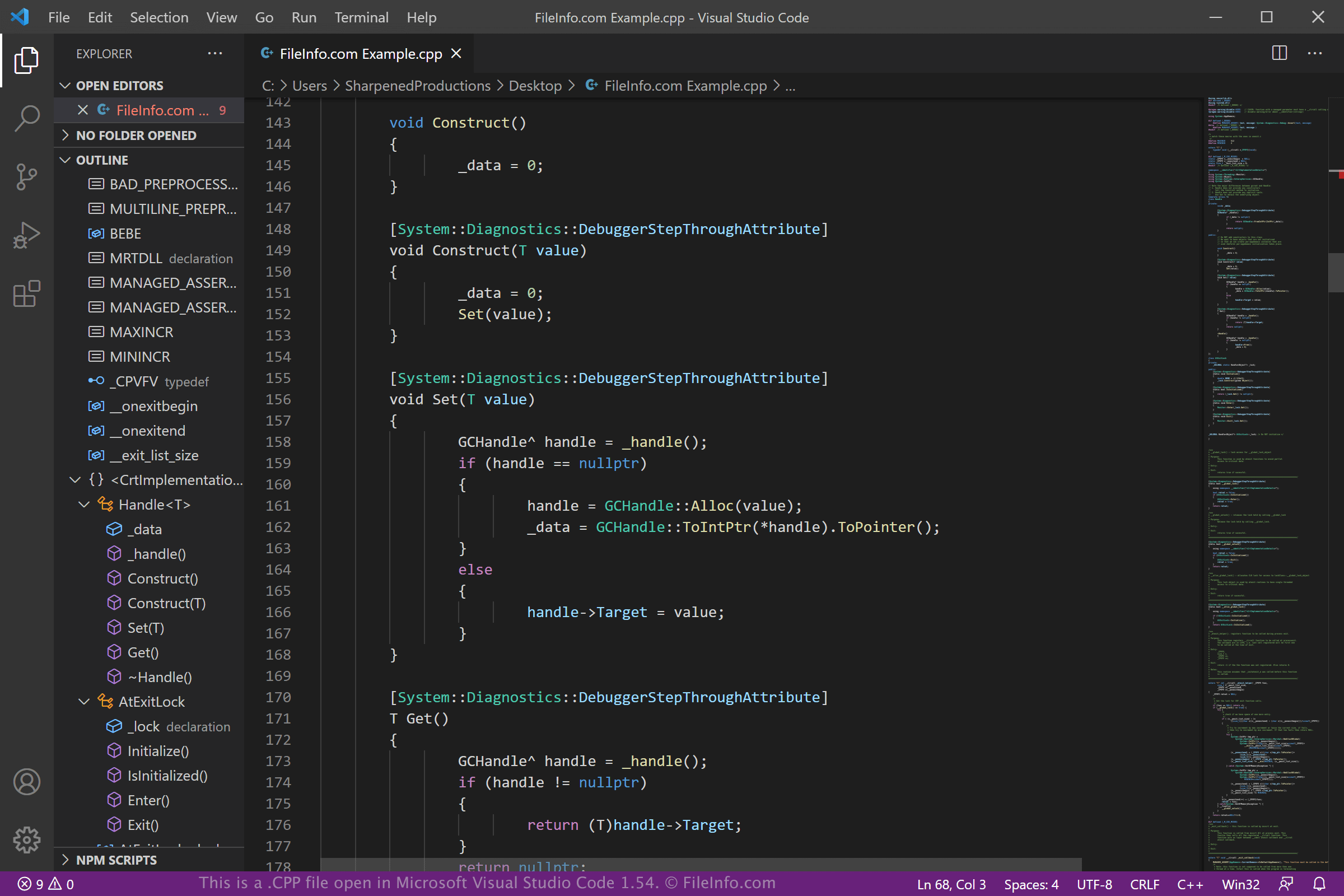
CPP 파일은 Microsoft Visual Studio Code(다중 플랫폼), Code Blocks(다중 플랫폼), Apple Xcode(macOS)를 비롯한 다양한 소스 코드 편집기로 열고 편집할 수 있습니다. 이러한 애플리케이션은 C++ 코드를 보고 편집하는 데 도움이 되는 구문 강조, 자동 완성 및 기타 유용한 도구를 제공합니다.
또한 Microsoft Notepad(Windows에 포함)나 Apple TextEdit(macOS에 포함)와 같은 일반 텍스트 편집기로 CPP 파일을 열고 편집할 수 있습니다. 그러나 이러한 텍스트 편집기는 유용한 소스 코드 편집 기능을 제공하지 않습니다.
C++ 컴파일러
CPP 파일에 저장된 C++ 코드는 다양한 무료 및 상용 컴파일러를 사용하여 컴퓨터에서 실행되는 코드로 컴파일할 수 있습니다. 일부 컴파일러로는 Microsoft Visual Studio(Windows), Eclipse IDE for C Developers(다중 플랫폼), GNU Compiler Collection(다중 플랫폼), Apple Xcode(macOS) 등이 있습니다.