.ALF 파일 확장자
ACT! Lookup File
| 개발사 | The Sage Group |
| 인기도 |
3.9 | 14 투표 |
ALF 파일이란 무엇인가요?
Database file used by ACT!, a customer relationship management (CRM) program; contains lookup information used for navigating, backing up, and restoring an ACT! database; includes reference information for the CRM data stored in an .ADF file.
추가 정보
참고: Sage ACT! became Swiftpage Act! in 2013.
ALF 파일을 열거나 참조하는 프로그램
Unity License Request File
| 개발사 | Unity Technologies |
| 인기도 |
3.3 | 6 투표 |
An ALF file contains a license request used to manually activate an installation of Unity, a 3D game engine used to develop console, mobile, desktop, and web plugin video games. It stores information about your system in XML format, including your operating system, username, processor count, and memory.
추가 정보
After installing and opening Unity on your computer, you encounter an activation window, which includes a Manual Activation button. When you click it, you are prompted to save the license request key through the Save License Request button. You then choose where to save the ALF file containing the license request. After saving the file, click Next, then load your ALF file in order to upload it to receive a ULF license file to activate your Unity installation.
일반적인 .ALF 파일 이름
Unity_lic.alf - Default name given to the license request file.
ALF 파일을 열거나 참조하는 프로그램
Alf Interactive Test
| 개발사 | PcProfi |
| 인기도 |
2.8 | 5 투표 |
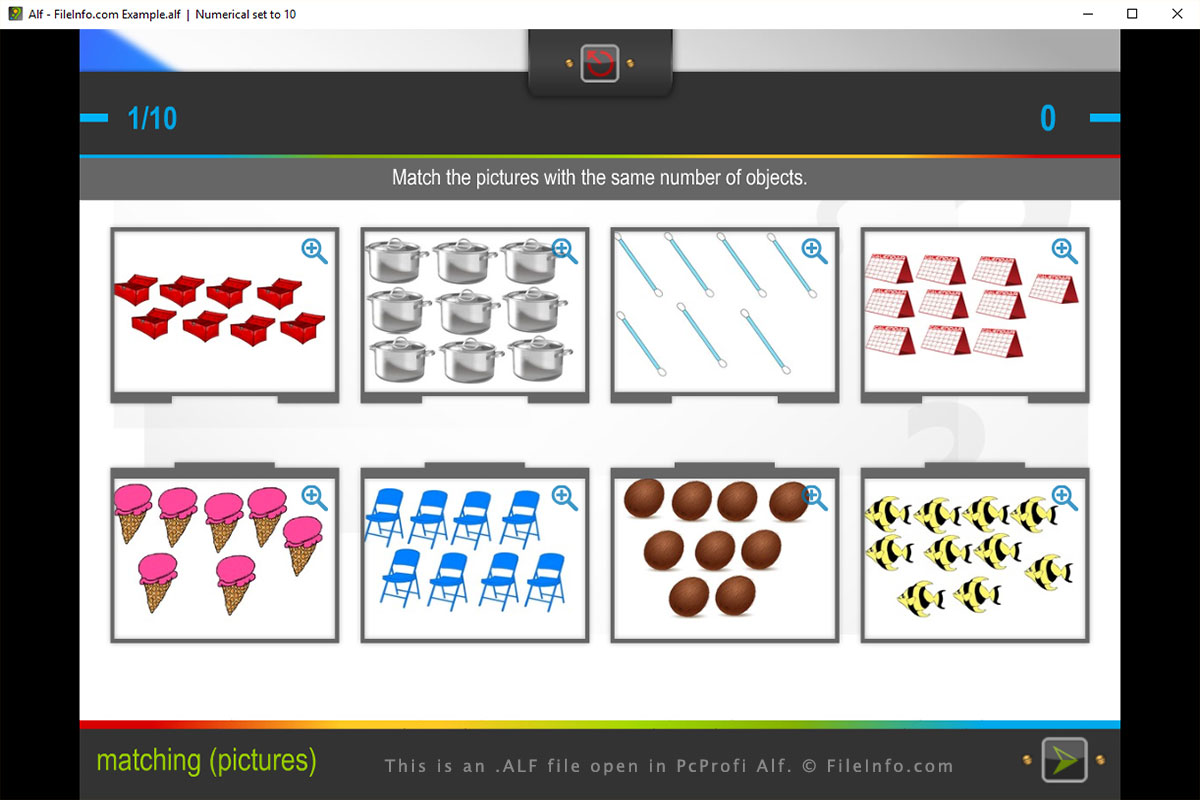
An ALF file contains an interactive test created by PcProfi Alf, a discontinued online teaching tool used to create tests for students. It stores a test, which includes, questions, answers, images, sounds, and settings. ALF files can be used for various school subjects, such as math and reading, for kindergarten to high school levels.
추가 정보
You will most likely only encounter an ALF file if you are a teacher utilizing the Alf software. The files may be created in the Alf program or may be downloaded from the Alf website. The file format allows you to save and share lessons with other Alf users. You can create lessons for specific students, or you can upload them to the Alf website to share with other users for a broader range of use.
When creating an interactive test in Alf, you can choose from a variety of question types, including single choice, multiple choice, memory game, matching, ordering, picture labeling, flashcards, puzzle, gap filling, crossword, and word guessing. You can also order the questions and set time limits. When you save the interactive test, the program creates an ALF file to store the test, which can be closed and reopened for further editing.
Since ALF files are compressed with Zip compression, they can be expanded using a Zip decompression utility. Simply rename the .alf file extension to .zip and use a Zip decompression program to expand the contents and view them. Some Zip programs include 7-Zip, Corel WinZip, and Apple Archive Utility.