.RPX ファイル拡張子
Wii U Game
| 開発元 | 不明 |
| 人気度 |
3.6 | 21 票 |
RPXファイルとは?
An RPX file is an executable game file run by the Wii U console or Cemu emulator to play games such as Mario Kart 8 or Super Mario Maker. It contains all the files needed to run the game such as the game ROM and texture files. RPX files are large in size due to the amount of files stored within them.
詳細情報
Cemu is a program that allows you to play Wii U games in Windows. In Cemu you can load an RPX file to play a Wii U game. Select File → Load and navigate to the location of your RPX file. The file is located in the "code" folder of the game directory. An example directory is cemu_1.7.0\Mario Kart 8\code.
RPXファイルを開く、または参照するプログラム
Report XML File
| 開発元 | N/A |
| 人気度 |
2.3 | 3 票 |
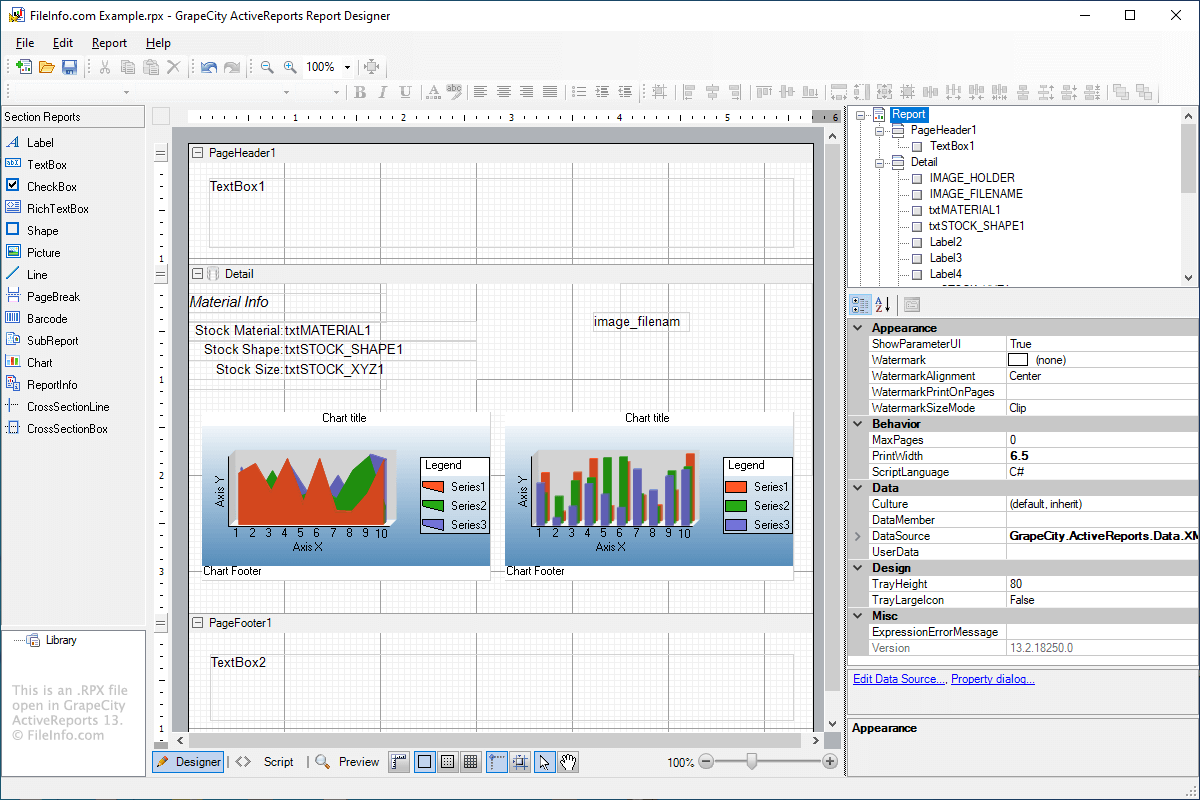
An RPX file contains a report in XML format created by report generation software, such as ActiveReports or RPV Reports. It stores a layout template of a report that may include various elements, such as attributed or linked data, text, images, graphs, charts, and maps. RPX files are used to generate layouts for various types of reports, including account sales information, marketing email data, and collected scientific measurements.
詳細情報
RPX files enable users to create and save custom layouts for reports that can be reused and modified. Since the reports are saved in the widely-supported XML format, RPX files can be shared and opened by various programs that generate reports, including ActiveReports, RPV Reports, Geocortex Essentials, and SIMS (Security Information Management System).
If you do not have access to a report generation program, you can still view and modify the XML in the RPX file using an XML or text editor. However, if you make any modifications to the XML in the RPX file, you may break the layout of the report.