.DOCKERIGNORE ファイル拡張子

Docker Ignore File

開発元 Docker
人気度
2.0  |  1 
 

DOCKERIGNOREファイルとは?

A DOCKERIGNORE file is a build configuration file used by Docker, an application packaging and distribution platform. It contains a list of files and directories Docker will ignore when building an associated application. DOCKERIGNORE files are typically named .dockerignore.

詳細情報

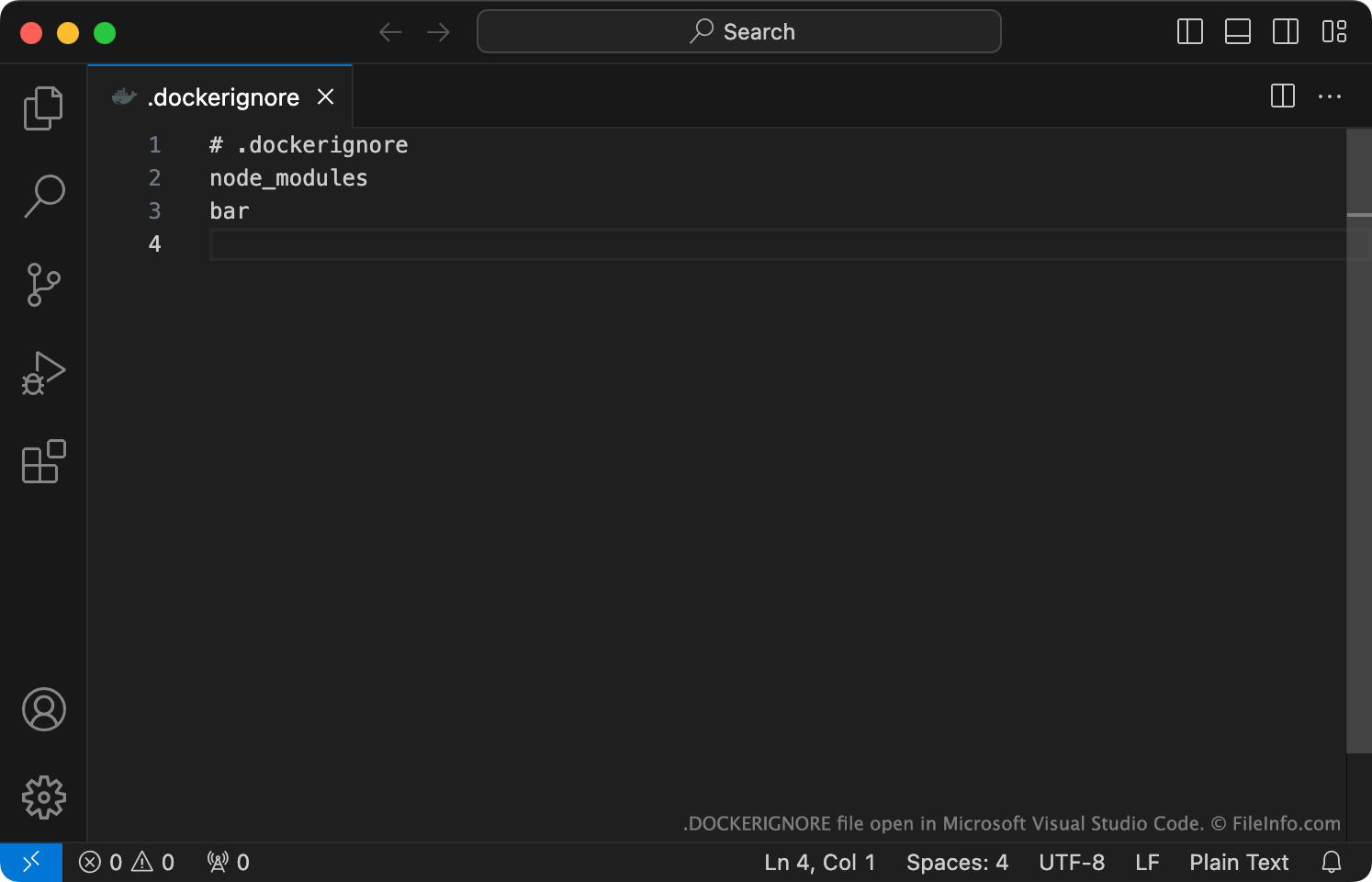
Microsoft Visual Studio Codeで開いた.dockerignoreファイルのスクリーンショット
Microsoft Visual Studio Codeで開いたDOCKERIGNOREファイル

Developers use Docker to build and distribute applications via containers. When building an application with Docker, developers may want to tell Docker to ignore certain files and directories included in the application's project directory. (Ignoring these files and directories speeds up the build process, by avoiding sending unnecessary files to Docker's build client.)

To do so, developers create a DOCKERIGNORE file. Each DOCKERIGNORE file is a plain text file that typically begins with the text # .dockerignore and then specifies the list of files and directories the Docker build client should ignore when building the associated application. Usually, developers create a single DOCKERIGNORE file for use with each app project, and they place it in the app's root directory. However, in some cases, developers may end up creating multiple DOCKERIGNORE files for use with a project (e.g., if the project uses multiple Dockerfiles).

一般的な.DOCKERIGNOREファイル名

.dockerignore - The default name for DOCKERIGNORE files stored in a Docker project's root directory.

DOCKERIGNOREファイルの開き方

You can open and edit a DOCKERIGNORE file with Microsoft Visual Studio Code or any other text editor. For more information on how to use DOCKERIGNORE files with Docker, click here.

File Viewer Plusで400種類以上のファイル形式を開けます。無料ダウンロード

DOCKERIGNOREファイルを開く、または参照するプログラム

カテゴリ: 開発者
更新日: 2023-10-17

検証者 FileInfo.com

FileInfo.comチーム は、このページに掲載されているDocker Ignoreファイル形式とMac, Windows, and Linuxアプリについて独自に調査しました。 私たちの目標は100%の正確性であり、検証済みのファイルタイプに関する情報のみを公開しています。

このページへの追加や更新をご提案いただける場合は、お知らせください。