.BIB ファイル拡張子

BibTeX Bibliography Database

開発元 不明
人気度
3.5  |  33 
 

BIBファイルとは?

A BIB file is a text document created by a LaTeX program, such as MiKTeX or TeXworks. It contains a list of bibliographic citations in BibTeX formatting. BIB files enable bibliographies to be searched and published using standard commands and are often used in combination with LaTeX (.TEX) documents.

詳細情報

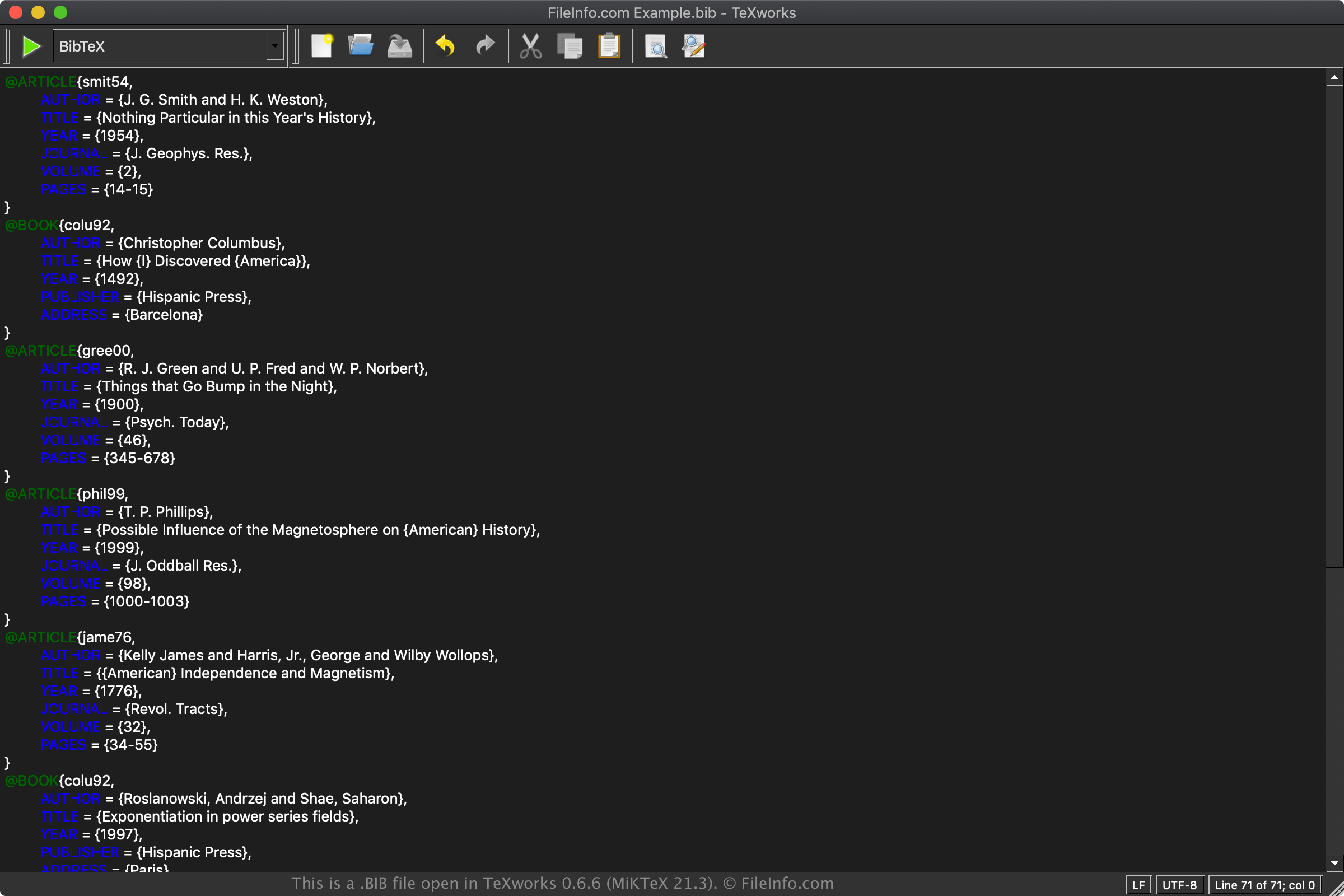
TeXworks 0.6.6 (MiKTeX 21.3)で開いた.bibファイルのスクリーンショット
TeXworks 0.6.6 (MiKTeX 21.3)で開いたBIBファイル

LaTeX is a typesetting system commonly utilized in academia to prepare documents with content that is formatted separately before it is published. This system is beneficial for publishing documents in fields such as engineering, economics, mathematics, statistics, philosophy, and linguistics.

Unlike word processor documents, which contain inline text formatting, LaTeX documents contain plain text with tags and other LaTeX syntax. The visual formatting is handled by a LaTeX processing system. Therefore, a LaTeX document may look different depending on which LaTeX application is used to display the file.

BibTeX is a system for managing bibliographic references included in the LaTeX documents. The bibliographies may be stored in the LaTeX document but are typically stored in BIB files. Examples of items included in bibliographies are books, articles, research papers, and technical reports.

Example BibTeX formatting

A sample BIB file entry may be formatted as follows:

@BOOK{citation key,

AUTHOR = {Author name},
TITLE = {Title of book},
PUBLISHER = {Name of publisher},
ADDRESS = {Location published},
}

BIBファイルの開き方

You can open BIB files with various LaTeX applications and bibliographic managers, such as MiKTeX (Windows), BibDesk (macOS), TeXworks (multiplatform), and JabRef (multiplatform).

Since BIB files are saved in plain text, you can also open and edit BIB files with a plain text editor, such as Microsoft Notepad (bundled with Windows) or Apple TextEdit (bundled with macOS). However, these text editors do not provide helpful formatting features like LaTeX applications and bibliographic managers.

File Viewer Plusで400種類以上のファイル形式を開けます。無料ダウンロード

BIBファイルを開くプログラム

Windows
無料
無料
無料
無料
Mac
無料
無料
無料
無料
Linux
無料
無料
無料
無料
無料

Bibliography Document

開発元 不明
人気度
3.5  |  38 
 

A BIB file is a text-based bibliography document that stores references used in academic papers, books, and other publications. It stores plain text (ASCII) citation information, such as author names, titles, publication years, and sources. BIB files support various structured formats, including BibTeX, BibLaTeX (an extension of BibTeX), EndNote Tagged Format, and RIS Format.

詳細情報

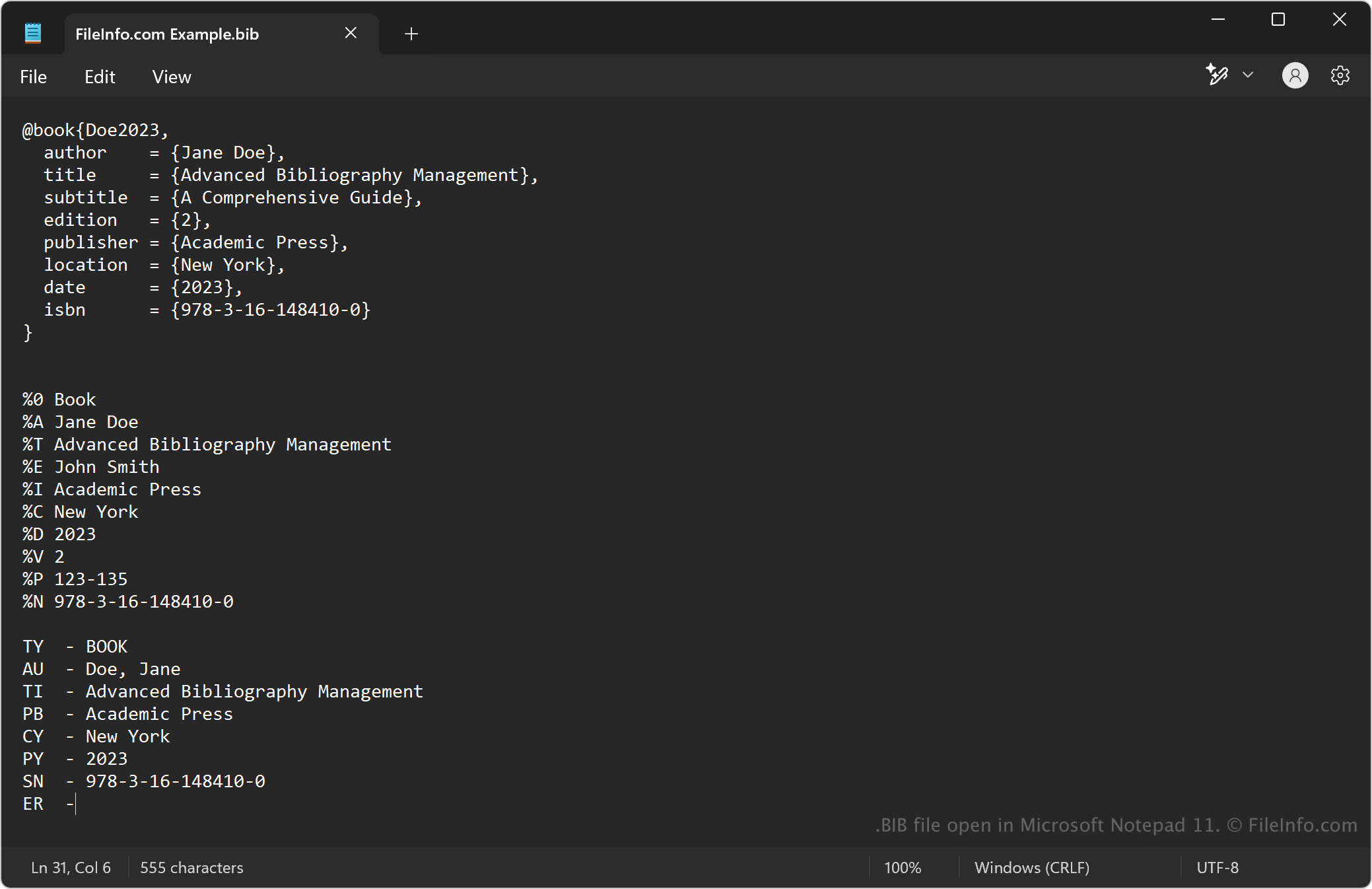
Microsoft Notepad 11で開いた.bibファイルのスクリーンショット
Microsoft Notepad 11で開いたBIBファイル

The most common format BIB files use is BibTex, which you can view more information about in the "BibTeX Bibliography Database" file type entry. The other structured formats include:

  • BibLaTeX – An extension of BibTeX that offers more flexibility and additional fields, making it more suitable for modern academic citations. It follows a similar structure to BibTeX but introduces new entry types and metadata.
  • EndNote Tagged Format – Some EndNote reference managers export bibliographies in a BIB format that differs from BibTeX. This structure uses a simple tag-based system and includes % symbols as field markers.
  • RIS Format – Another widely used bibliography format in research databases and journal publishers that can sometimes be stored with a .bib extension when converted. It follows a tagged text format, uses two-letter field tags (e.g., TY for type, AU for author), and fields are separated by line breaks.

BIBファイルの開き方

You can open BIB files with any text editor, such as Microsoft Notepad (bundled with Windows), Apple TextEdit (bundled with macOS), and gedit (Linux). You can also open BIB files with programs that include features that make it easier to view and edit the files (e.g., syntax highlighting), including Microsoft Visual Studio Code (multiplatform).

BIBファイルを開くプログラム

All Platforms

検証者 FileInfo.com

FileInfo.comチーム は、このページに掲載されているすべてのファイル形式とソフトウェアについて独自に調査しました。 私たちの目標は100%の正確性であり、検証済みのファイルタイプに関する情報のみを公開しています。

このページへの追加や更新をご提案いただける場合は、お知らせください。