

.C9R Estensione file
Dati crittografati di Cryptomator
| Sviluppatore | Skymatic |
| Popolarità |
4,3 | 7 Voti |
Che cos'è un file C9R?
Un file C9R è un file crittografato da Skymatic Cryptomator, uno strumento open source per la crittografia dei dati. Contiene un file o una directory che un utente ha inserito nel proprio archivio Cryptomator. I file C9R possono essere decrittografati sbloccando l'archivio in cui sono memorizzati.
Maggiori informazioni
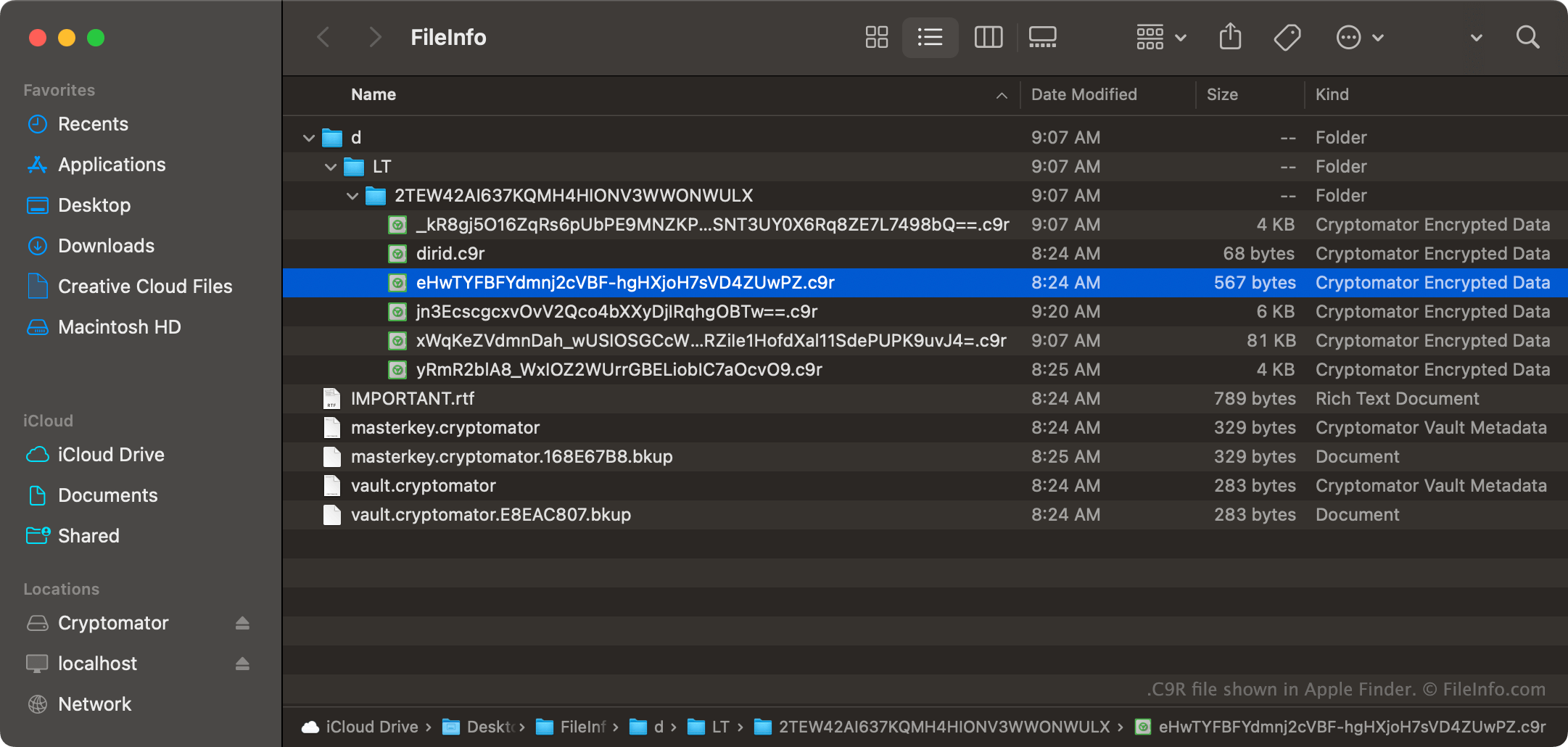
Cryptomator è un'app per la crittografia dei file che consente agli utenti di memorizzare i file in un'unità virtuale e poi bloccare tale unità. Il blocco dell'unità crittografa i file memorizzati usando la crittografia AES-256. Spesso, gli utenti inseriscono le proprie unità Cryptomator nei servizi di archiviazione cloud, così possono accedere alle unità (e ai file che contengono) da più dispositivi.
I file crittografati da Cryptomator usano l'estensione .c9r per indicare che sono stati crittografati. Questi file hanno anche nomi file crittografati generati usando la crittografia AES-SIV. Di conseguenza, un file che in precedenza si chiamava Example.rtf potrebbe avere un nome file come eHwTYFBFYdmnj2cVBF-hgHXjoH7sVD4ZUwpz.c9r dopo essere stato crittografato da Cryptomator.
Come aprire un file C9R
Puoi decrittografare un file C9R e accedere ai dati crittografati che contiene con Cryptomator (multipiattaforma). Per farlo, devi sbloccare l'archivio di file in cui è memorizzato il file C9R. Per aggiungere un archivio a Cryptomator, seleziona . Segui quindi le istruzioni per aggiungere il tuo archivio a Cryptomator e sbloccarne i contenuti (probabilmente dovrai inserire la password usata per bloccare l'archivio).