

.NPSD Extension de fichier
Document NPS Image Editor
| Développeur | Alexey |
| Popularité |
3,5 | 2 Votes |
Qu'est-ce qu'un fichier NPSD ?
Un fichier NPSD est un fichier image créé par NPS Image Editor, un programme gratuit de dessin et de retouche d’images basé sur les calques. Il contient une image, ainsi qu’un historique des calques de l’image et des modifications qui lui ont été apportées. Les fichiers NPSD peuvent être ouverts uniquement dans NPS Image Editor.
Plus d'informations
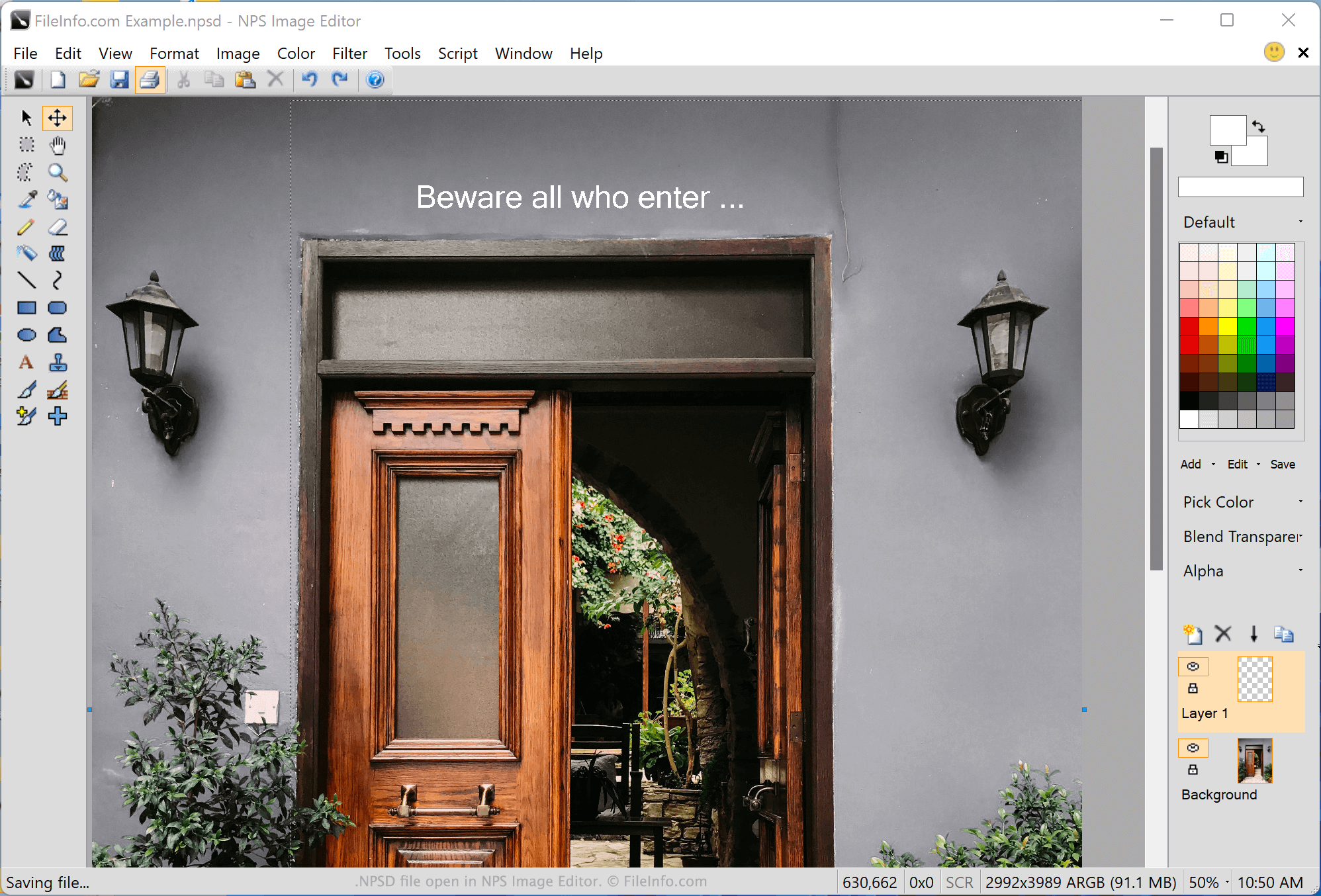
NPS Image Editor est une application légère de pixel art, de dessin et de retouche photo disponible pour Windows. Elle permet aux utilisateurs de créer et d’enregistrer des images basées sur les calques au format NPSD, également appelées documents NPS Image Editor.
La retouche basée sur les calques permet aux utilisateurs d’ajouter et de modifier différents éléments d’une image sans affecter les autres éléments. Par exemple, un utilisateur de NPS Image Editor peut ajouter un élément de texte sur un calque d’image, ajouter un élément de forme sur un autre calque d’image et modifier les deux entièrement séparément, sans modifier l’autre.
Lorsqu’un utilisateur a terminé de modifier l’image contenue dans son fichier NPSD, il peut utiliser NPS Image Editor pour exporter l’image au format .JPG, .GIF, .PNG, .TIF ou .BMP, afin de l’utiliser dans d’autres programmes d’affichage et de retouche d’images. Cette opération « aplatit » l’image en regroupant tous ses calques en un seul.
Comment ouvrir un fichier NPSD
Vous pouvez ouvrir un fichier NPSD dans NPS Image Editor (Windows). Pour cela, sélectionnez dans la barre de menus du programme. Accédez ensuite à votre fichier NPSD et ouvrez-le.