

.TAX2025 File Extension
TurboTax 2025 Tax Return
| Developer | Intuit |
| Popularity |
4.0 | 1 Vote |
What is a TAX2025 file?
A TAX2025 file is a tax return file created by the 2025 version of TurboTax, developed by Intuit. It contains tax information for the 2025 tax year, including federal IRS forms, applicable state tax forms, and the user's personal and financial data. TAX2025 files allow users to save, transfer, or continue working on their 2025 tax return.
More Information
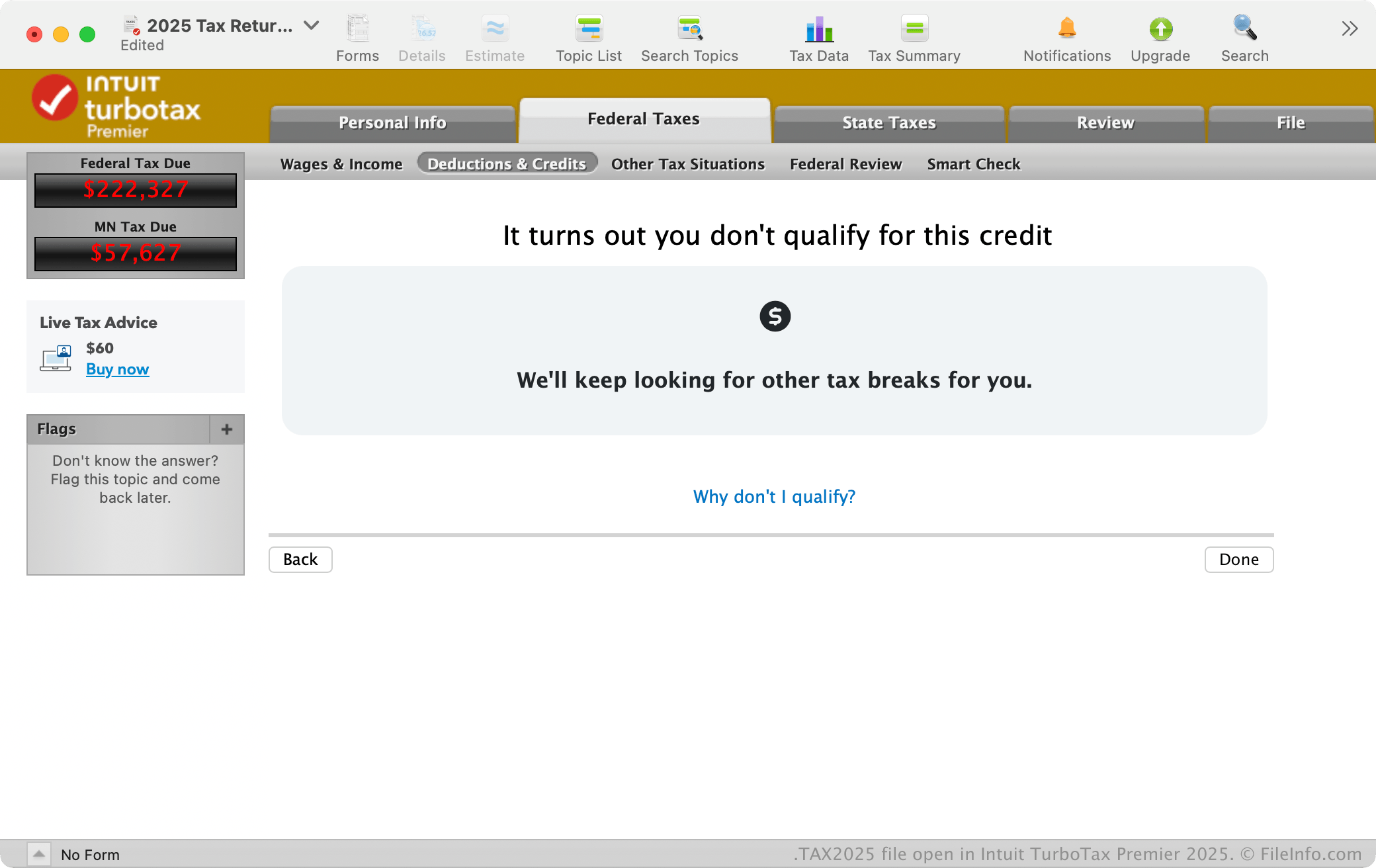
All desktop editions of TurboTax, Basic, Deluxe, Premier, and Home & Business, use the TAX2025 file format. For example, you can save your tax filing progress as a TAX2025 file with any desktop edition of TurboTax 2025 by selecting . You can also protect a return with a password when saving it, helping secure sensitive tax information.
While many users save TAX2025 with the desktop edition of TurboTax, the web version also allows you to export your 2025 return as a TAX2025 file. This option is useful if you begin preparing your taxes in TurboTax Online and later decide to finish using the desktop software, or if you want to keep a local backup copy. You can download the file from TurboTax Online by selecting and choosing .
However, if you make changes in TurboTax Online after downloading the file, those updates will not automatically appear in the previously saved TAX2025 file. To include the changes, you must export a new copy of the return.
Common .TAX2025 Filenames
Tax Return 25.tax2025 - Default name given to a TAX2025 tax return file by the desktop version of TurboTax in macOS.
taxReturn.tax2025 - The default name TurboTax Online gives to a TAX2025 file when downloading a tax return to a computer.
How to open a TAX2025 file
You can open TAX2025 files with the desktop version of TurboTax 2025 by selecting . TurboTax 2025 is available for Windows and macOS.
TurboTax Online also allows you to import tax data from a prior year’s return. For example, when preparing your 2025 taxes, you can upload a .TAX2024 file. This transfer feature helps carry forward relevant personal information and certain tax details into the new return.
To open (import) a TAX2025 file in TurboTax Online while signed in:
- Select .
- Click .
- Follow the on-screen instructions to upload the file.
If the TAX2025 file is password-protected, you must enter the correct password before the software can open or import it.