

.MZLVL File Extension
Mazified Level
| Developer | Mazified |
| Popularity |
3.5 | 2 Votes |
What is an MZLVL file?
An MZLVL file is a level file used by Mazified, a tile-based 2D game with a full built-in level editor. It stores information that defines a single playable level, including layout information, object placement, and other level-specific settings. Each MZLVL file represents a complete level that the game can load and run on its own.
More Information
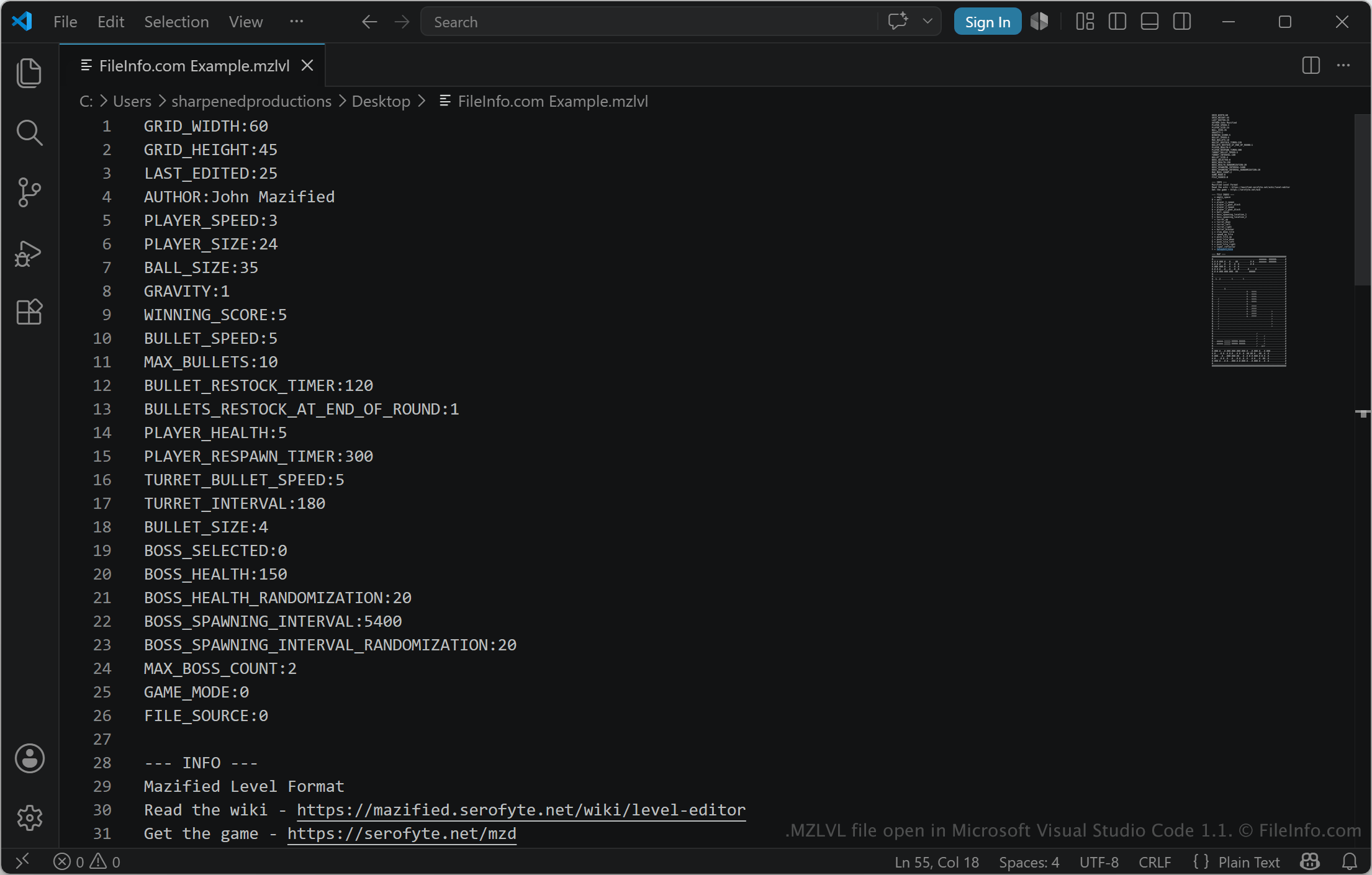
The format is used by both the built-in levels that come with Mazified and custom levels created by players using the game's level editor. Since they contain all required level data in a single file, MZLVL files make it easy for users to share custom levels with others.
MZLVL files are specific to Mazified and are not intended for use outside the game's ecosystem. The file format is designed to be easily readable by both the game and humans.
How to open an MZLVL file
You can open MZLVL files with Mazified by placing them in the game's custom level folder or importing them through the level editor. The game automatically recognizes and loads the file as a playable level.
Opening an MZLVL file with a text editor
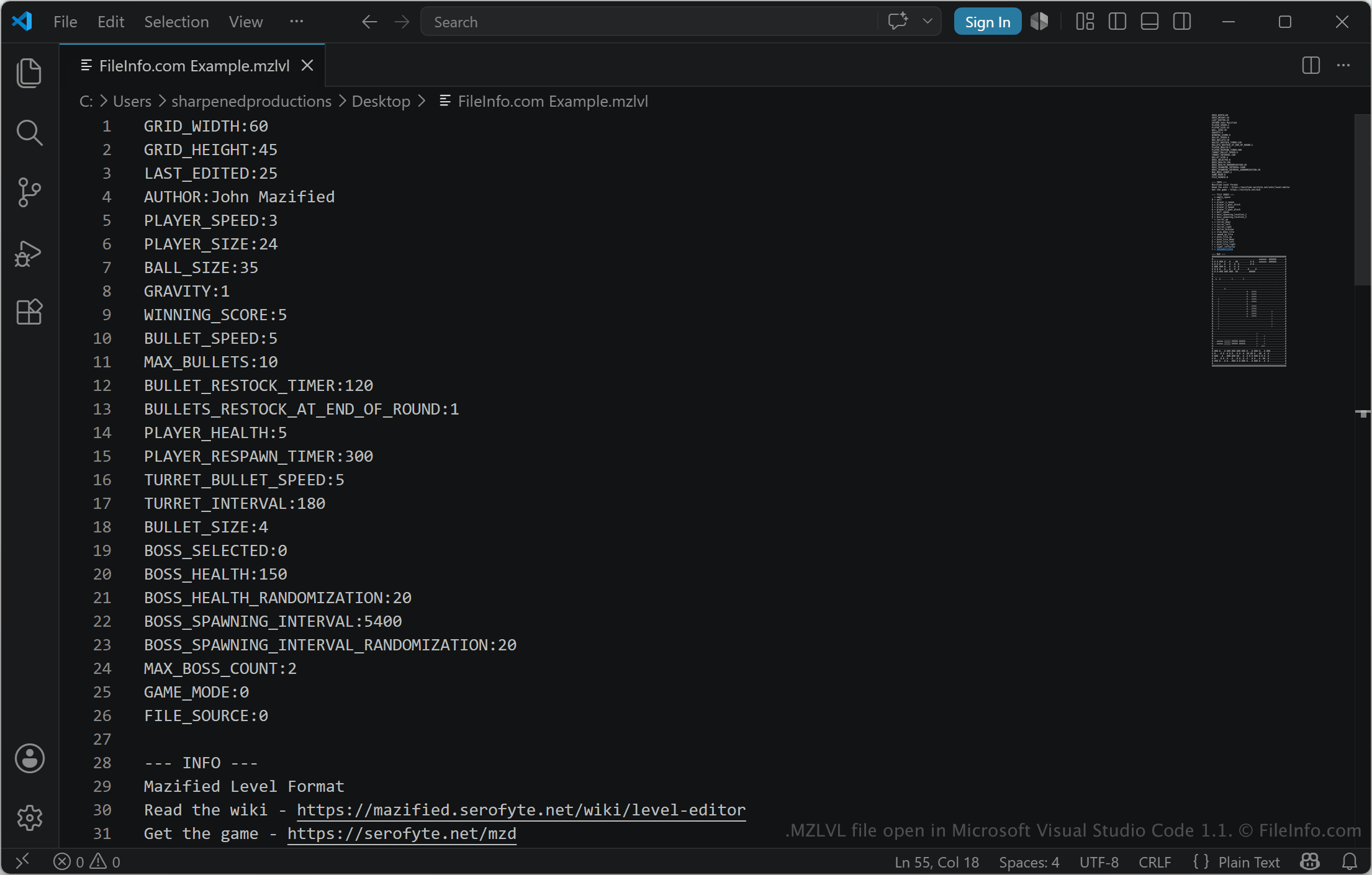
MZLVL levels are designed to be manually editable. You can open them with the Mazified in-game editor, as well as any text or source code editor, such as Microsoft Notepad, Apple TextEdit, or Microsoft Visual Studio Code. You may need to rename the .mzlvl file extension to .txt for the text editor to recognize it.
When opened in a text editor, you can modify the properties of the MZLVL file. If you edit the file incorrectly, you may inadvertently break the level.