
.GMD File Extension
Geometry Dash Level
| Developer | HJfod |
| Popularity |
4.3 | 58 Votes |
What is a GMD file?
A GMD file is a custom level file used with Geometry Dash through third-party tools such as GDShare. It stores the data for a user-created level so users can export a level from one installation of the game and import it into another. This functionality allows players to share or back up custom levels outside of the game's built-in online sharing system.
More Information
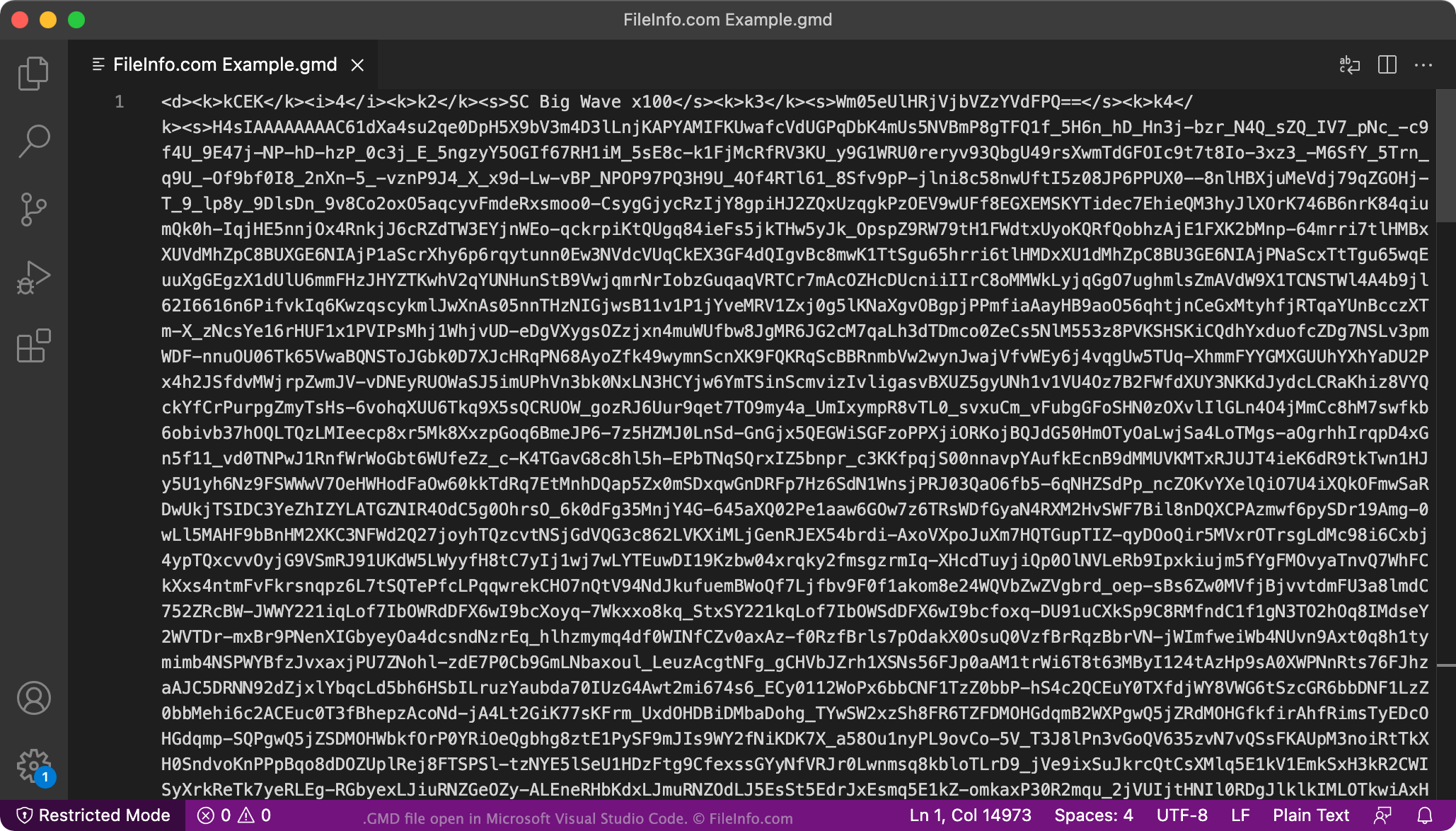
Geometry Dash is a music-based game available for iOS, Android, Windows, and macOS, in which players must tap or click in time with the music to avoid obstacles. Geometry Dash includes a custom level creation system that lets players create their own levels, share them online, and play levels created by other players. However, there is no official way to export levels as local files, so Geometry Dash enthusiast HJfod created the GDShare mod, which allows players to save their custom levels as GMD files.
GMD files contain structured data that defines a Geometry Dash level, including objects, triggers, timing information, and other elements used by the game's level editor. Geometry Dash players and level creators who want to exchange levels locally or keep offline copies of their work are the most common users who use GMD files.
NOTE: Originally, GDShare was released as a standalone tool, but it is now distributed as a mod through the Geode mod loader.
How to open a GMD file
You can open GMD files with Geometry Dash by importing them via the GDShare mod, which adds import and export options to the Geometry Dash level editor. The options allow players to save and load custom levels as GMD files. GDShare is available on Windows, macOS, Android, and iOS through the Geode modloader.
Programs that open GMD files
Nintendo 3DS Game Dialog File
| Developer | Nintendo |
| Popularity |
1.7 | 7 Votes |
A GMD file contains information about how text is displayed in Nintendo 3DS games. It stores information about dialogs that appear during the game, such as the actual text and the appearance of the dialog.
More Information
GMD files are typically packaged in .ARC Nintendo archive files and distributed with games. The files are not meant to be manually opened. Instead, the files are referenced during gameplay.
However, some 3DS gamers enjoy modifying gameplay and editing GMD files. These users extract GMD files from ARC files using utilities like ARCTool and convert the files to editable text files.
Programs that open or reference GMD files
Game Maker Program Code
| Developer | YoYo Games |
| Popularity |
1.4 | 9 Votes |
A GMD file may also be a project created by older versions of YoYo Games GameMaker, a game development software. It stores all game project data, including game objects, sprites, sounds, room layouts, scripts, and logic written in GameMaker Language (GML). GameMaker 5 through 7 used GMD files but YoYo Games eventually replaced the file type with newer file formats, such as .GMK (GameMaker 7 & 8) and .GMX (GameMaker: Studio).
More Information
GameMaker allows developers to create games with a visual, drag-and-drop interface, where they can use pre-built actions and events to control how the game behaves, making it accessible for beginners and non-programmers. Developers who want more control over their project can also write custom code in GameMaker Language (GML). As developers work on their game, they can save their progress as GMD files, which organize all of the game's data within one file.
How to open a GMD file
You can open GMD files with versions 5 to 7 of YoYo Games GameMaker. To open a GMD file, select File → Open.
If you need to open a GMD file with a recent version of GameMaker, open the GMD file with version 7 of the software, and then save the project as a GMK file. You can then open the GMK file with GameMaker: Studio and save it as a GMX file.
Programs that open GMD files
GroupMail Message
| Developer | Infacta |
| Popularity |
1.3 | 6 Votes |
Message created by Infacta GroupMail, a group email newsletter program; contains a saved email message; may include tables, images, rich text, and other HTML email message elements.
More Information
To create a GMD file, select "Messages," click "New," select File → Save As → A Document, choose a save location, name the file, and click Save.
