

.ENPASSBACKUP Dateiendung
Enpass-Backup
| Entwickler | Enpass Technologies |
| Beliebtheit |
3,0 | 1 Stimme |
Was ist eine ENPASSBACKUP-Datei?
Eine ENPASSBACKUP-Datei ist eine Sicherung, die von Enpass (Version 6 und höher) erstellt wird, einer Anwendung zur Verwaltung von Passwörtern und anderen vertraulichen Informationen. Sie speichert die verschlüsselten Inhalte eines Passworttresors, einschließlich Anmeldedaten, Notizen und anderer vertraulicher Daten, die in der App gespeichert sind.
Weitere Informationen
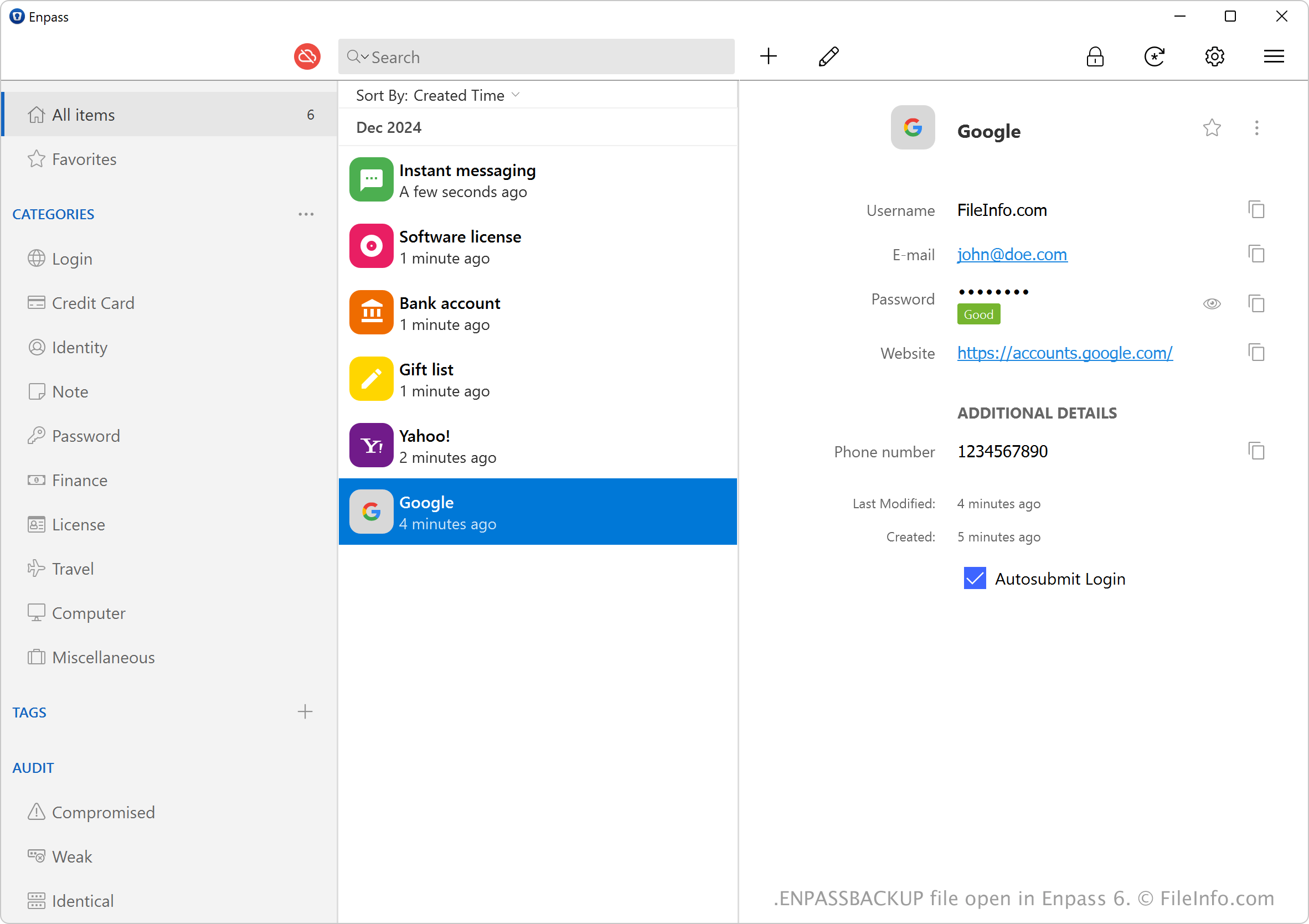
Enpass ist eine Anwendung zur Passwortverwaltung, mit der Sie Ihre Passwörter, Notizen und andere vertrauliche Informationen in einem verschlüsselten Tresor speichern und verwalten können. Außerdem können Sie Ihre vertraulichen Informationen als ENPASSBACKUP-Dateien sichern.
Um eine ENPASSBACKUP-Datei zu erstellen, wählen Sie . Das Programm benennt die ENPASSBACKUP-Datei anhand des Zeitpunkts, zu dem sie erstellt wird, und der Anzahl der Elemente im gesicherten Tresor. Eine Sicherung mit beispielsweise 5 Elementen, die am 3. Dezember 2024 erstellt wurde, könnte den Namen 2024-12-03-1733245141-1_vault-5_items.enpassbackup tragen.
HINWEIS: Enpass Technologies führte ENPASSBACKUP-Dateien ein, als das Unternehmen Version 6 von Enpass veröffentlichte. Frühere Versionen der App speichern Sicherungen als .WALLETX-Dateien.
So öffnen Sie eine ENPASSBACKUP-Datei
Sie können ENPASSBACKUP-Dateien nur mit Sinew Enpass (plattformübergreifend) öffnen. Um eine ENPASSBACKUP-Datei zu öffnen und deren Inhalte wiederherzustellen, wählen Sie auf dem Startbildschirm und anschließend (zum Öffnen der Datei müssen Sie das Masterpasswort eingeben).