

.MAILSIGNATURE 文件扩展名
Apple Mail电子邮件签名
| 开发者 | Apple |
| 受欢迎程度 |
2.0 | 1 票 |
什么是 MAILSIGNATURE 文件?
MAILSIGNATURE文件包含由Apple Mail使用的电子邮件签名(以及随附的元数据)。电子邮件签名使用HTML格式。Apple Mail会将用户的每个电子邮件签名分别存储在一个MAILSIGNATURE文件中。
更多信息
Apple Mail是macOS随附的电子邮件应用程序。与大多数电子邮件应用程序一样,Apple Mail允许用户创建电子邮件签名,将其用作默认落款和消息签名。通常,Apple Mail用户会按以下步骤创建签名:
- 从Mail的菜单栏中选择。
- 进入屏幕。
- 创建一个或多个签名。
Apple Mail会将用户创建的每个电子邮件签名保存到一个MAILSIGNATURE文件中。默认情况下,Apple Mail会将MAILSIGNATURE文件存储在以下位置:
Macintosh HD/Users/YourUserName/Library/Mail/V10/MailData/Signatures
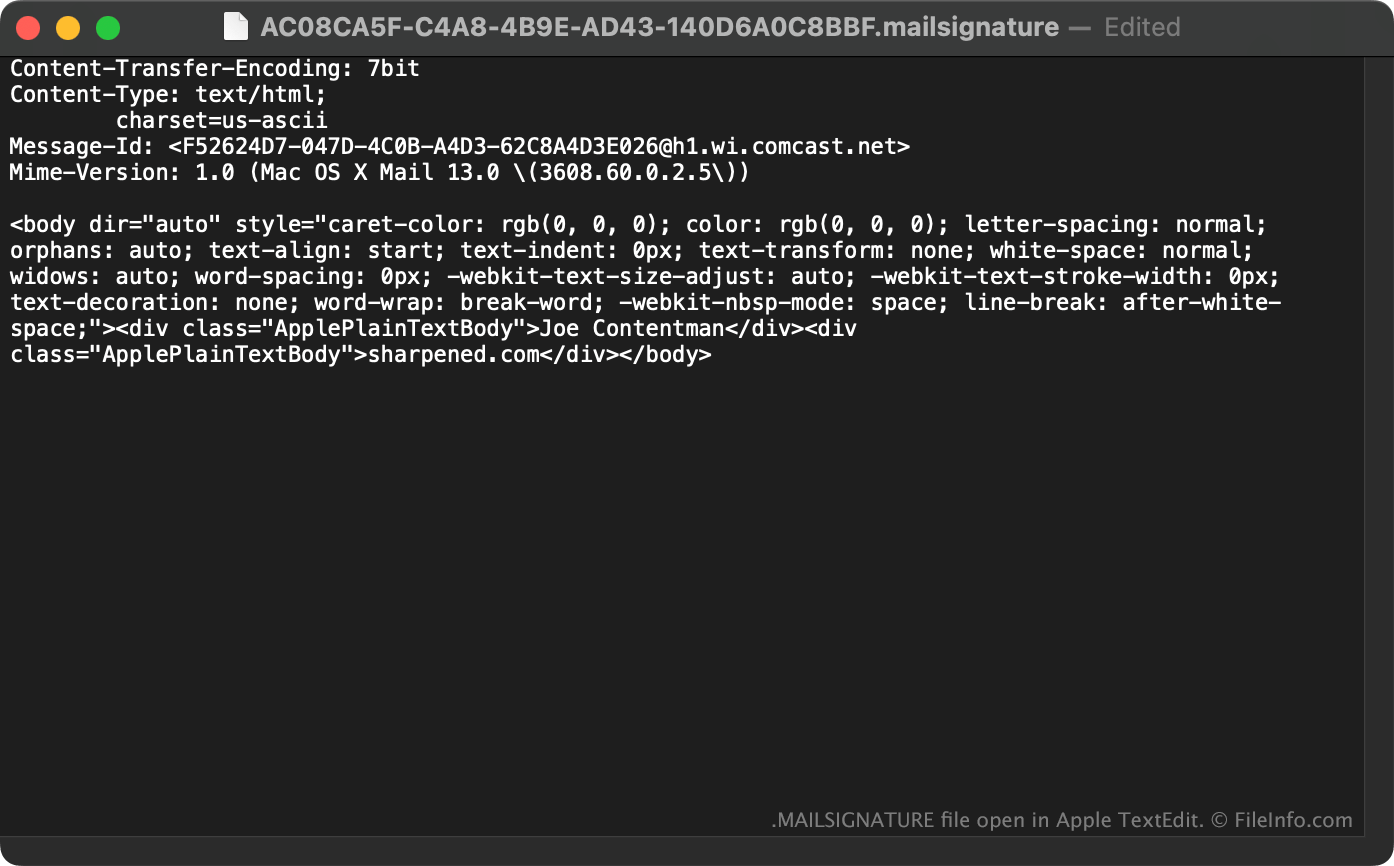
每个MAILSIGNATURE文件的名称由一个32字符的UUID组成,Apple Mail使用它来识别该签名。除签名文本外,每个MAILSIGNATURE文件还包含一个标头,其中标识签名的文本编码、内容类型、消息ID和MIME版本。
如何打开 MAILSIGNATURE 文件
在大多数情况下,你不需要打开MAILSIGNATURE文件。如果需要编辑Apple Mail电子邮件签名,必须在应用程序中进行操作(方法是选择)。在Apple Mail之外编辑签名的MAILSIGNATURE文件不会产生任何效果。
不过,如果你想在Apple Mail之外查看MAILSIGNATURE文件的内容,可以使用Apple TextEdit、Microsoft Notepad或其他任何文本编辑器打开它。
可打开或引用 MAILSIGNATURE 文件的程序
Windows
操作系统自带
任何文本编辑器
Mac