.APZ 文件扩展名

Autoplay Media Studio Exported Project

开发者 Indigo Rose
受欢迎程度
4.3  |  10 
 

什么是 APZ 文件?

An APZ file is a project file exported by AutoPlay Media Studio, a Windows application used to create multimedia software, such as CD/DVD menus, interactive tutorials, and simple utilities. It contains all the contents of an AutoPlay project, including the .AUTOPLAY project file, media assets (including images, videos, and .BTN buttons), scripts, and other related resources in a Zip-compressed archive format.

更多信息

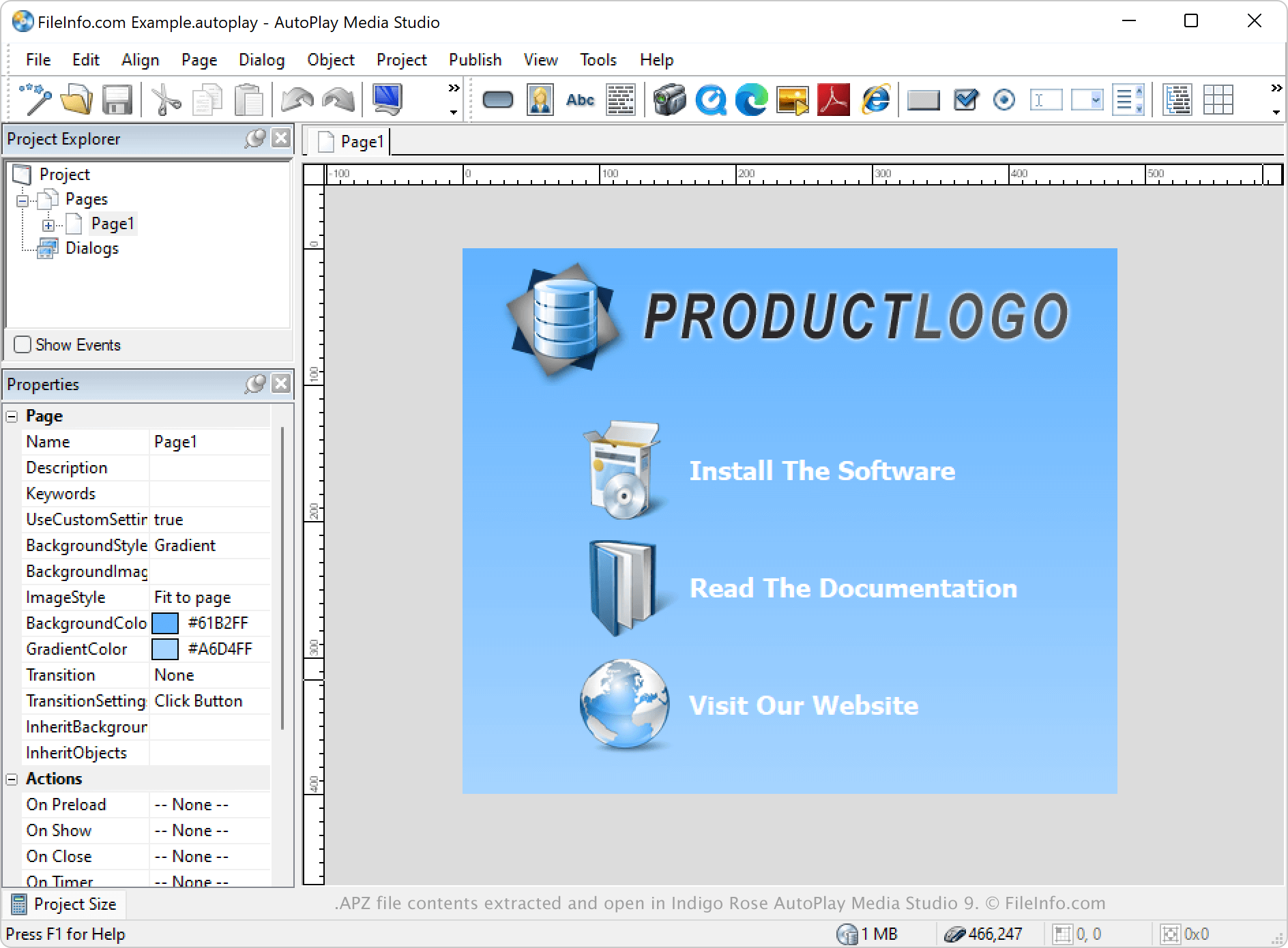
在 Indigo Rose Autoplay Media Studio 9 中打开的 .apz 文件截图
在 Indigo Rose Autoplay Media Studio 9 中打开的 APZ 文件

AutoPlay Media Studio enables users, such as developers and content creators, to visually design applications. While the primary file format for saving projects is the AUTOPLAY file, users can export projects as APZ archives when they want to share projects with others more easily, move them between computers, or save them as a backup.

注: Users can create APZ files by selecting File → Export.

如何打开 APZ 文件

You can open an APZ file with AutoPlay Media Studio in Windows by selecting File → Open. Once you import the file, the program extracts its contents and recreates the original project structure.

While an APZ file has an .apz extension, you can manually rename it to .zip and open it with any ZIP utility (like Corel WinZip or 7-Zip) to view its contents. However, to properly use or edit the project, you should import the APZ file through AutoPlay Media Studio, which will automatically extract and restore the project in its correct structure.

如何转换 APZ 文件

AutoPlay Media Studio can convert APZ files to Autoplay Media Studio Project (.AUTOPLAY) files. The program can also convert APZ files to Autoplay Media Studio Template (.APT) files and build them as Windows Executable (.EXE) files and Disk Image (.ISO) files.

使用File Viewer Plus打开 400 多种文件格式。免费下载

可打开 APZ 文件的程序

Windows
分类: 压缩
更新时间: 2025-07-17

验证者 FileInfo.com

FileInfo.com 团队 独立研究了本页面列出的 Autoplay Media Studio Exported Project 文件格式和 Windows 应用。 我们的目标是达到 100% 的准确率,并且仅发布我们已验证过的文件类型信息。

如果您想为此页面提出新增或更新建议,请告诉我们