

.TAX2020 Extensão de arquivo
Declaração de imposto de renda do TurboTax 2020
| Desenvolvedor | Intuit |
| Popularidade |
2,8 | 16 Votos |
O que é um arquivo TAX2020?
Um arquivo TAX2020 contém uma declaração de imposto de renda dos Estados Unidos criada com a versão 2020 do Intuit TurboTax. Ele armazena informações relacionadas a impostos, que podem incluir dados pessoais inseridos por um usuário, um formulário fiscal federal do IRS e um ou mais formulários estaduais referentes ao ano fiscal de 2020. Os arquivos TAX2020 podem ser criptografados e salvos com proteção por senha pelo usuário que prepara a declaração, para proteger seu conteúdo confidencial.
Mais informações
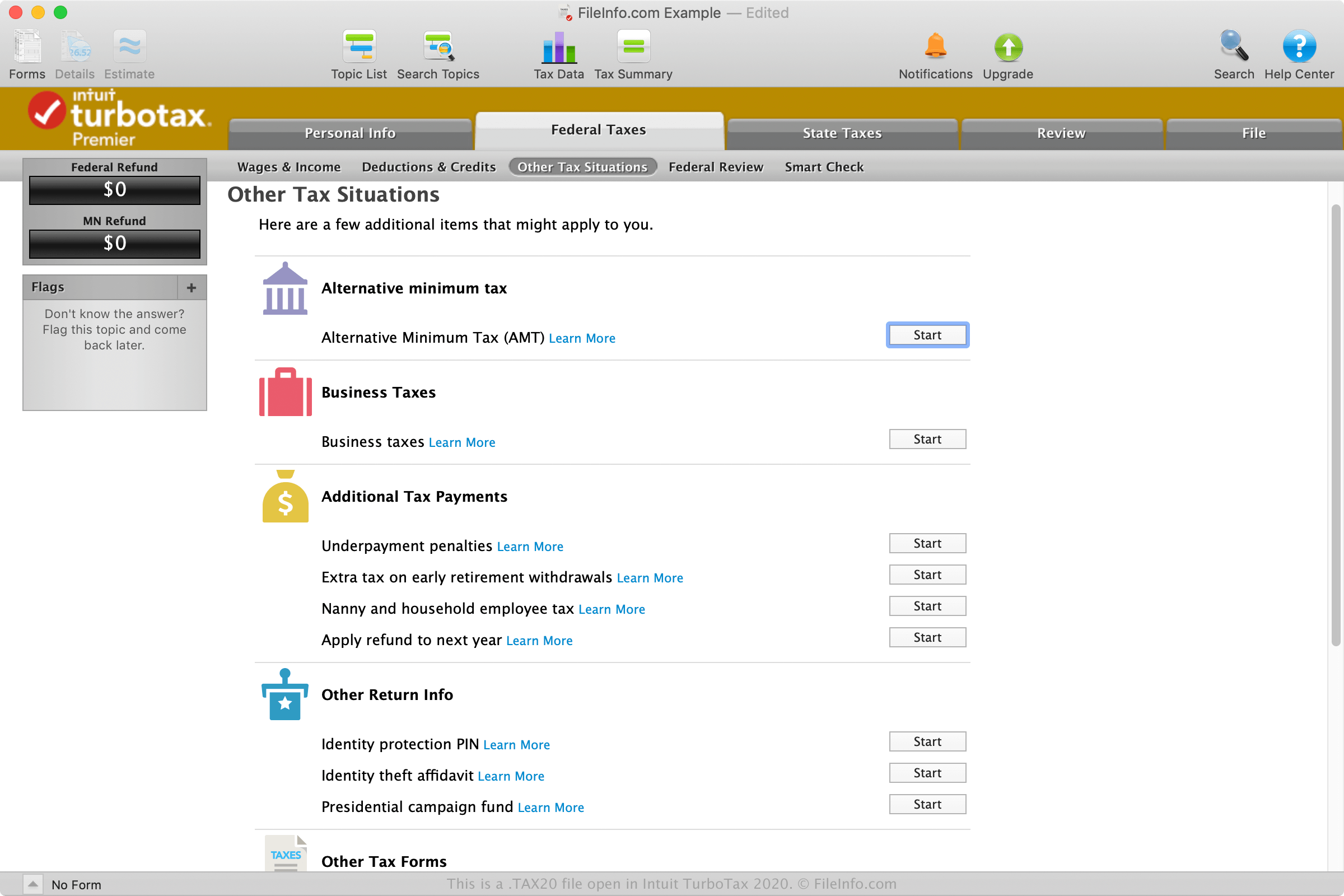
O TurboTax é um aplicativo de declaração de imposto de renda usado para preparar e enviar declarações de impostos federais e estaduais dos EUA. Ele está disponível como uma versão para desktop que pode ser baixada para Windows e macOS, além de uma versão para a web chamada TurboTax Online.
É muito provável que você encontre um arquivo TAX2020 apenas se estiver usando a versão para desktop do TurboTax para preparar seus impostos e quiser salvar seu progresso. No entanto, você também pode baixar um arquivo TAX2020 do TurboTax Online ao exportar suas informações fiscais.
Como crio um arquivo TAX2020 com o TurboTax?
Para criar um arquivo TAX2020 com a versão para desktop do TurboTax, selecione , escolha as opções de salvamento e clique em .
Para exportar um arquivo TAX2020 do TurboTax Online, clique em e selecione "Save your 2020 return to your computer", o que inicia o download do arquivo TAX2020 (taxReturn.tax2020).
Depois de baixar o arquivo TAX2020, você pode abri-lo com a versão para desktop do TurboTax. Lembre-se de que, se fizer alguma modificação na declaração no TurboTax Online, as alterações não serão sincronizadas com o arquivo TAX2020 e ele deverá ser exportado novamente.
Como importo um arquivo TAX2019 de 2019 para o TurboTax 2020?
Se você tiver um arquivo .TAX2019 com informações de uma declaração preparada pela versão 2019 do TurboTax, poderá importá-lo na versão 2020 para desktop do TurboTax. Para fazer isso, selecione "Use a tax return that's on my computer" quando solicitado no início do processo de declaração e selecione o arquivo TAX2019.
NOTA: Os arquivos TAX2020 normalmente são criados em 2021, pois as declarações anuais de imposto de renda são enviadas referentes ao ano anterior.
Nomes de arquivo .TAX2020 comuns
Tax Return 20.tax2020 - Nome padrão atribuído a um novo arquivo TAX2020 criado pelo TurboTax.
taxReturn.tax2020 - Nome padrão atribuído a um arquivo TAX2020 baixado do TurboTax Online.
Como abrir um arquivo TAX2020
Você pode abrir arquivos TAX2020 com a versão 2020 para desktop do Intuit TurboTax no Windows e no macOS. Para abrir um arquivo TAX2020, selecione .
Você também pode enviar um arquivo TAX2020 para o Intuit TurboTax Online ao carregar seus dados fiscais do ano anterior. Por exemplo, você pode enviar um arquivo TAX2019, mas não um arquivo TAX2020, para o TurboTax Online ao declarar seus impostos referentes ao ano-calendário de 2020. No entanto, se estiver declarando seus impostos de 2021 com o TurboTax Online, poderá enviar seu arquivo TAX2020. Para abrir um arquivo TAX2020 com o TurboTax Online, selecione , clique em "Transfer last year's TurboTax return from your computer" e siga as instruções para enviar o arquivo.