

.DCMF Extensão de arquivo
Catálogo do DiskCatalogMaker
| Desenvolvedor | Fujiwara Software |
| Popularidade |
2,2 | 6 Votos |
O que é um arquivo DCMF?
Um arquivo DCMF é um catálogo criado pelo DiskCatalogMaker, um aplicativo de catalogação de arquivos para macOS. Ele contém um banco de dados que lista os nomes, os locais e outros metadados dos arquivos. Você pode usar o DiskCatalogMaker para visualizar e pesquisar o catálogo contido em um arquivo DCMF.
Mais informações
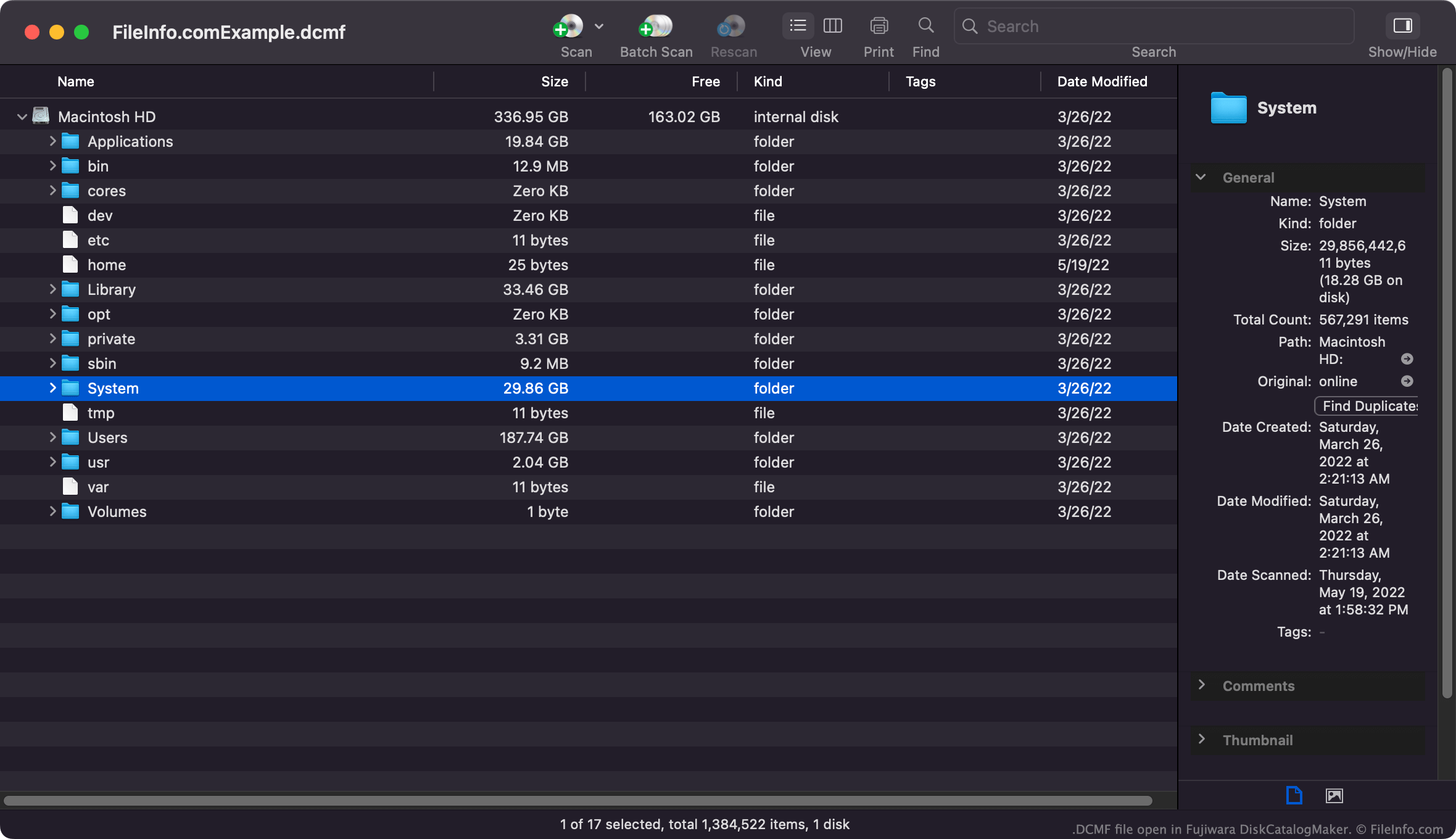
O DiskCatalogMaker permite que usuários de Mac examinem o disco rígido e/ou mídias de armazenamento externas e cataloguem os arquivos armazenados nelas. Os usuários podem então visualizar, pesquisar e imprimir esses catálogos para descobrir onde determinados arquivos estão armazenados.
Na maioria dos casos, os usuários do DiskCatalogMaker salvam seus catálogos como arquivos DCMF. Esses arquivos de banco de dados só podem ser abertos no DiskCatalogMaker. Os usuários também podem salvar catálogos como arquivos .DCMD, que contêm imagens em miniatura de determinados arquivos.
NOTA: Algumas versões do Roxio Toast incluem uma versão especial do DiskCatalogMaker, chamada DiscCatalogMaker RE (Roxio Edition).
Nomes de arquivo .DCMF comuns
Catalog.dcmf - O nome padrão que o DiskCatalogMaker atribui ao primeiro arquivo DCMF que você cria.
Como abrir um arquivo DCMF
Você pode abrir um arquivo DCMF no Fujiwara DiskCatalogMaker (Mac). Selecione na barra de menus do programa e abra o arquivo DCMF.