.JML 파일 확장자

Juggling Markup Language File

개발사 Jack Boyce and the Juggling Lab contributors
인기도
3.5  |  2 투표
 

JML 파일이란 무엇인가요?

A JML file contains Juggling Markup Language (JML), an XML-based format used to describe juggling patterns for juggling simulators and visualization programs, such as JugglingLab. It stores information organized by standard XML tags about throws, catches, and hands that comprise the simulation.

추가 정보

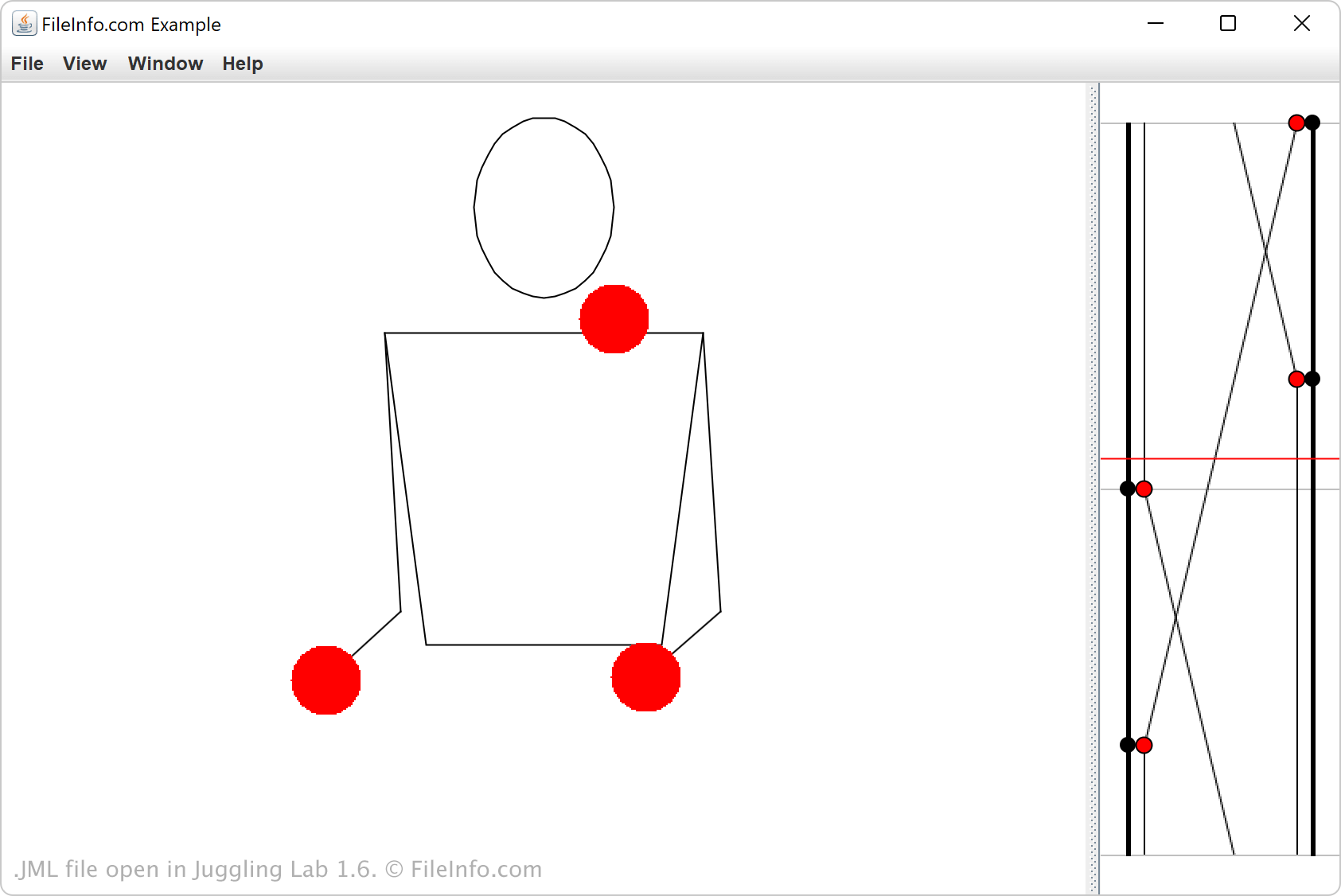
Juggling Labs 1.6에서 열린 .jml 파일의 스크린샷
Juggling Labs 1.6에서 열린 JML 파일

JML provides a structured way to represent juggling sequences, including the timing, order, and movement of objects in a pattern. Hobbyists visualizing juggling concepts and researchers studying mathematical and physical principles behind juggling patterns are the most likely users to encounter JML files.

When a user loads JML files into a juggling application, a JML file defines how the juggling motion appears, allowing them to view and adjust the pattern in real time. This makes JML a helpful format for jugglers who want to practice complex sequences, experiment with new ideas, or share patterns with others.

JML 파일을 여는 방법

You can open JML files with Juggling Lab. To open a JML file, select File → Open JML.

Opening a JML file with a text editor

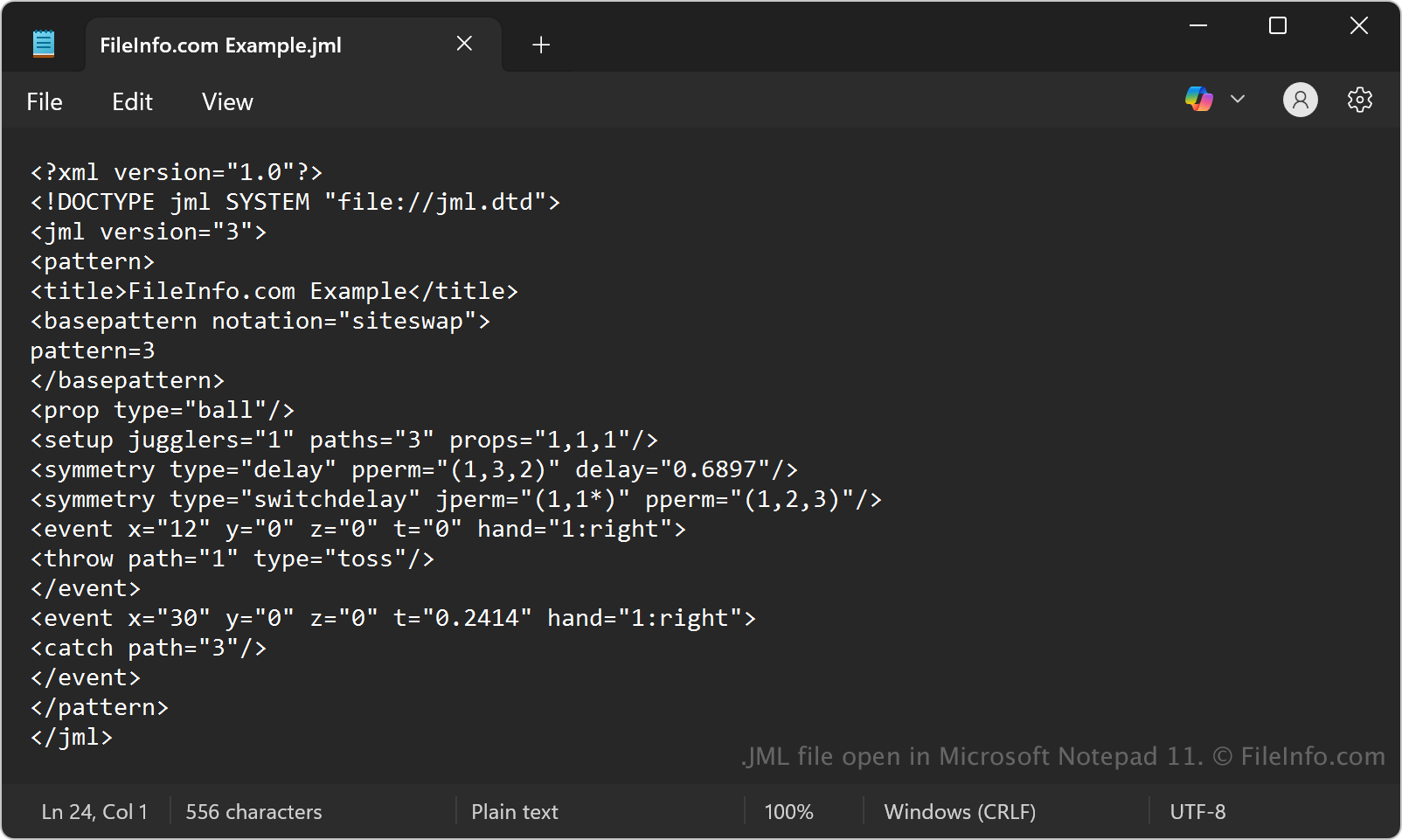
JML file open in Microsoft Notepad

Since JML files store plain text, you can view them with any text editor. Some options include Microsoft Notepad, Apple TextEdit, and gedit. You may need to change the .jml file extension to .txt for the text editor to open the file.

When opened in a text editor, you can edit the properties of the JML file. However, if you incorrectly edit the file, you may inadvertently corrupt the JML file.

File Viewer Plus(으)로 400개 이상의 파일 형식을 여세요.무료 다운로드

JML 파일을 여는 프로그램

All Platforms
Windows
카테고리: 데이터
업데이트: 2025-10-20

검증자 FileInfo.com

FileInfo.com 팀 이 페이지에 나열된 Juggling Markup Language 파일 형식과 Windows 앱을 독자적으로 조사했습니다. 저희의 목표는 100% 정확성이며, 검증한 파일 유형에 대한 정보만 게시합니다.

이 페이지에 추가하거나 업데이트할 내용을 제안하고 싶으시면 알려 주세요.