

.ANIMEACTION ファイル拡張子
Anime Studioアクションドキュメント
| 開発元 | Smith Micro |
| 人気度 |
2.4 | 16 票 |
ANIMEACTIONファイルとは?
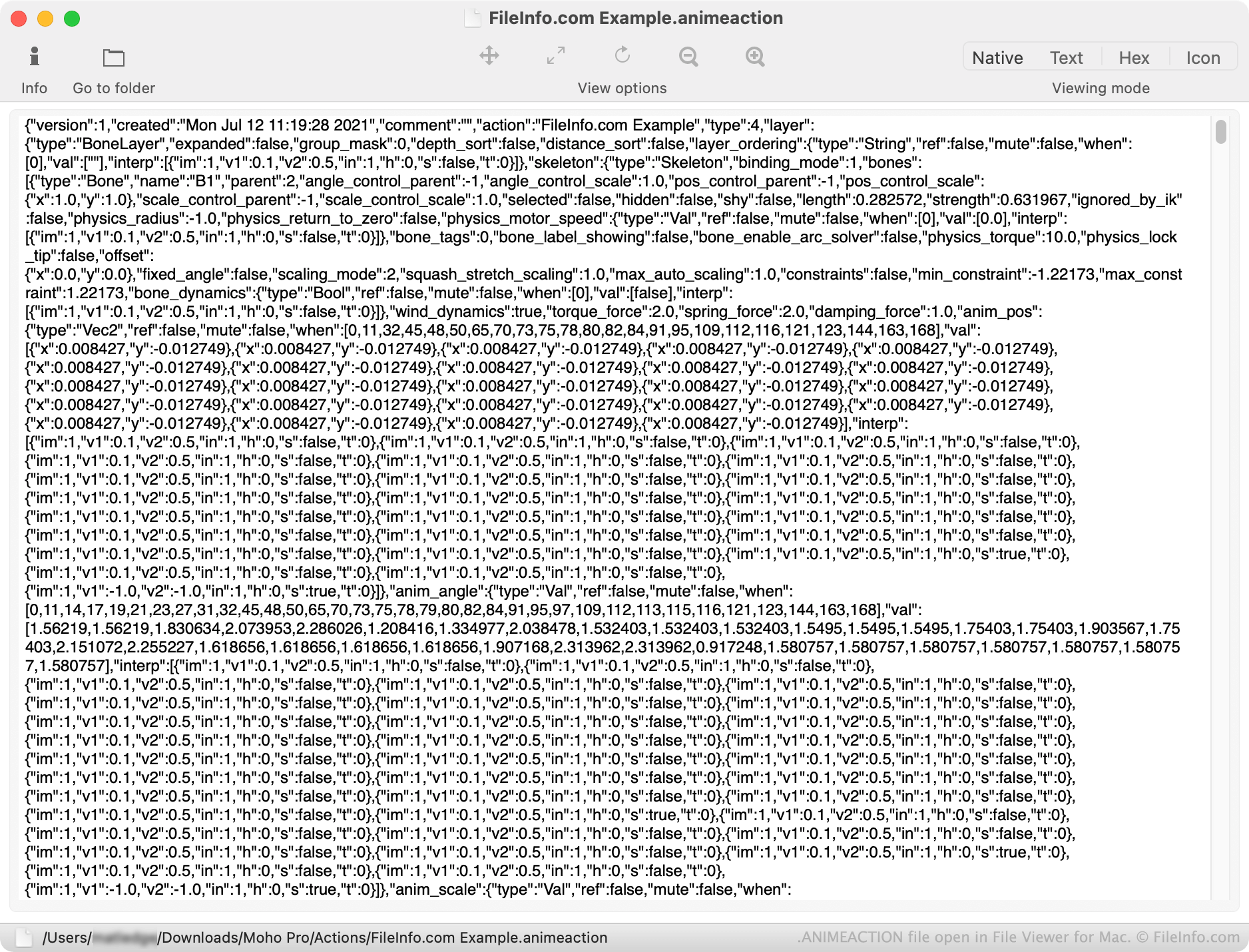
ANIMEACTIONファイルは、アニメーションシーンや動画の作成に使用されるプログラムAnime Studioで作成されたカスタムアクションを記述します。これには、キャラクターがフレーム内でどのように動くかを制御するJSONテキストが含まれています。カスタムアクションをANIMEACTIONファイルとして保存すると、アニメーターは複数のシーンや動画でお気に入りのアクションを再利用できます。
詳細情報
以前はAnime Studioとして知られていたLost Marble Mohoは、アニメーターがアニメーションシーンや動画を作成できる2Dアニメーションプログラムです。アニメーターは、キャラクターがフレーム内でどのように動くかを制御するカスタムアクションを作成し、それをキャラクターに適用できます。
Mohoでは、カスタムアクションは.MOHOACTIONファイルとして保存およびエクスポートされます。Anime Studioでは、カスタムアクションはANIMEACTIONファイルとして保存されていました。ただし、MOHOACTIONファイル形式とANIMEACTIONファイル形式は似ています。いくつかの調整を行えば、MohoでANIMEACTIONファイルを引き続き使用できます。
ANIMEACTIONファイルの開き方
ANIMEACTIONファイルは、カスタムアクションとして使用するためにLost Marble Mohoにインポートできます。手順は次のとおりです。
- ANIMEACTIONファイルの拡張子を.mohoactionに変更します。
- Mohoを開き、Actionsウィンドウ()を開きます。
- Import Actionアイコンをクリックします。
- MOHOACTIONファイルを探して選択します。
ファイルに含まれるアクションが、MohoのActionsウィンドウに表示されます。
必要に応じて、任意のテキストエディターでANIMEACTIONファイルを開き、含まれているJSONテキストを表示することもできます。ただし、ANIMEACTIONに含まれるテキストは編集しないことをおすすめします。編集すると、Mohoでアクションが正しく機能しなくなる可能性があります。