

.TTXFOLDER Extension de fichier
Fichier d’identification de dossier Autosync
| Développeur | MetaCtrl |
| Popularité |
2,3 | 3 Votes |
Qu'est-ce qu'un fichier TTXFOLDER ?
Un fichier TTXFOLDER est un fichier d’identification de dossier créé par MetaCtrl Autosync, une application Android de synchronisation et de sauvegarde de fichiers. Il s’agit d’un fichier texte brut qui contient un horodatage et un identifiant de dossier. Autosync crée un fichier TTXFOLDER dans chaque dossier qu’il a synchronisé avec un service de stockage cloud, afin d’indiquer quand il a synchronisé ce dossier avec le service pour la première fois.
Plus d'informations
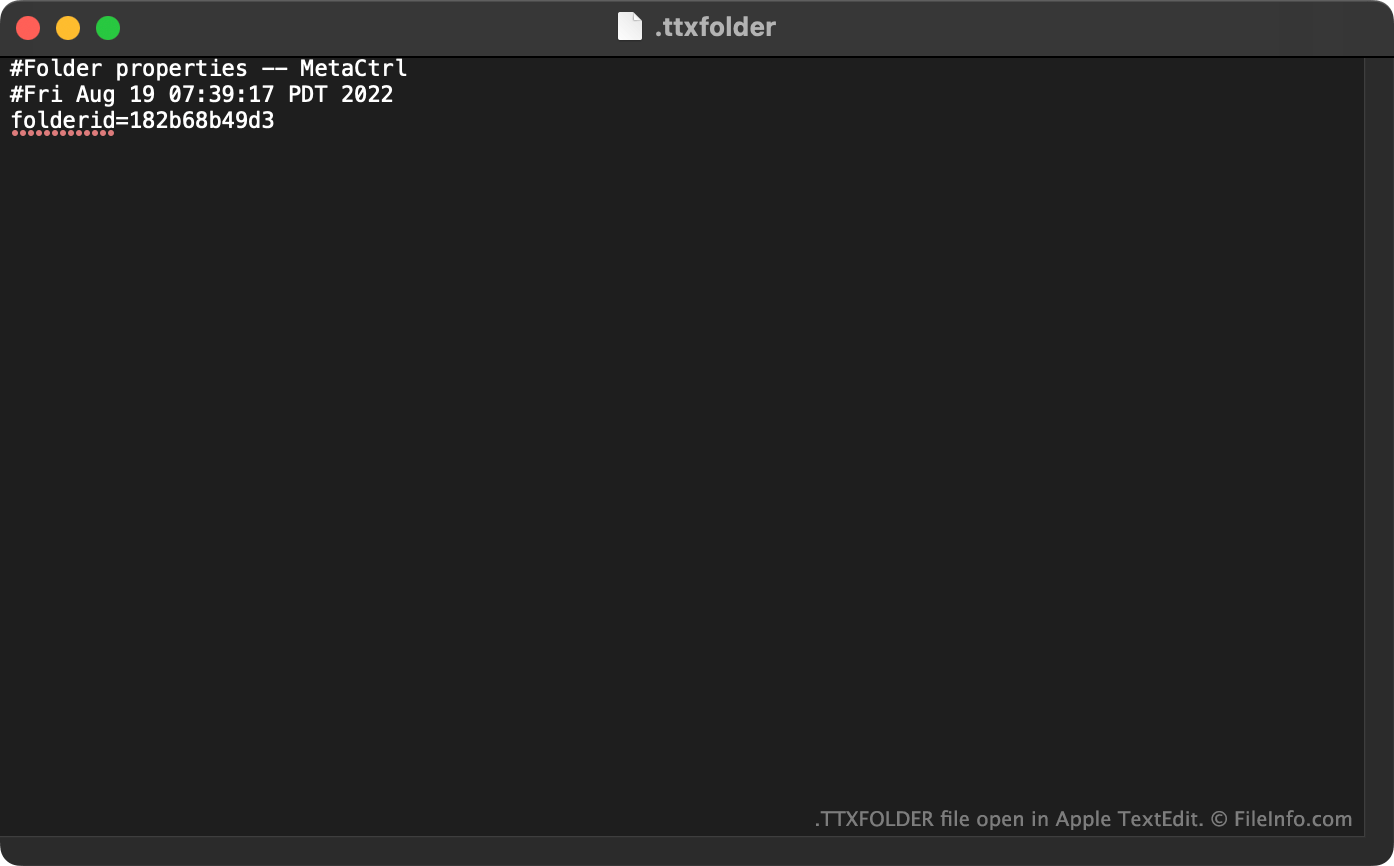
Autosync et ses variantes, notamment OneSync et Dropsync, sont des applications Android qui permettent aux utilisateurs de synchroniser les fichiers de leur appareil avec un service de stockage cloud. Par exemple, les utilisateurs peuvent utiliser Autosync pour synchroniser leurs données avec Google Drive, OneDrive et Dropbox.
Lorsqu’Autosync synchronise un dossier avec un service de stockage cloud, il crée un fichier TTXFOLDER masqué dans ce dossier. Ce fichier indique l’identifiant Autosync du dossier et l’heure à laquelle le dossier a été associé à un dossier correspondant dans un service de stockage cloud.
Noms de fichiers .TTXFOLDER courants
.ttxfolder - Le nom de fichier attribué à tous les fichiers TTXFOLDER.
Comment ouvrir un fichier TTXFOLDER
Les fichiers TTXFOLDER ne sont pas destinés à être ouverts. Cependant, comme ce sont des fichiers texte brut, vous pouvez les ouvrir et consulter les données qu’ils contiennent dans l’éditeur de texte Rhythm Software QuickEdit (Android) ou dans n’importe quel autre éditeur de texte.