

.MCFUNCTION Extension de fichier
Fonction Minecraft
| Développeur | Mojang |
| Popularité |
4,4 | 102 Votes |
Qu'est-ce qu'un fichier MCFUNCTION ?
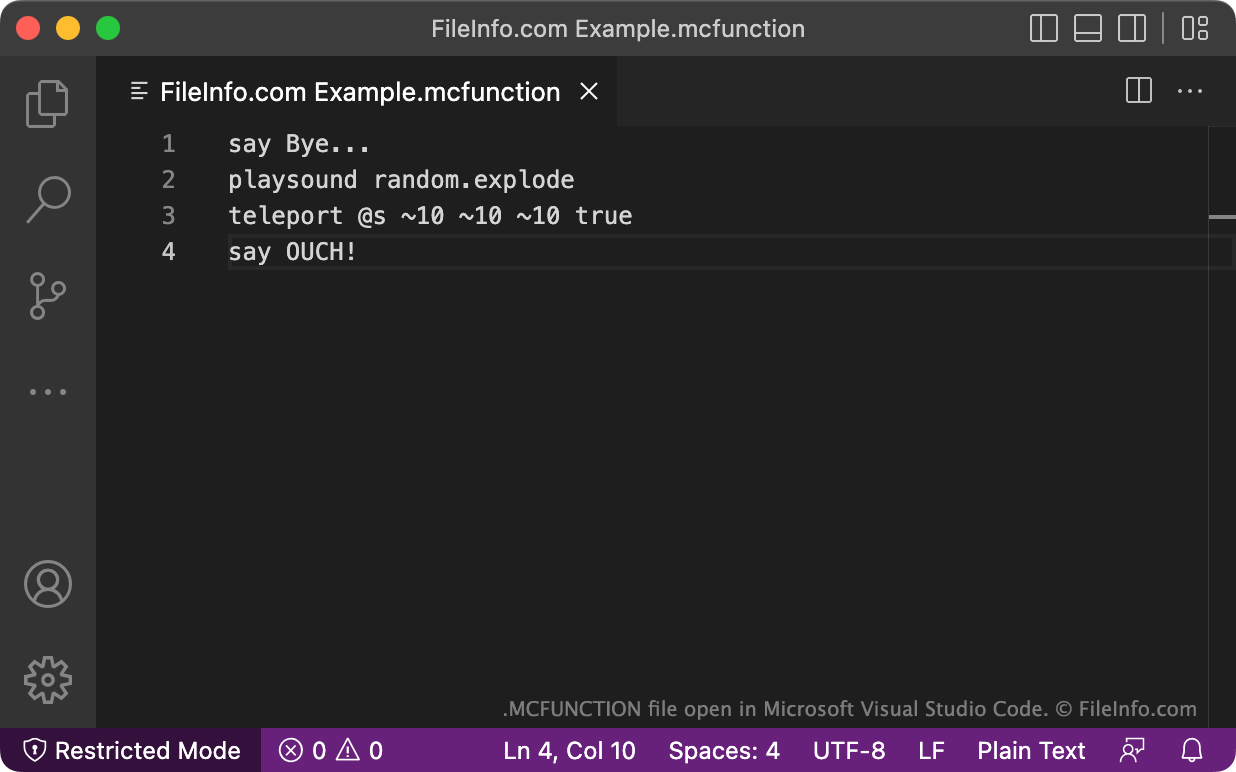
Un fichier MCFUNCTION est une fonction Minecraft qui contient une liste de commandes Minecraft. Après avoir ajouté un fichier MCFUNCTION au jeu, les joueurs peuvent exécuter rapidement les commandes qu'il contient. Par exemple, l'exécution d'un fichier MCFUNCTION peut permettre à un joueur d'envoyer un message préécrit dans le chat, de se téléporter ou de déplacer automatiquement des blocs.
Plus d'informations
Minecraft est un jeu populaire de construction et d'exploration basé sur des blocs. Deux versions du jeu existent : l'édition Java originale et l'édition Bedrock plus récente.
Dans les deux versions, les joueurs peuvent utiliser des fichiers MCFUNCTION pour ajouter de nouvelles fonctions au jeu. Ils peuvent les exécuter dans la fenêtre de chat en saisissant /function et en sélectionnant le fichier MCFUNCTION approprié. Les fonctions contiennent une liste d'une ou plusieurs commandes, qui sont toutes exécutées lorsque le joueur exécute la fonction. Par exemple, une fonction peut servir à exécuter plusieurs commandes fill afin de remplir rapidement une région précise avec des ensembles de blocs prédéfinis.
Les joueurs écrivent et modifient les fichiers MCFUNCTION dans des éditeurs de texte, tels que Microsoft Visual Studio Code, Microsoft Notepad ou Apple TextEdit. Ils les importent ensuite dans Minecraft, en utilisant des méthodes légèrement différentes dans chaque édition.
Comment ouvrir un fichier MCFUNCTION
Vous pouvez ouvrir un fichier MCFUNCTION et modifier les commandes qu'il contient avec Microsoft Visual Studio Code (multiplateforme) ou tout autre éditeur de texte. Si vous utilisez Visual Studio Code, l'installation de l'extension Data-pack Helper Plus fournit des fonctionnalités utiles liées aux fichiers MCFUNCTION, comme la coloration syntaxique.
Comment importer un fichier MCFUNCTION dans Minecraft
Pour importer un fichier MCFUNCTION dans Minecraft Java Edition, vous devez le placer dans le sous-répertoire functions d'un pack de données :
~/.minecraft/saves/[WORLD_NAME]/datapacks/[DATA_PACK_NAME]/data/[DATAPACK_ID]/functions
(Ce chemin peut être différent dans certaines versions de Minecraft Java Edition.)
Vous pourrez ensuite utiliser la fonction contenue dans votre fichier MCFUNCTION dans le monde associé.
Pour importer un fichier MCFUNCTION dans Minecraft Bedrock Edition, vous devez le placer dans le répertoire functions d'un pack de comportements. Vous devez ensuite importer ce pack de comportements dans Minecraft Bedrock Edition.