

.EMBED Extension de fichier
Note Embed Notes
| Développeur | Embed |
| Popularité |
3,9 | 7 Votes |
Qu'est-ce qu'un fichier EMBED ?
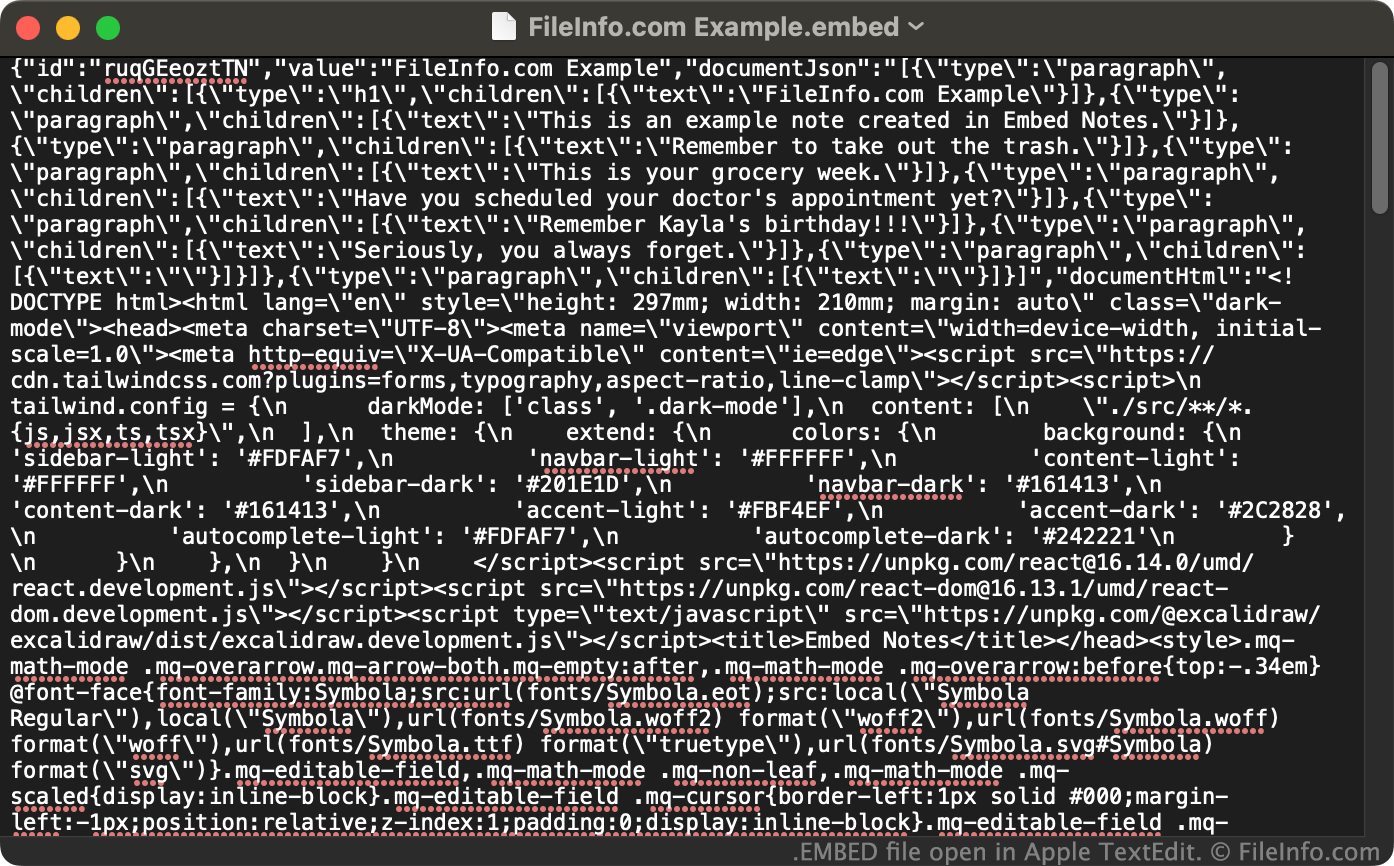
Un fichier EMBED est une note créée avec Embed Notes, une simple application de prise de notes. Il contient le titre, le texte et la mise en forme de la note, enregistrés au format texte brut JSON. Les fichiers EMBED sont conçus pour être ouverts dans Embed Notes, mais peuvent également être ouverts dans n’importe quel éditeur de texte.
Plus d'informations
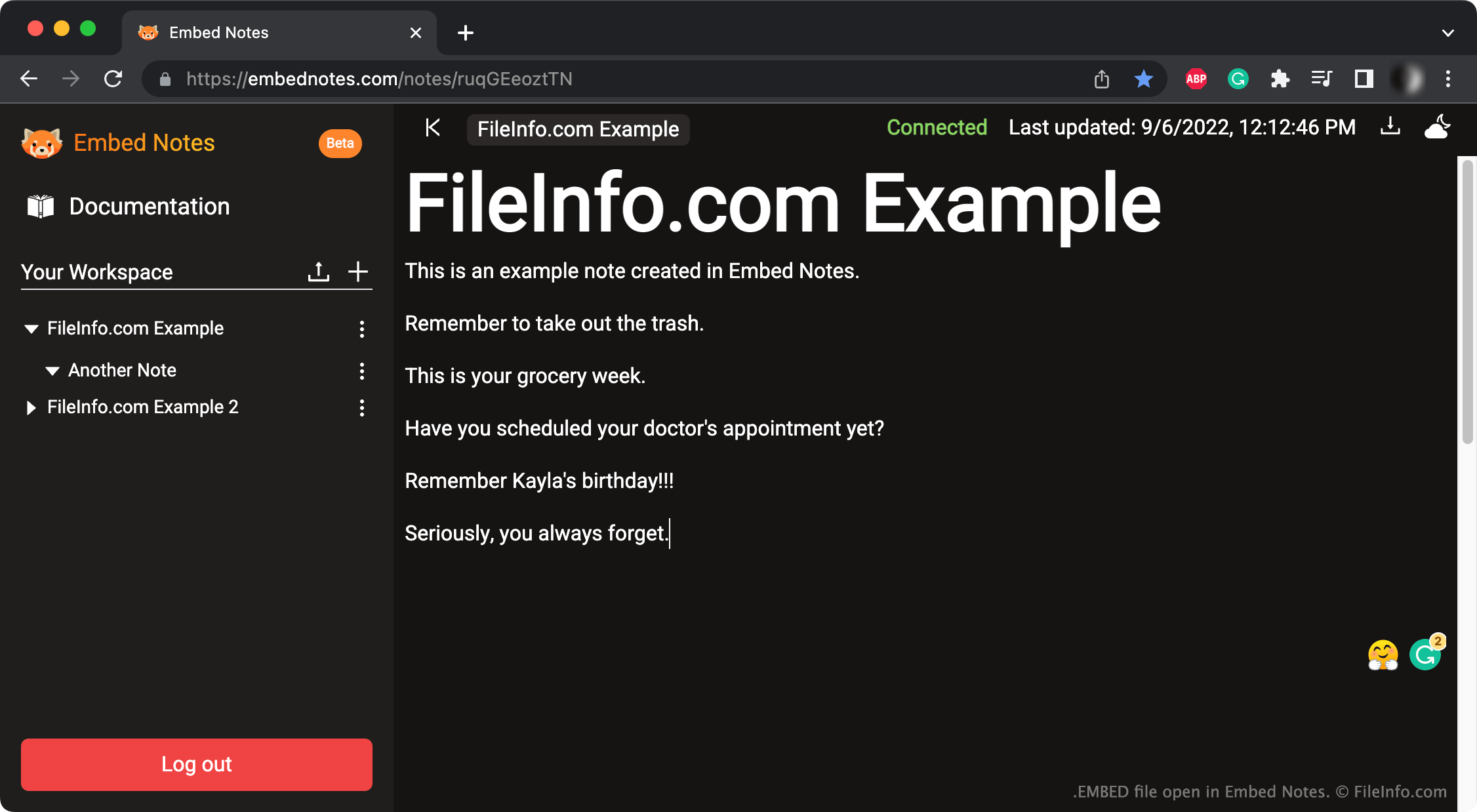
Après avoir créé un compte et s’être connectés à Embed Notes, les utilisateurs peuvent créer, modifier et enregistrer autant de notes qu’ils le souhaitent. Ces notes comprennent un en-tête et du texte. Pour enregistrer une note localement, les utilisateurs cliquent sur le bouton de téléchargement d’Embed Notes. Ils peuvent ensuite enregistrer la note au format .PDF ou EMBED.
Un fichier EMBED répertorie au début l’ID, le titre et le texte d’une note. Le texte est séparé en paragraphes. Le fichier répertorie ensuite d’autres éléments de mise en forme associés à la note, comme sa police.
Comment ouvrir un fichier EMBED
- Connectez-vous à Embed Notes.
- Cliquez sur le bouton de téléversement à droite de .
- Sélectionnez et ouvrez votre fichier EMBED.
Vous pouvez également ouvrir un fichier EMBED dans Microsoft Notepad (Windows), Apple TextEdit (Mac) ou tout autre éditeur de texte, afin d’afficher les données qu’il contient en dehors d’Embed Notes.