

.DS3 Extension de fichier
Modèle Dust3D
| Développeur | Dust3D Community |
| Popularité |
4,0 | 2 Votes |
Qu'est-ce qu'un fichier DS3 ?
Un fichier DS3 est un modèle 3D créé avec Dust3D, un logiciel de modélisation libre utilisé pour concevoir des personnages et des objets 3D à faible nombre de polygones. Il stocke des données du modèle telles que la structure du maillage, les relations entre les nœuds, les informations de gréage et les paramètres du projet utilisés pendant le processus de modélisation. Les fichiers DS3 permettent aux utilisateurs d'enregistrer des projets 3D et de continuer à les modifier dans Dust3D.
Plus d'informations
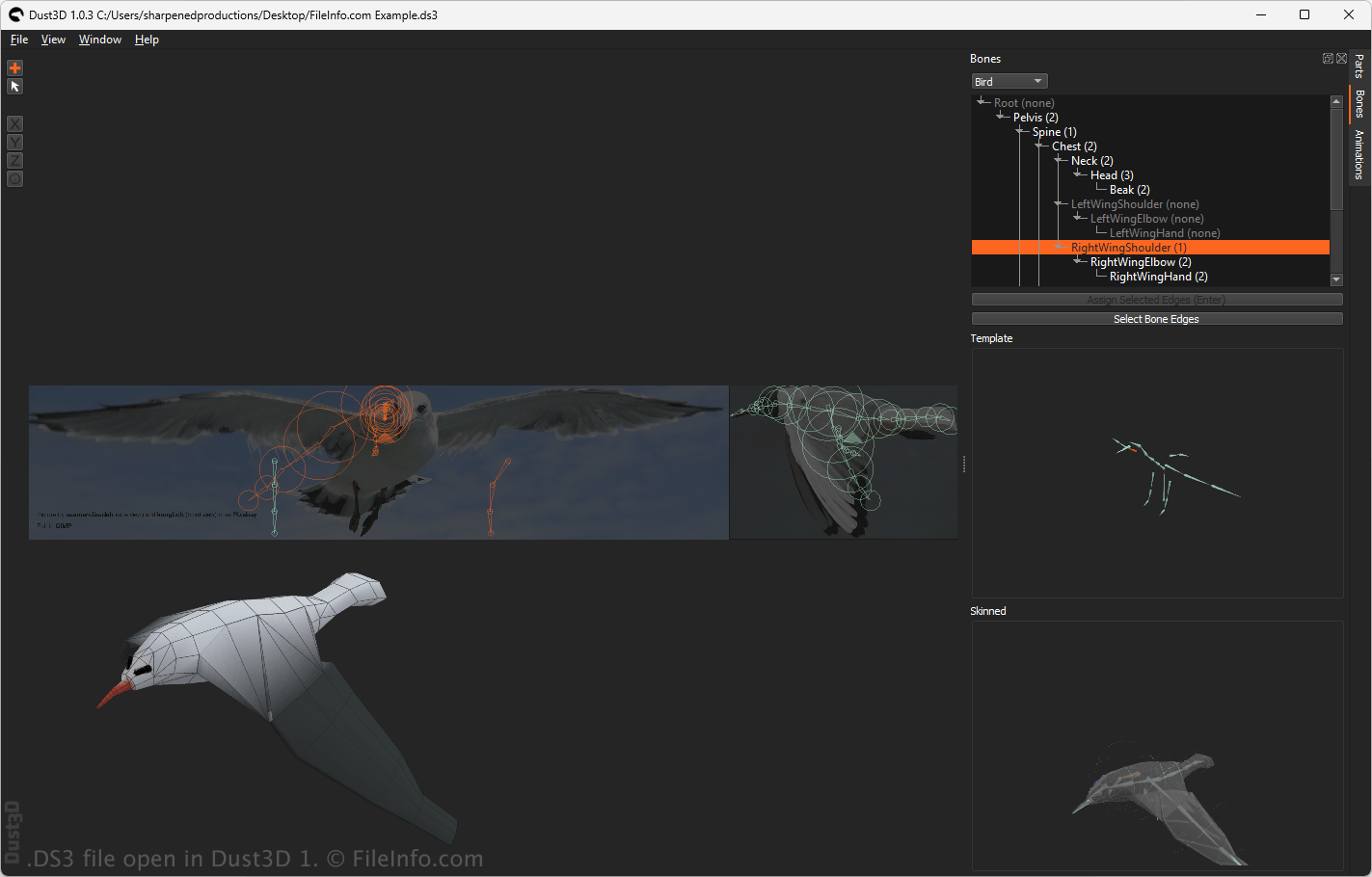
Les artistes, les amateurs, les développeurs de jeux et les créateurs indépendants utilisent couramment les fichiers DS3 pour créer des personnages stylisés, des éléments de jeu et des modèles 3D expérimentaux. Dust3D utilise un flux de travail procédural qui permet aux utilisateurs de créer des modèles 3D en reliant des éléments simples et en définissant la structure d'un personnage ou d'un objet. Le logiciel génère ensuite automatiquement un maillage complet à partir de la conception de l'utilisateur.
Les fichiers DS3 enregistrent les informations de projet modifiables dans un format de projet structuré qui conserve les données de modélisation pour permettre des modifications et des exportations ultérieures. Une fois le projet terminé, les utilisateurs peuvent exporter les modèles Dust3D vers des formats 3D plus largement pris en charge afin de les utiliser dans d'autres outils de modélisation, logiciels d'animation ou moteurs de jeu.
Comment ouvrir un fichier DS3
Vous pouvez ouvrir les fichiers DS3 avec Dust3D. Le logiciel vous permet d'afficher, de modifier, de gréer et d'exporter les données du modèle 3D enregistré. Pour ouvrir un fichier DS3 avec Dust3D, sélectionnez .