

.WHTML File Extension
TinyMCE HTML Document
| Developer | Dustin Brett |
| Popularity |
4.3 | 4 Votes |
What is a WHTML file?
A WHTML file is a web document used by the TinyMCE document editor on daedalOS, a browser-based operating system. It stores rich text content, such as notes or pages, created by TinyMCE, which daedalOS supports as its built-in document WYSIWYG editor. WHTML files contain HTML-based content, including text, formatting, and inline styles.
More Information
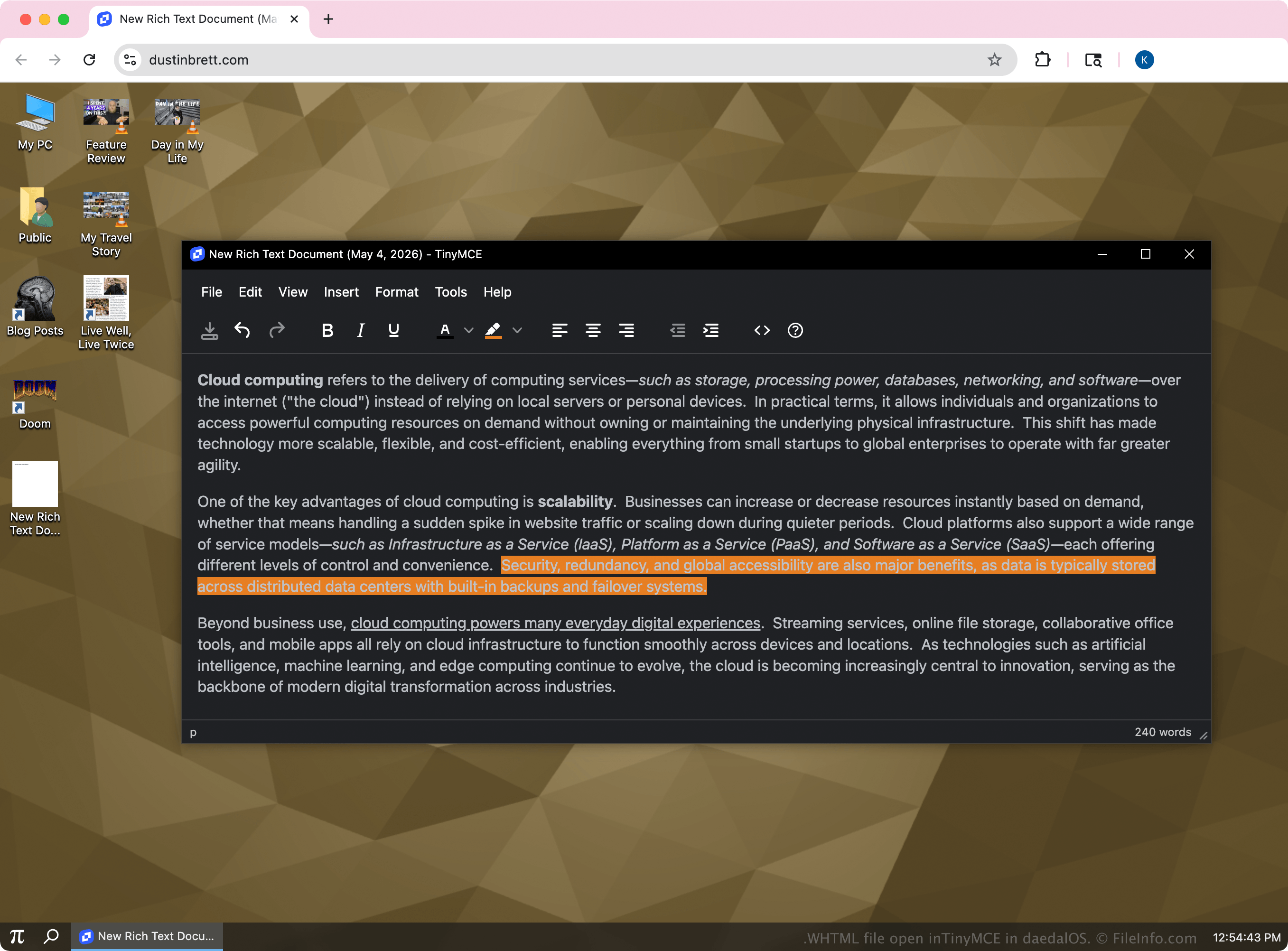
The .whtml extension is not a formal or widely adopted standard, but rather a naming convention used by daedalOS to identify editable documents created within its built-in editor. The WHTML files are typically smaller, self-contained documents designed for quick editing and display inside the system. Although they use HTML, they may include inline formatting generated by TinyMCE.
daedalOS users who create and edit documents directly in the browser with TinyMCE are most likely to encounter WHTML files. They function similarly to basic HTML pages but are tailored for use within the system's document editor and viewer. Outside of daedalOS, WHTML files are generally treated the same as standard HTML files.
How to open a WHTML file
You can open WHTML files with TinyMCE in daedalOS using a web browser. Within daedalOS, locate the file in the system's file manager and double-click it as you would any document. The system automatically loads the file into its built-in editor, powered by TinyMCE, allowing you to view and edit the content in a visual interface.
Any text editor will also open a WHTML file, such as Microsoft Notepad, Apple TextEdit, or Microsoft Visual Studio Code. With the editor, you can view or modify the underlying code.