

.FSYMBOLS-ART Přípona souboru
ASCII art FSymbols Draw
| Vývojář | FSymbols |
| Popularita |
2,0 | 1 hlas |
Co je soubor FSYMBOLS-ART?
Soubor FSYMBOLS-ART je obrázek vytvořený v online editoru ASCII artu FSymbols Draw. Po otevření v aplikaci FSymbols Draw se soubor FYSMBOLS-ART zobrazí jako obrázek ASCII artu. Soubory FSYMBOLS-ART jsou však ve skutečnosti soubory JSON, které obsahují textovou i PNG podobu obrázku.
Další informace
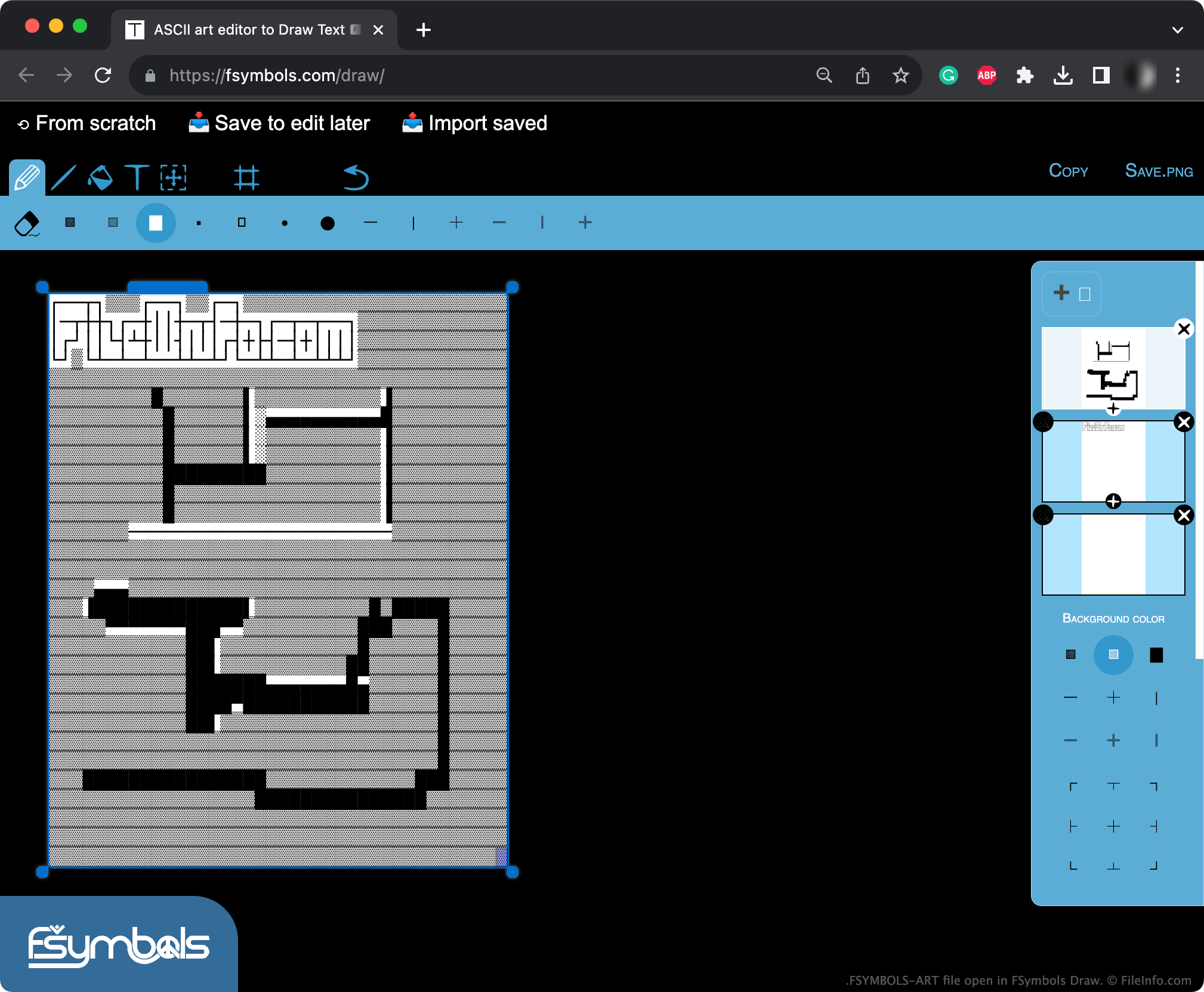
ASCII art je technika grafického designu, při které umělci používají znaky ASCII k vytváření slovních obrazů, log a dalších ilustrací. FSymbols Draw je webová aplikace, ve které mohou umělci kreslit ilustrace ASCII artu na plátno pomocí nástrojů pro kreslení a malování podobných nástrojům v jiných aplikacích pro grafický design.
Pokud chce umělec svou ilustraci z FSymbols Draw později dál upravovat, může vybrat možnost a uložit aktuální ilustraci jako soubor FSYMBOLS-ART. Tento soubor obsahuje nejen textovou podobu obrázku umělce, ale také binární data, která může FSymbols Draw použít k exportu verze obrázku ve formátu PNG.
Jak otevřít soubor FSYMBOLS-ART
Soubor FSYMBOLS-ART můžete otevřít v aplikaci FSymbols Draw (Web). Postup:
- Otevřete FSymbols Draw ve webovém prohlížeči.
- Vyberte možnost .
- Vyhledejte a otevřete svůj soubor FSYMBOLS-ART.
Jak převést soubor FSYMBOLS-ART
Pomocí aplikace FSymbols Draw můžete převést soubor FSYMBOLS-ART na soubor .PNG. Otevřete soubor FSYMBOLS-ART v aplikaci FSymbols Draw a poté v levé horní části aplikace vyberte možnost .