

.MCF File Extension
Monocurl Project
| Developer | Monocurl |
| Popularity |
3.4 | 5 Votes |
An MCF file may also be a slideshow project created by Monocurl, a desktop app for creating STEM videos and slideshows. It contains information about each slide in a slideshow, including the name, description, and animation properties. MCF files may also contain imported media, such as .JPG or .PNG images, if the user imported them into the project.
More Information
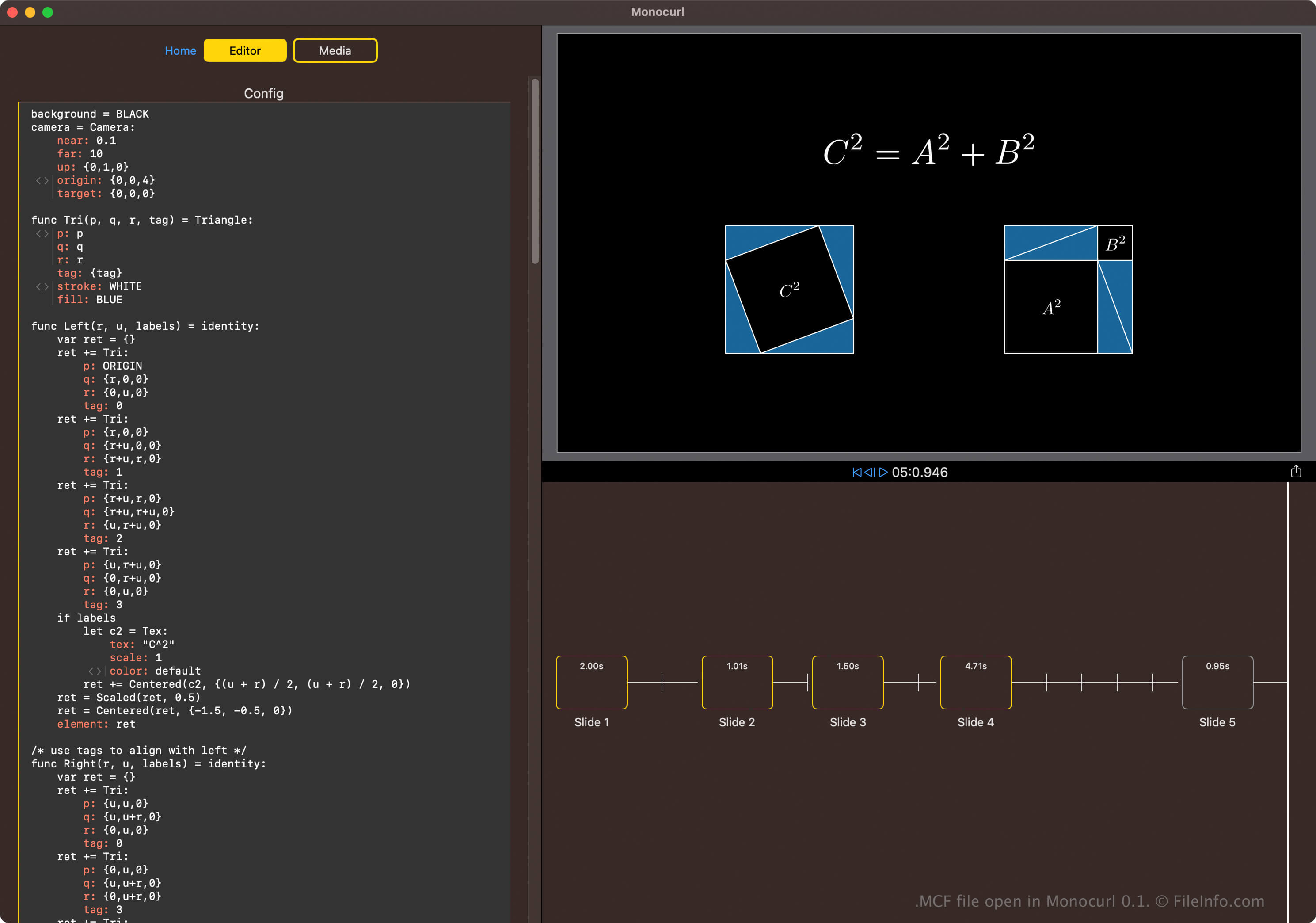
Monocurl is a scripting language (based on the Manim Python library) and a desktop application. Its primary purpose is to allow science, technology, engineering, and math (STEM) enthusiasts to create slides of programmatic animations as if they were using a video editor.
To create an MCF file, select from the Home screen in Monocurl. You can then configure each slide in the slideshow via the Editor or import media files.
How to open an MCF file
You can open MCF files with Monocurl in Windows, macOS, and Linux. To open an MCF file with Monocurl, select .
Opening an MCF file with a text editor
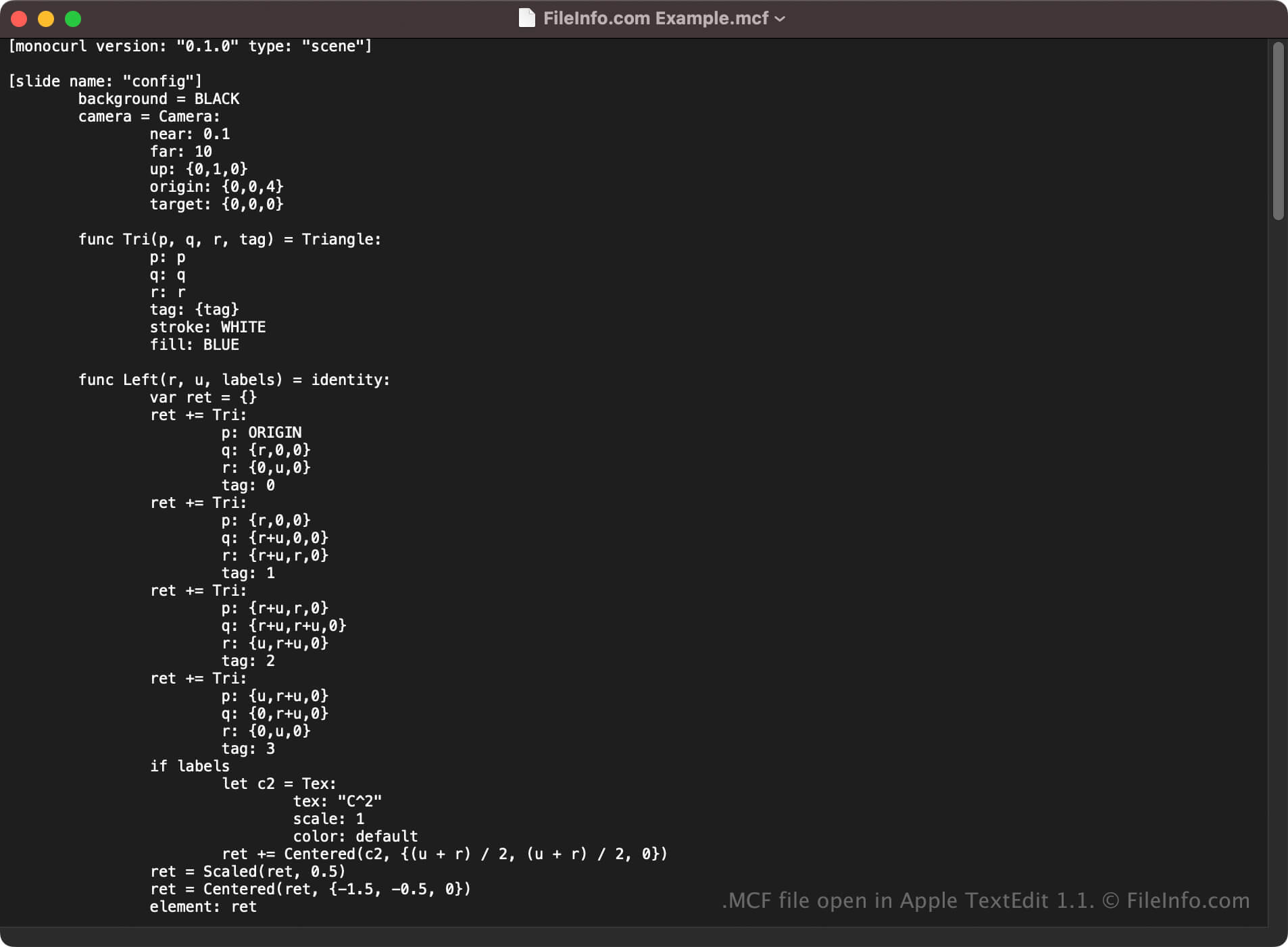
You can also open MCF files with a text editor since they store plain text. Some options include Microsoft Notepad (Windows), Apple TextEdit (macOS), or gedit (Linux).
However, opening MCF files with a text editor will not appear the same as Monocurl. Also, if you incorrectly edit the file, you may inadvertently corrupt the slideshow project.
Programs that open MCF files
TMPGEnc Video Encoding Template
| Developer | PEGASYS |
| Popularity |
2.0 | 4 Votes |
An MCF file may also be a template file used by PEGASYS TMPGEnc, a discontinued video conversion application. It contains settings that TMPGEnc uses to convert videos from one format to another. TMPGEnc includes a default set of MCF files, and users can create their own MCF files.
More Information

PEGASYS TMPGEnc was a video encoding tool that could be used to convert videos to the MPEG-1 and MPEG-2 formats. The program included a number of encoding presets that users could select from to apply different settings to converted videos. These presets were saved as MCF files.
Advanced TMPGEnc users could also create their own MCF files and use them as custom presets. To add a custom MCF file as a new template, users placed the file in TMPGEnc's Template directory, typically located at C:/Program Files/Pegasys Inc/TMPGEnc #.#/Template. Users could also create custom MCF files directly in TMPGEnc, by adjusting a default template and clicking the button that appeared on the program's lower right-hand side.
How to open an MCF file
If you want to use an MCF file as a TMPGEnc template, place it in the program's Template directory. The template your MCF file contains will then appear in TMPGEnc's template selection menu, accessible from the app's button.
If necessary, you can edit custom MCF templates' settings outside of TMPGEnc. (TMPGEnc's default MCF files are read-only.) To do so, open your custom MCF file in any text editor, such as:
- Microsoft Notepad (Windows)
- Apple TextEdit (Mac)
- GitHub Atom (cross-platform)
- GNU Emacs (cross-platform)