

.XPS File Extension
XML Paper Specification File
| Developer | Microsoft |
| Popularity |
3.6 | 266 Votes |
What is an XPS file?
An XPS file is a document that contains fixed page layout information written in the XPS page description language. The file defines a document's layout, appearance, and printing information. XPS files are similar to .PDF files, but saved in Microsoft’s proprietary XPS format.
More Information
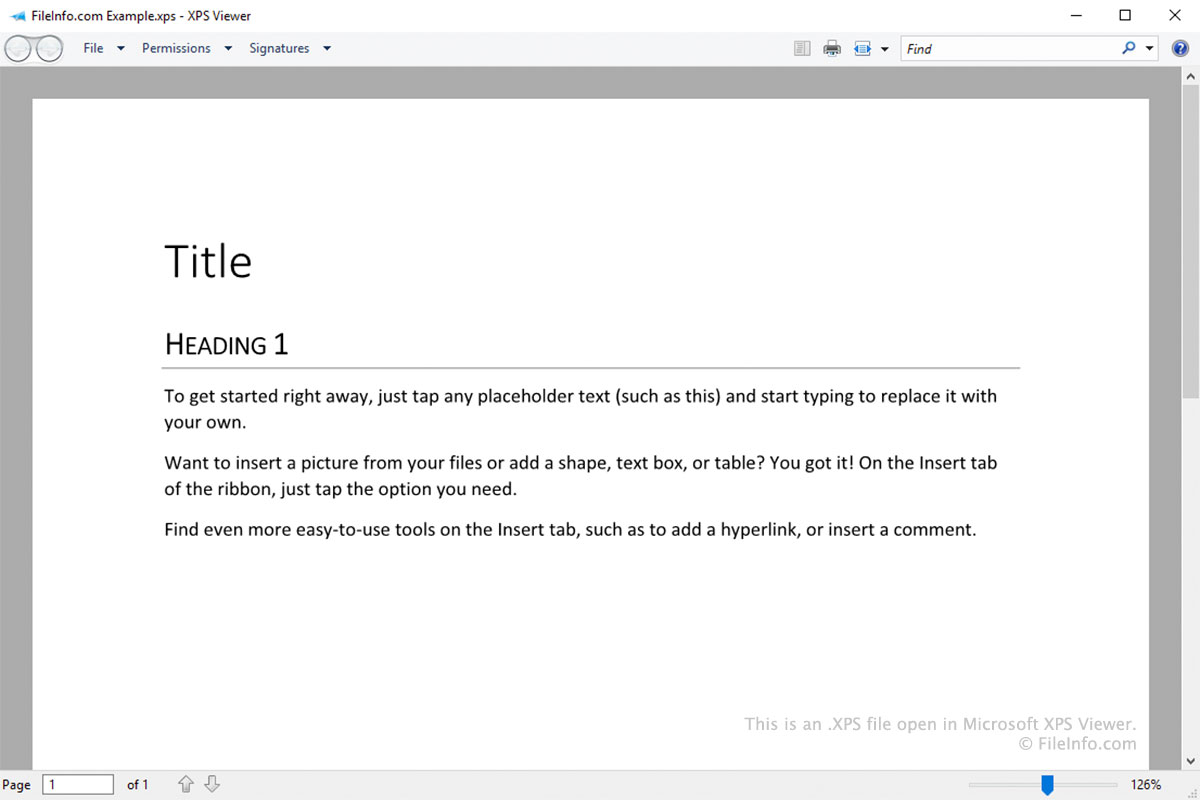
The XPS format was designed as a replacement for the Enhanced Metafile (.EMF) format. It is similar to the PDF format, but is based on XML instead of PostScript.
Windows users can save a document as an XPS file by selecting as the printer when printing (similar to how users can save a document as a PDF file by selecting ). After you save a document as an XPS file, you can no longer edit it. You can, however, open, view, sign, and manage the file's permissions in Microsoft XPS Viewer.
Old versions of Windows (Vista to 10) came pre-installed with Microsoft XPS Viewer. In later releases of Windows 10, Microsoft stopped installing XPS Viewer by default. Instead, XPS Viewer is now an optional feature that Windows 10 and 11 users can enable if they choose.
How to open an XPS file
Windows users can open XPS files in Microsoft XPS Viewer. In Windows 11 and later versions of Windows 10, you must manually install XPS Viewer by going to and searching for XPS Viewer.
Other apps that can open XPS files include:
- NiXPS View and NiXPS Edit (Mac)
- KDE Okular and MuPDF (Linux)
- Google Drive (multiplatform)
How to convert an XPS file
Most programs that can open XPS files allow you to convert them to the .PDF format. For example:
- In Microsoft XPS Viewer, you can convert an XPS file to a PDF file using Microsoft Print to PDF.
- In Google Drive, you can use the option to convert an XPS file to a PDF file.