

.VUE File Extension
Vue Scene File
| Developer | E-on Software |
| Popularity |
3.3 | 13 Votes |
What is a VUE file?
A VUE file contains a three-dimensional scene created with E-on Vue 3D environment modeling software. It stores information about a scene and objects, such as people or animals, in the proprietary Vue Scene format. Vue users save scenes as VUE files when creating 3D worlds that include various terrains, water, mountains, clouds, and different types of atmospheres.
More Information
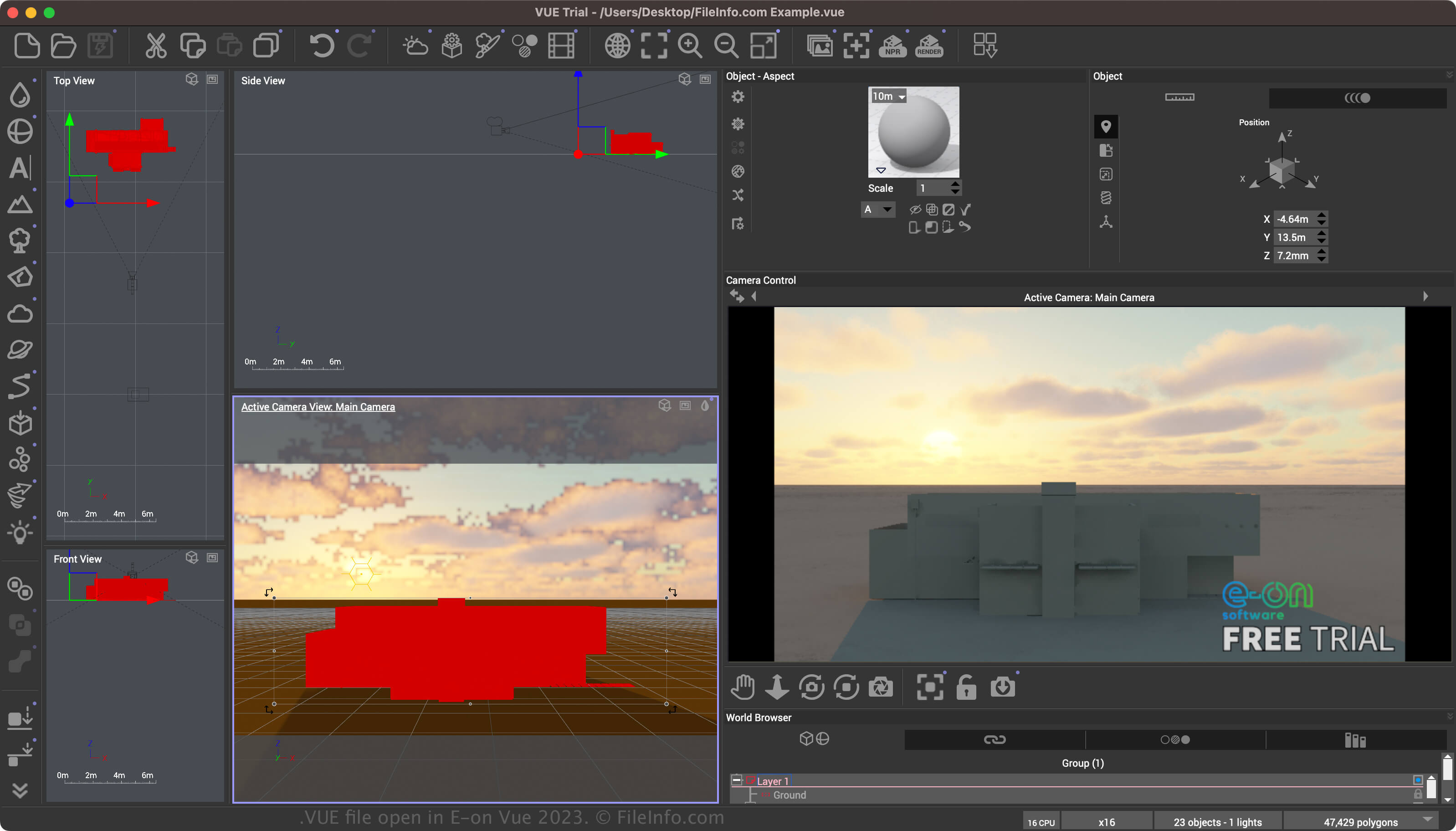
Vue is a 3D environment modeling app that provides various tools for creating environments (including natural and indoor) and objects with customized lighting effects. The scenes may be static images or animations (created using the Vue timeline). The software also supports the SolidGrowth plant system and Ecosystem technology.
You can save a scene in the Vue Scene format by selecting . After saving a scene, you can close and then re-open the scene. Finally, when finished modifying the scene, you can export the scene to a more widely supported 2D or 3D format.
How to open a VUE file
You can open a VUE file with E-on Vue in Windows and macOS. To open a VUE file, select .
How to convert a VUE file
E-on Vue can convert VUE files to various formats, including the following file types:
Programs that open VUE files
Vue Single-File Component
| Developer | Evan You |
| Popularity |
4.3 | 4 Votes |
A VUE file may also be a single-file component created for use with the Vue.js JavaScript framework. It contains JavaScript that defines a user interface UI component's template, logic, and styling. VUE files are also sometimes referred to as SFC (which stands for single-file component) files.
More Information
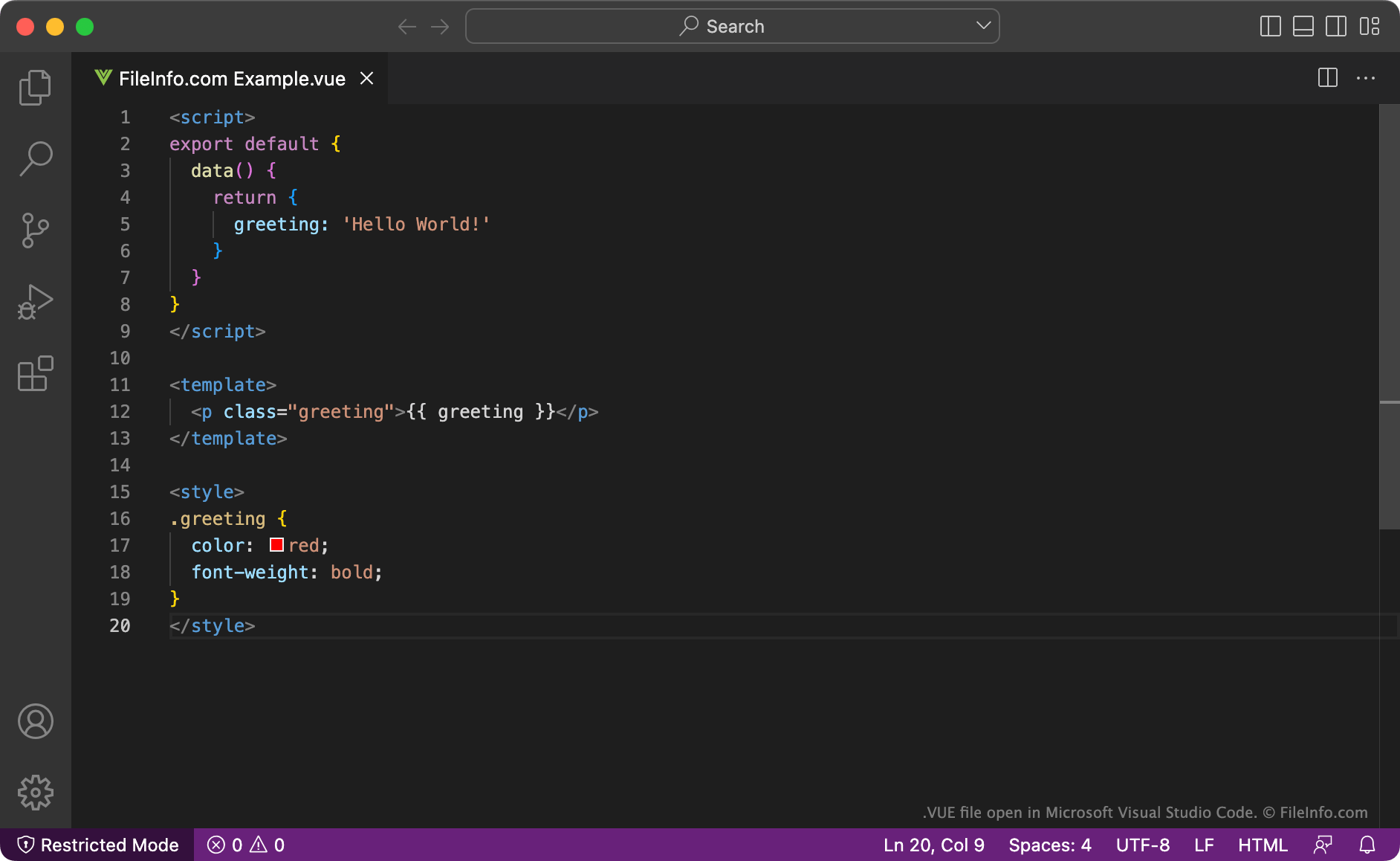
Vue.js is a JavaScript framework that developers use to create user interfaces for web applications. It includes features that allow developers to extend basic HTML, CSS, and JavaScript while creating user interface components. These components can then be reused across multiple Vue.js applications.
Typically, Vue.js components are saved as VUE files. VUE files are HTML-like files that describe a component's logic (or script) using JavaScript, its template using HTML, and its styles using CSS. These sections are separated using HTML tags.
After they finish creating a VUE file, developers can use Vue.js's import MyComponent command to import the component the file contains into a Vue.js application.
How to open a VUE file
You can open a VUE file with Microsoft Visual Studio Code (multiplatform) or any other text or source code editor.